
Find the Right Installation Resource
Standing desk installation may require different resources depending on the product, configuration and task. Choose the option that best matches what you need to check. Each option opens the relevant section of this page rather than a direct file download.
Match the product and resource version
Check labels, part references and quantities
Desktop–Frame Interface Drawing
Review tabletop and fixing information
Electrical or Control Reference
Identify the motor, control box and handset
Accessory or Workstation Guidance
Check accessory requirements and workstation layout
Record labels, quantities and visible damage
Post-installation Issue Support
Identify the issue before choosing the next support step
If the exact product or version is unclear, continue to the product and resource version check. File availability and access depend on the exact product, configuration, resource version and required language.
Prepared by the Onmuse Commercial Team
Reviewed by Onmuse Product Engineering, Quality and Document Control Teams Last reviewed: August 1, 2026
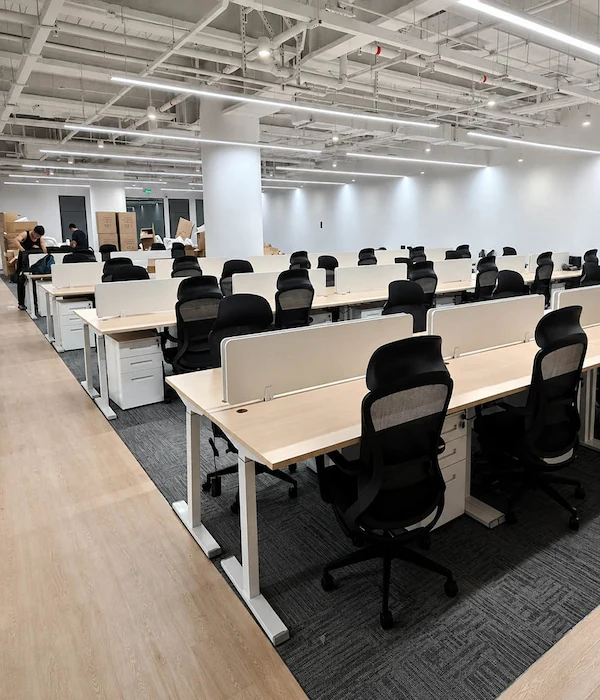
Find the Correct Installation Resource for Your Product
Visual similarity, the same series name, or a similar component layout is not enough to confirm that an installation resource applies to the current product. Check the product, order, and configuration details, and confirm the resource title, reference number, and version.
These details can be used to request or match the relevant resource. If any details are missing, obtain or clarify them before using the resource. After the resource has been identified, review the information required before installation.
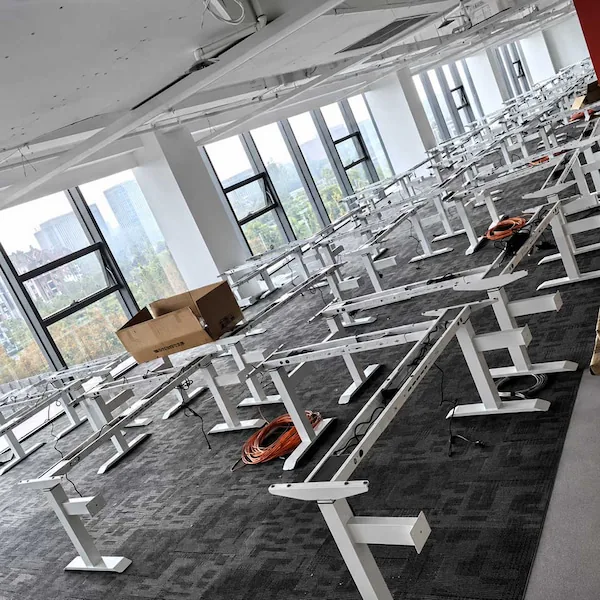
Information Needed Before Reviewing Installation Instructions
Before installation, gather the available site, product, tabletop interface, and responsibility details. This check only shows whether enough information is available to review the relevant instructions. It does not confirm that the site or product is ready for installation.
The information may be sufficient to review the product-specific instructions, or additional details may still be needed. Any unresolved fixing, electrical, cabling, or accessory questions should be clarified before the relevant instructions are used.
Stop If the Product Does Not Match the Installation Instructions
Once you have confirmed that the manual or video matches the product, follow the instructions step by step.
Stop and seek clarification if you find any of the following:
Desktop and Fixing
• A locally sourced desktop has no clear fixing details
• The hole pattern, inserts, underside condition, or desktop construction does not match the drawing
Electrical Connections
• A plug, connector, cable, control box, or handset does not match what is shown in the instructions
• A connection cannot be made as shown without force or modification
Accessories and Cables
• An accessory or cable-management item is not covered by the instructions
• There is not enough cable clearance or slack to route the cable as shown
Do not drill new holes, modify any component, force a connection, or install the affected item until the mismatch has been clarified.
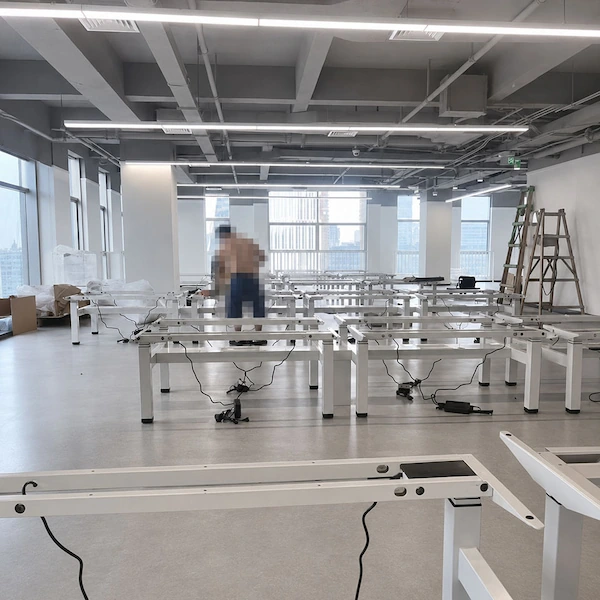
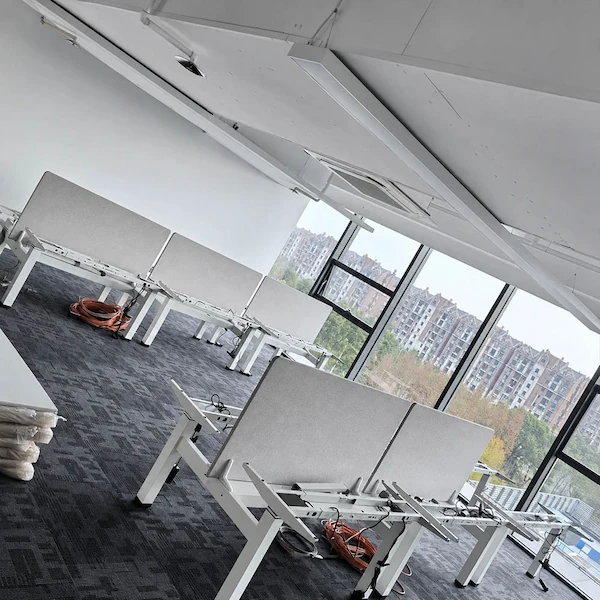
Plan Workstation and Benching Installations
Workstation, benching, and multi-station installations require more planning information than a single-desk installation.
Layout and Stations
• Project layout and total number of stations
• Room, floor, zone, or station references used for the project
Configuration and Packages
• Differences in desktops, screens, power, cables, or accessories
• Carton groups and packing-list references for each station or group
• Drawings or instructions supplied for each configuration
Local Responsibilities
• For frame-only orders, who supplies and installs the locally sourced tabletop
• Who is responsible for local electrical work and who handles assembly
• Contact person for unresolved project or installation questions
If any station, component, package, or installation detail does not match the order information, stop work on that station and record the difference. Do not apply the same installation approach to other stations until the difference has been clarified. Before assembly, check the received packages, their labels and quantities, and any visible damage.
Check Packages and Parts Before Assembly
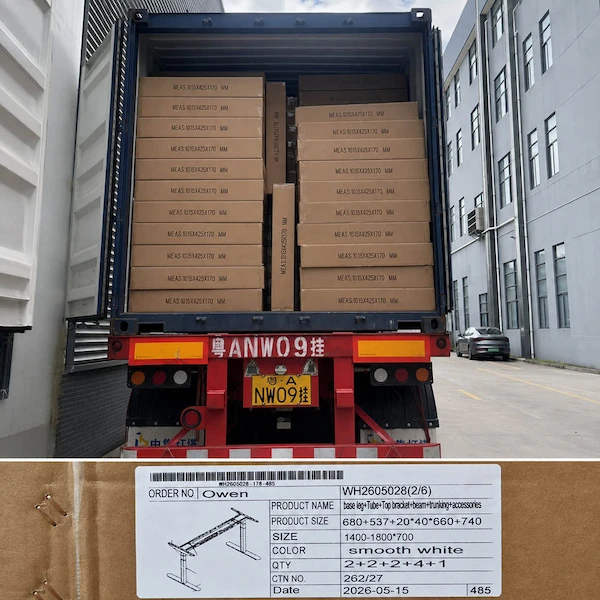
After delivery, check the shipment against the order information and packing list. Record each carton or package label reference, compare the expected and received carton quantities, and identify any missing, incorrect, or visibly damaged parts. For multi-station deliveries, add the relevant room, floor, or station reference.
Receiving Record
• Order reference and relevant order details
• Carton, package, and label reference
• Part or component name, number, or label reference, if available
• Expected and received carton quantities
• Missing, incorrect, or visibly damaged parts
• Clear photos of labels, packages, parts, and visible damage
If a part is missing, incorrectly identified, or visibly damaged in a way that may affect installation, stop the affected installation work. Record the issue with clear photos and, where useful, video, then report it promptly to the purchasing or project contact. Keep the affected packaging and labels for reference.
When to Continue Checking and When to Stop Installation
If the installation instructions are unavailable, pause the installation work and continue checking the available information without proceeding with installation.
Continue checking information only while installation remains paused and you are confirming the product, resource version or missing details. Do not resume installation until the exact instructions and the relevant fixing, electrical, cable or accessory details are clear.
Stop installation immediately if you encounter any of the following:
Next Steps After Reviewing Standing Desk Installation Resources
After reviewing the installation resource, choose the next step that matches your situation. Provide the relevant product, configuration, order, resource, and issue details when you go to the appropriate page or submit a request.
If no issue remains, keep the matched resource with the relevant order or project record and use it only for that configuration.