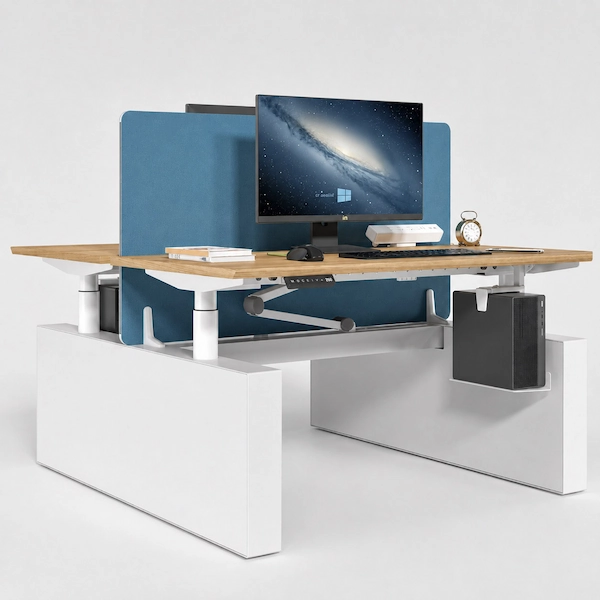
Karen Dual-Motor Height-Adjustable Desk Series
Start with the Right Karen Configuration
Compare four Karen dual-motor configurations by column structure, height range, rated load, adjustment speed, and control system.
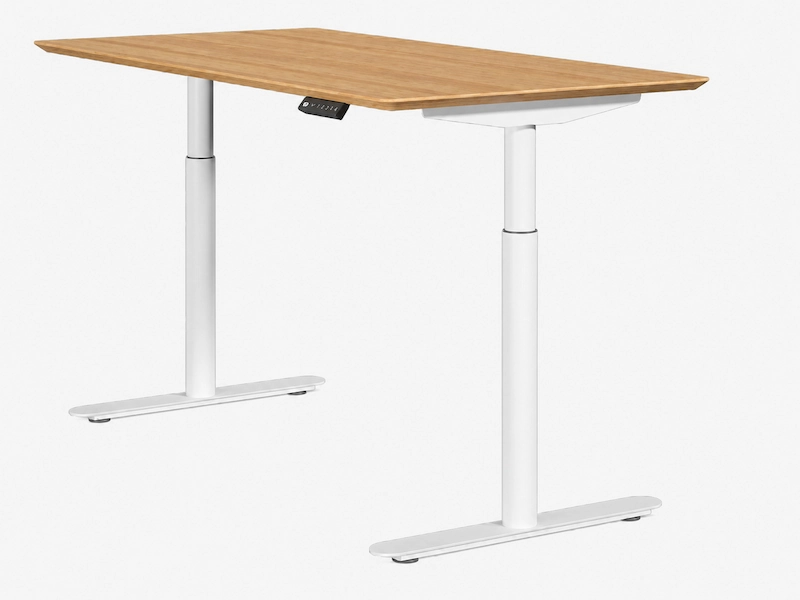
2-Stage Economic
| 720–1200 mm | 100 kg rated load | Approx. 30 mm/s
Dual-motor, 2-stage structure with an integrated handset.
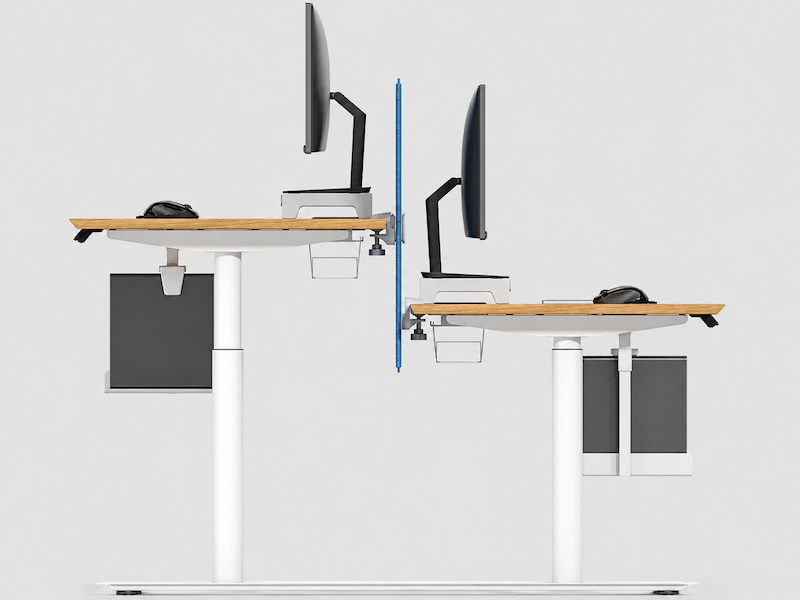
2-Stage Standard
| 720–1200 mm | 120 kg rated load | Approx. 30 mm/s
Dual-motor, 2-stage structure with an intelligent control box.
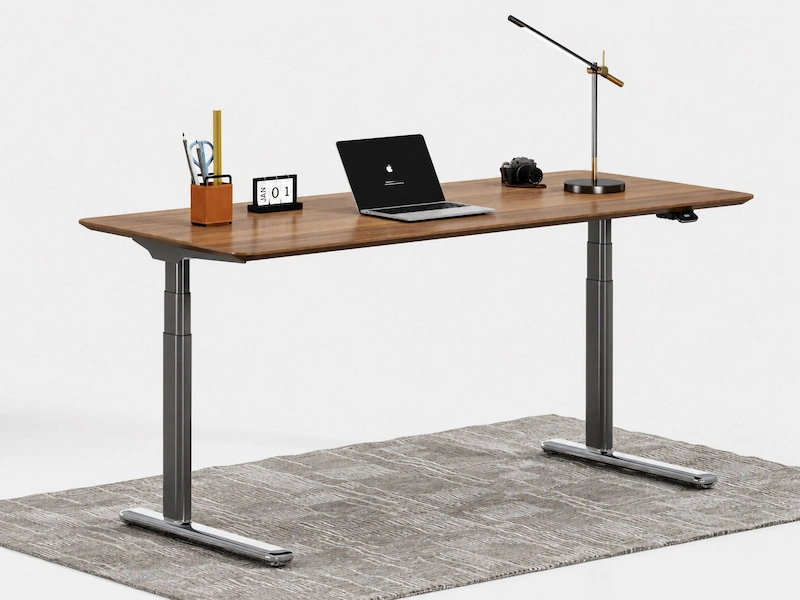
3-Stage Standard
| 620–1250 mm | 120 kg rated load | Approx. 30 mm/s
Dual-motor, 3-stage structure with an intelligent control box.
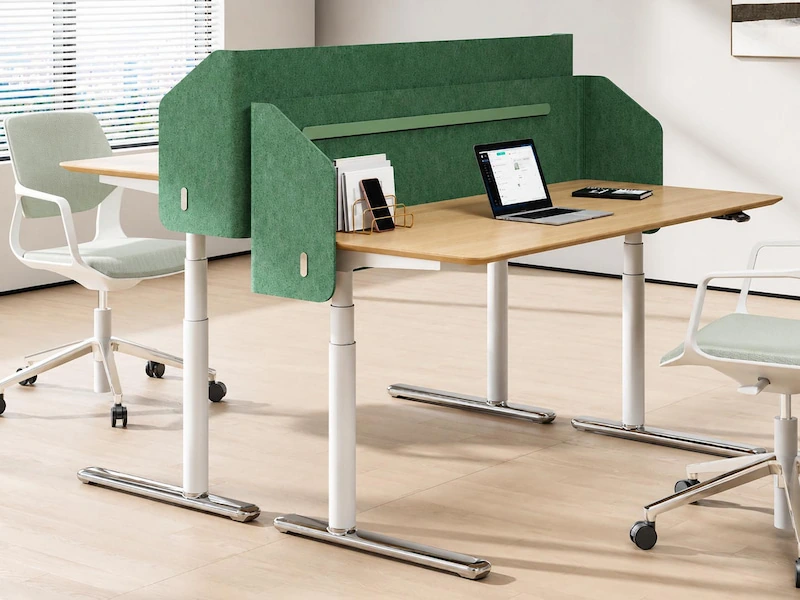
3-Stage High-Speed
| 620–1250 mm | 80 kg rated load | Approx. 80 mm/s
High-speed dual-motor, 3-stage structure with an intelligent control box.
Start with the configuration closest to your required height range, moving load, and adjustment speed, then check how it fits your workspace, desktop, and equipment requirements.
Match Karen to Your Workspace
After narrowing the Karen configuration, check how the desk will be used in the workspace: the layout, desktop requirements, and the total load that will move with the desk.
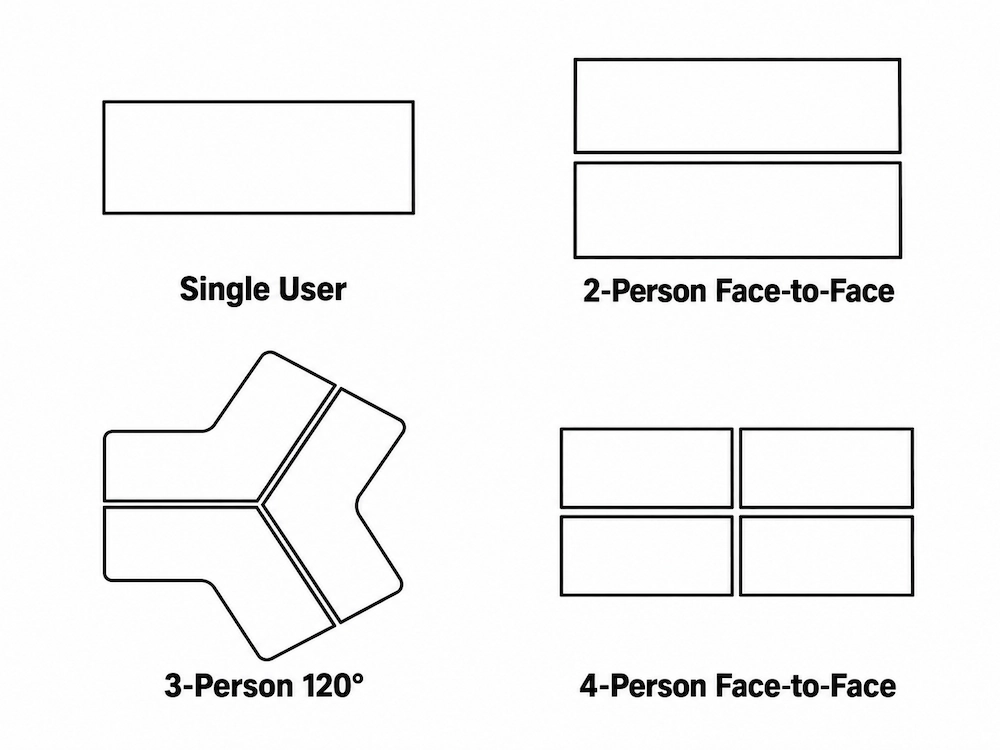
Start with Your Layout
Karen supports single-user, two-person face-to-face, three-person 120°, and four-person face-to-face layouts.
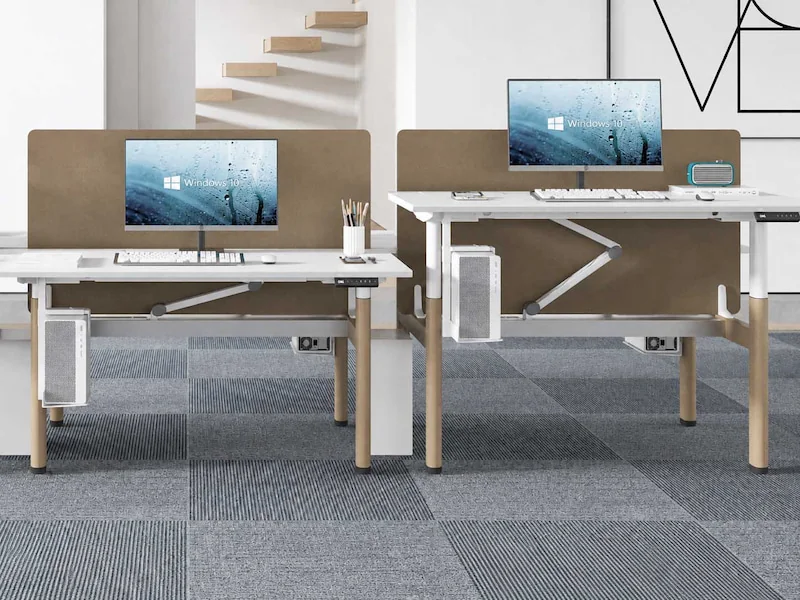
Check the Desktop and Total Moving Load
Consider the desktop size and weight together with monitors, computers, and other equipment that moves with the desk.
Choose the Foot and Handset Options
Once the workspace layout is defined, select the foot style and handset functions that fit your project requirements.
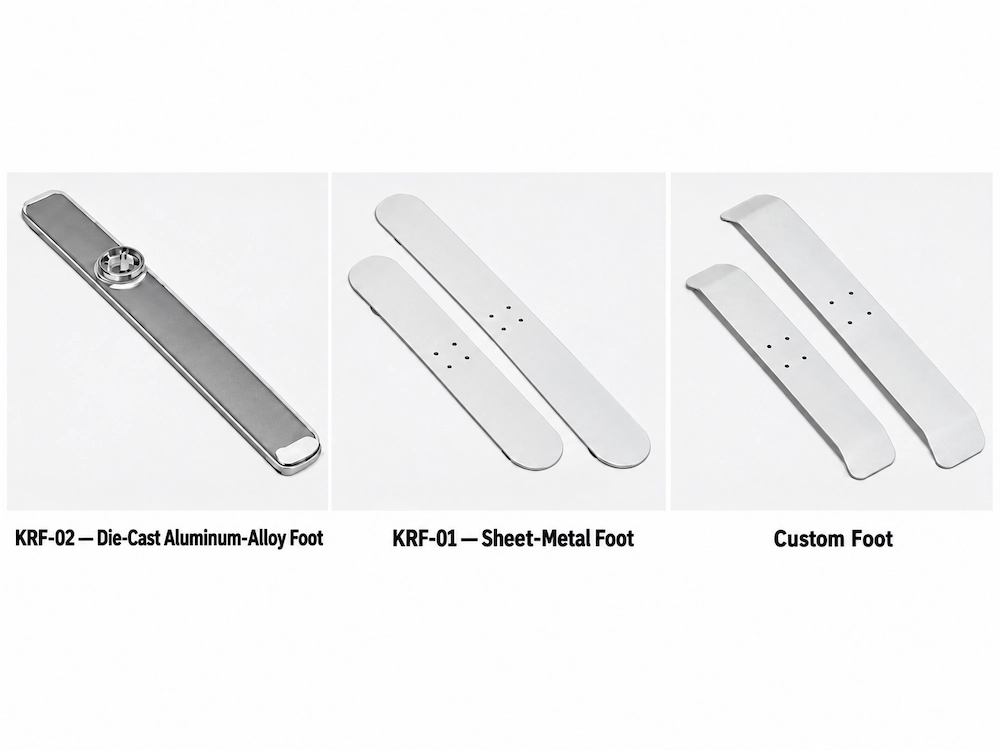
Foot Options
KRF-01 — Sheet-Metal Foot
KRF-02 — Die-Cast Aluminum-Alloy Foot
Custom Foot
Custom sizes, colors, and materials are available for projects requiring a different foot design.
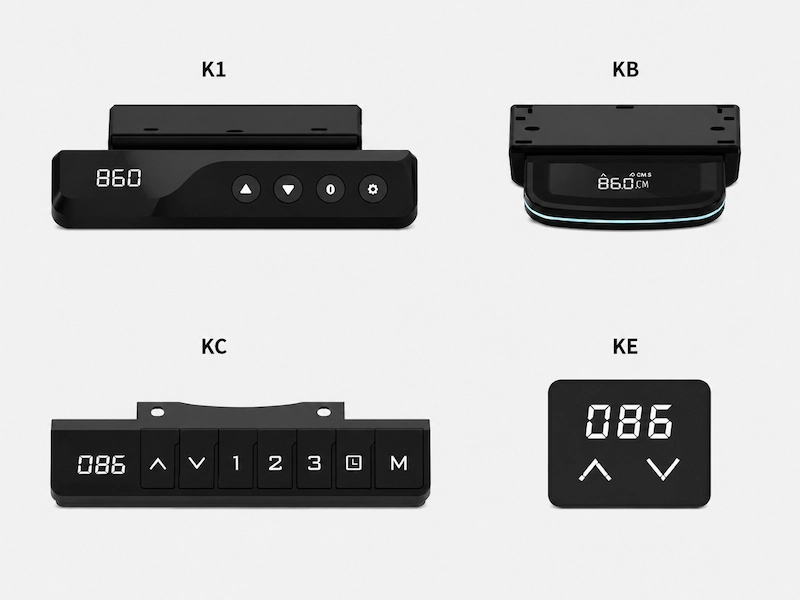
Handset Options
Karen offers K1, KB, KC, and KE handset options with different combinations of display, memory, reminder, and locking functions
Select the handset based on the functions required for your project.
Compare the Differences That Matter
All four Karen configurations use dual-motor drive systems but differ in height range, rated load, adjustment speed, column structure, and control system.
| Specification | 2-Stage Economic | 2-Stage Standard | 3-Stage Standard | 3-Stage High-Speed |
|---|---|---|---|---|
| Height Range | 720–1200 mm | 720–1200 mm | 620–1250 mm | 620–1250 mm |
| Rated Load | 100 kg | 120 kg | 120 kg | 80 kg |
| Adjustment Speed | Approx. 30 mm/s | Approx. 30 mm/s | Approx. 30 mm/s | Approx. 80 mm/s |
| Drive | Dual-motor system | Dual-motor system | Dual-motor system | High-speed dual-motor system |
| Column Structure | Ø70 × 2.0 mm outer + Ø62 × 2.0 mm inner | Ø70 × 2.0 mm outer + Ø62 × 2.0 mm inner | Ø70 × 2.0 mm outer + Ø62 × 2.0 mm middle + Ø54 × 2.0 mm inner | Ø70 × 2.0 mm outer + Ø62 × 2.0 mm middle + Ø54 × 2.0 mm inner |
| Control System | Integrated handset | Intelligent control box | Intelligent control box | Intelligent control box |
All four configurations have a listed noise level of <50 dB.
Verify the Selected Karen Configuration
Before finalizing a Karen configuration, confirm that the frame, desktop, foot, control system, and required documents match the selected setup.
Confirm the Complete Setup
Review the applicable drawing, specification, or configuration record for:
• Desktop and fixing requirements
• Foot selection
• Handset and control system
• Destination-market electrical requirements
Applicable Test Documents
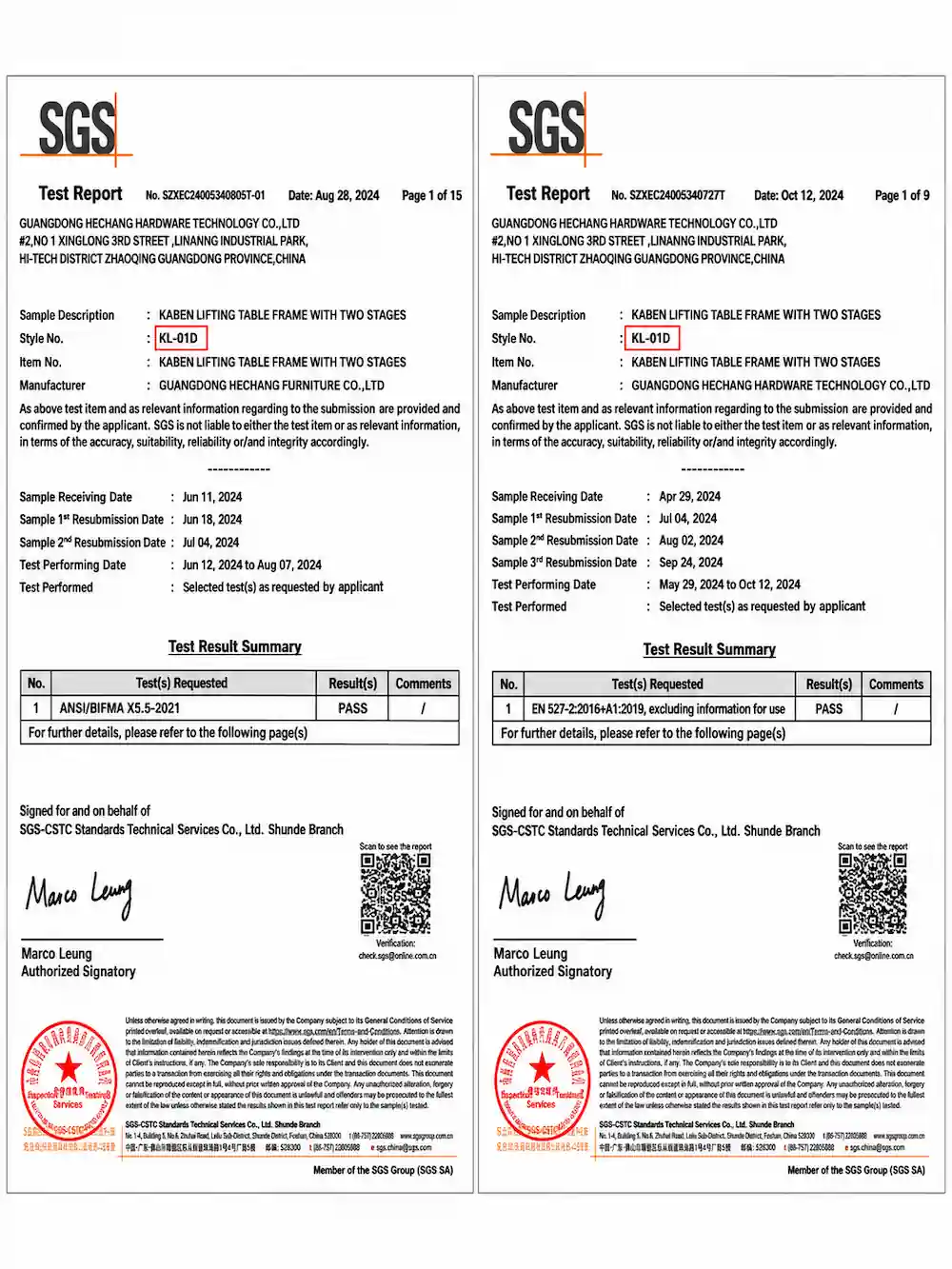
The test results below apply to the tested KL-01D Karen two-stage lifting table frame.
| Test / Document | Karen Reference | Result |
|---|---|---|
| ANSI/BIFMA X5.5-2021 | KL-01D — Karen lifting table frame with two stages | PASS |
| EN 527-2:2016+A1:2019 | KL-01D — Karen lifting table frame with two stages | PASS, excluding information for use |
Additional Karen documentation includes MD, EMC, FCC Part 15B, ErP, and LVD documents.
If the Configuration Changes
If the configuration changes, review two points:
1 Whether the components still fit and work together.
2 Whether the original test reports, certificates and documents still apply to the revised configuration.
Project example: See the Karen Open-Office Workstation Project for an example of how a final Karen configuration was defined around specific project requirements.
Confirm Your Karen Configuration
Before moving forward, review the selected Karen configuration together with the key requirements for your project.
Key Details to Confirm
Karen configuration: 2-Stage Economic, 2-Stage Standard, 3-Stage Standard, or 3-Stage High-Speed
• Workstation layout and desktop requirements
• Foot and handset selections
• Destination-market and electrical requirements
• Any remaining technical questions or document requirements
You Can Start with What You Know
Not every detail needs to be finalized at this stage. If some desktop dimensions, accessory selections, electrical requirements, or document requirements have not yet been finalized, send the information you already have and we can review the remaining items with you.