
Mige Height Adjustable Desk Series
Identify the Mige Product Before Comparing Specifications
Start with the Mige series, use the document reference to identify the relevant product entry, and then move to the exact configuration required for your project.
Document references identify Mige entries in supporting documentation. They do not define a complete production configuration.
Identity note: Mige references should not be combined with similarly named Meige, MiKE or MEIGE products.
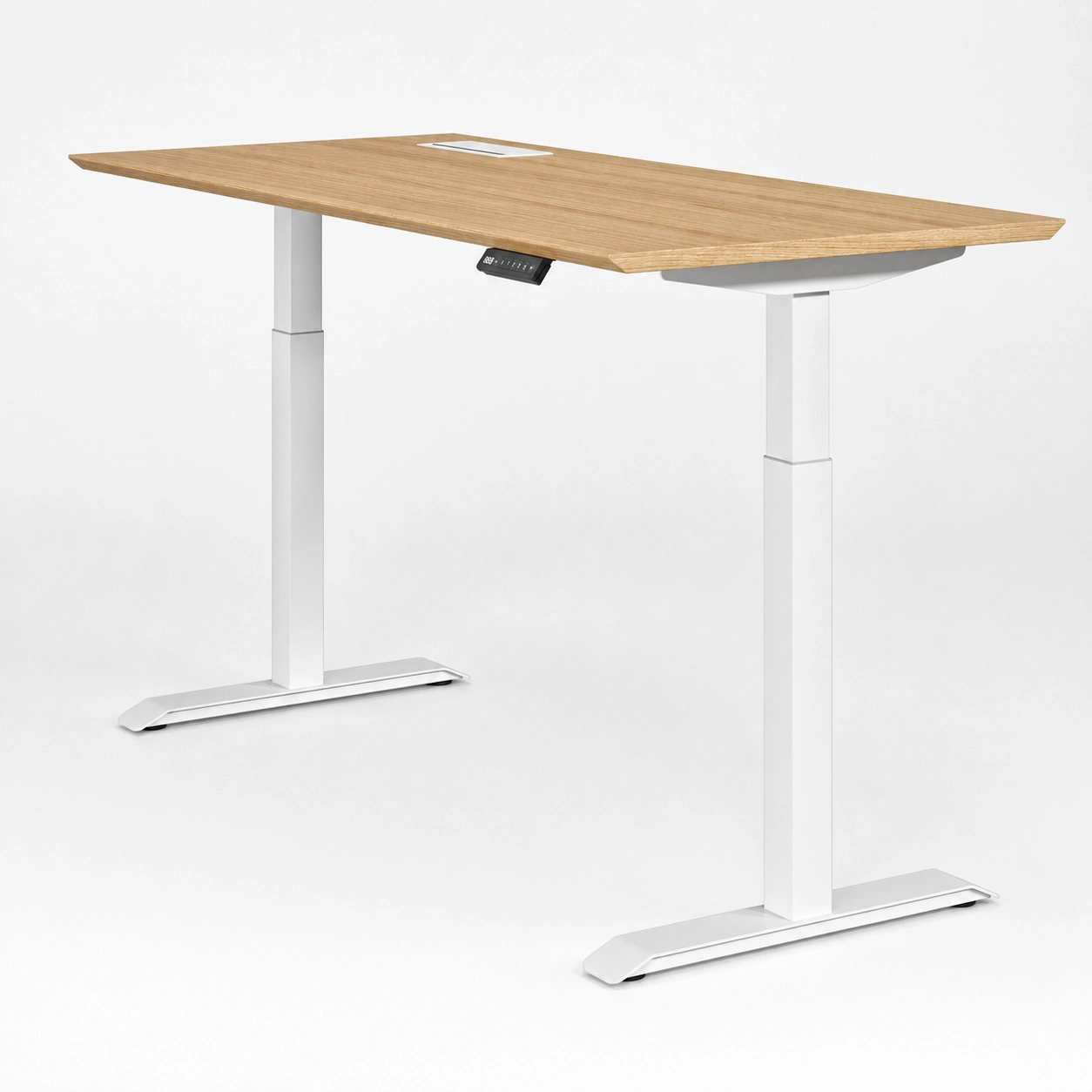
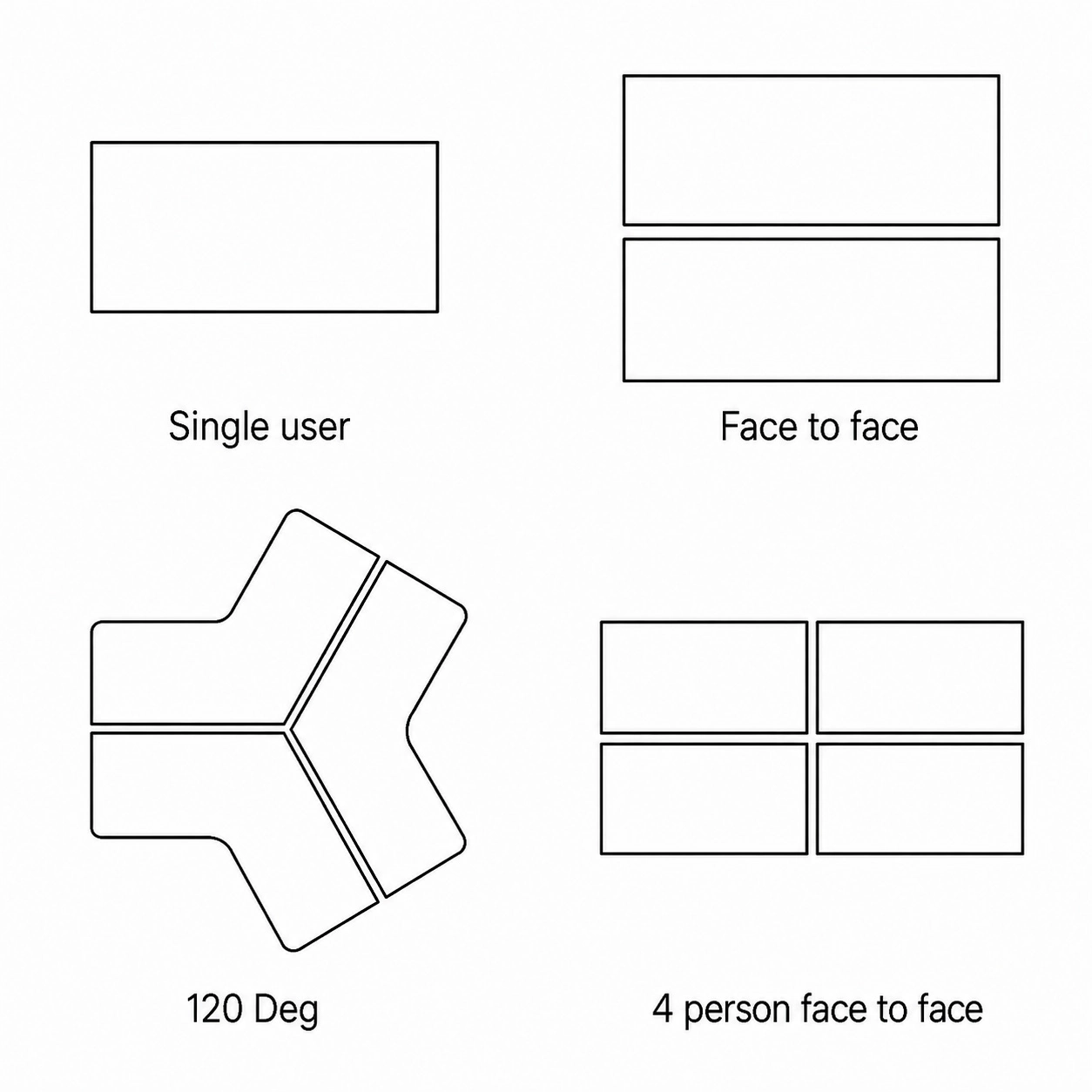
Define the Workstation Before Comparing Configurations
A layout name is only the starting point. Define how the workstation is arranged, what moves, and what must stay clear before comparing Mige configurations.
Moving with the worksurface → configuration requirement
Staying fixed → clearance and connection requirement
Compare the Key Configuration Variables
Lifting System
For Mige dual-motor · 3-stage configurations:
Higher speed ≠ higher load capacity.
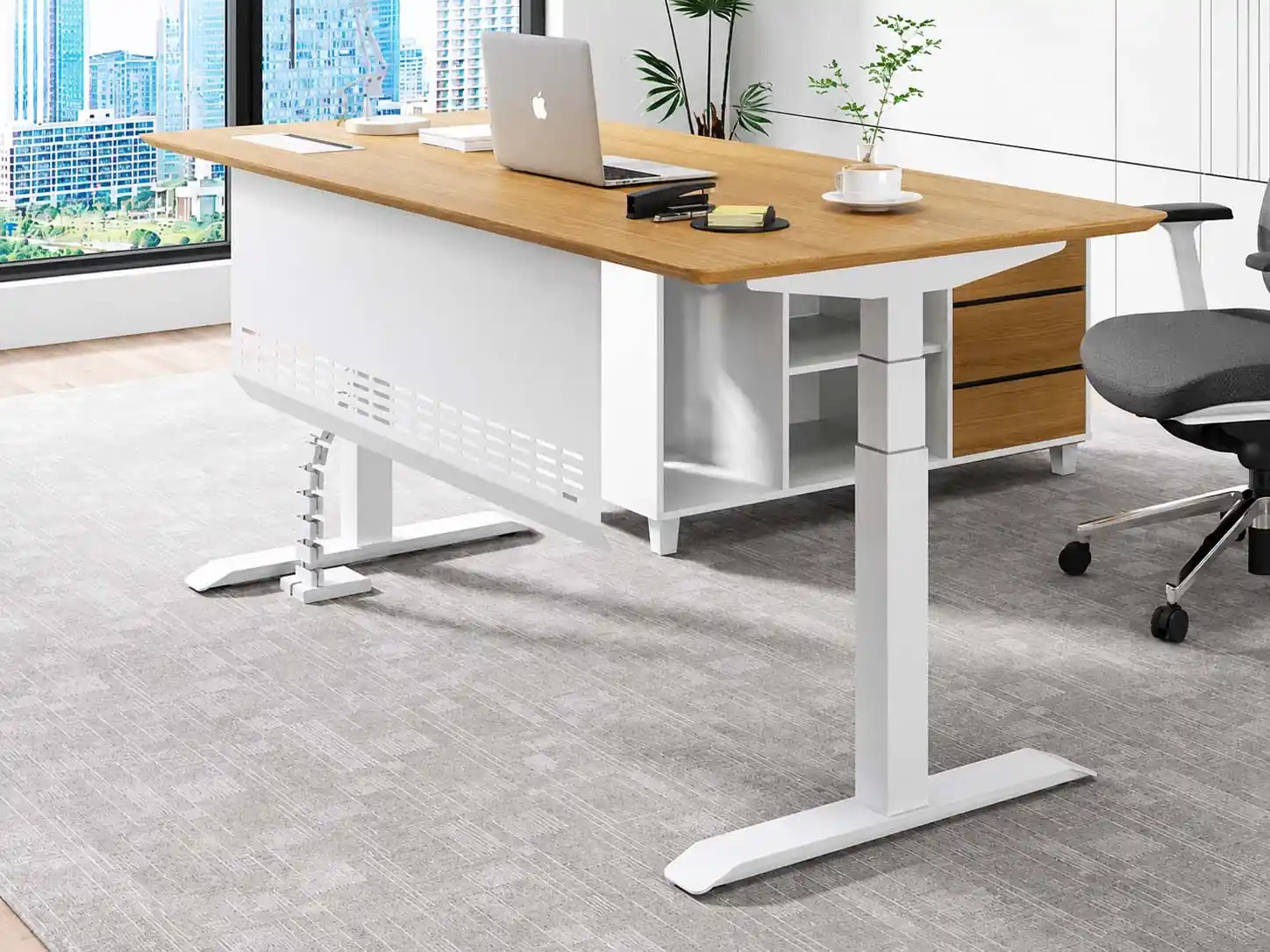
Load vs Stability
Rated Load ≠ Stability
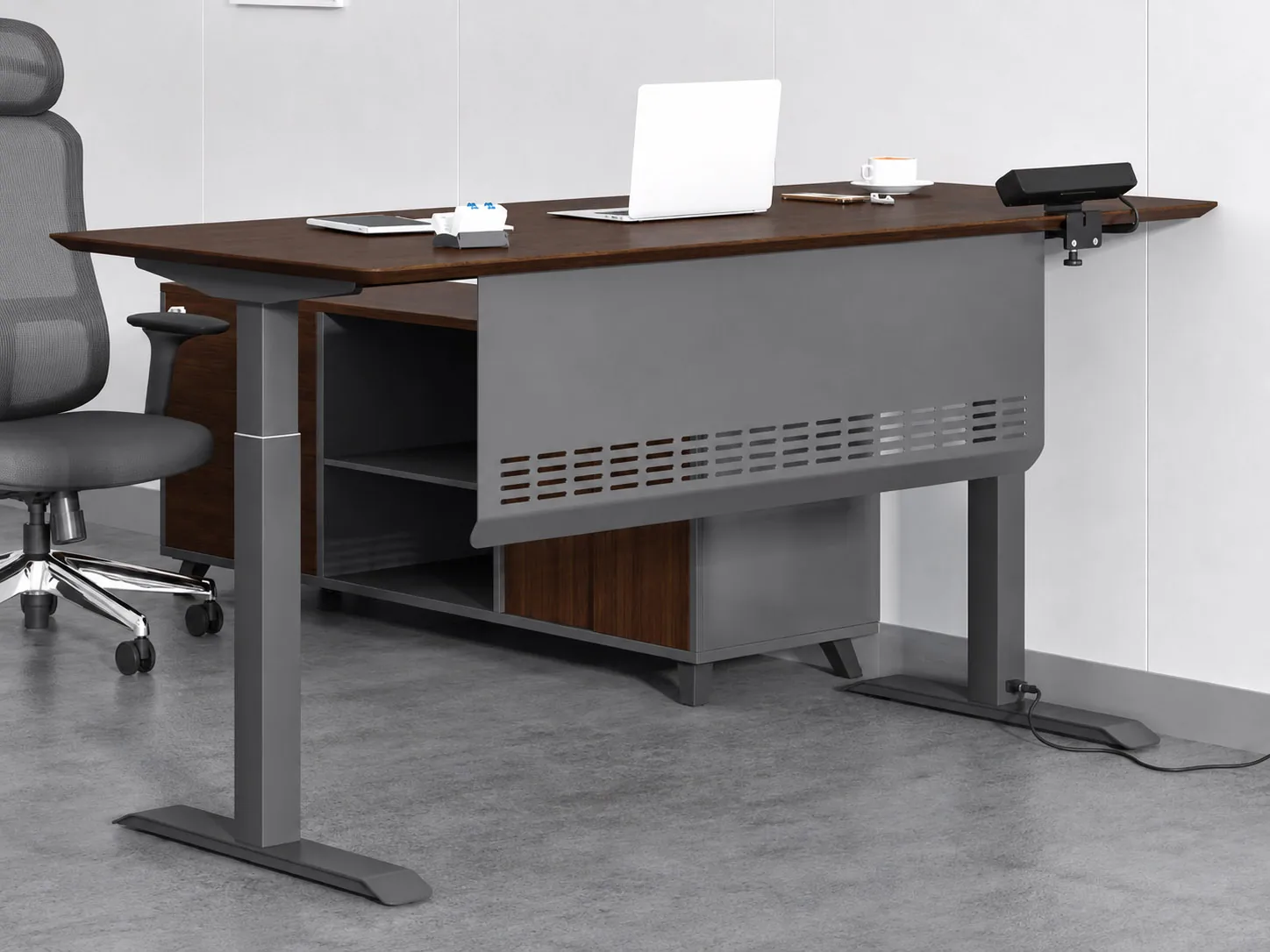
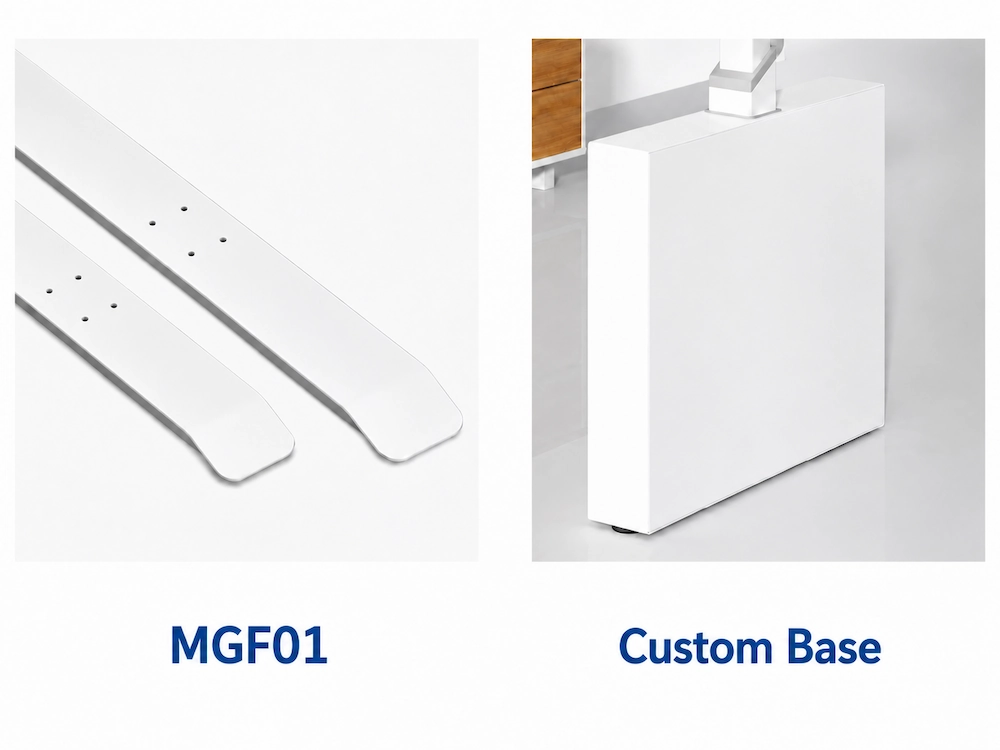
Complete the Mechanical and Control Configuration
After choosing the lifting direction, complete the mechanical, control and electrical elements that need to work together in the final Mige configuration.
Match the foot and frame to the workstation structure and installation requirements.
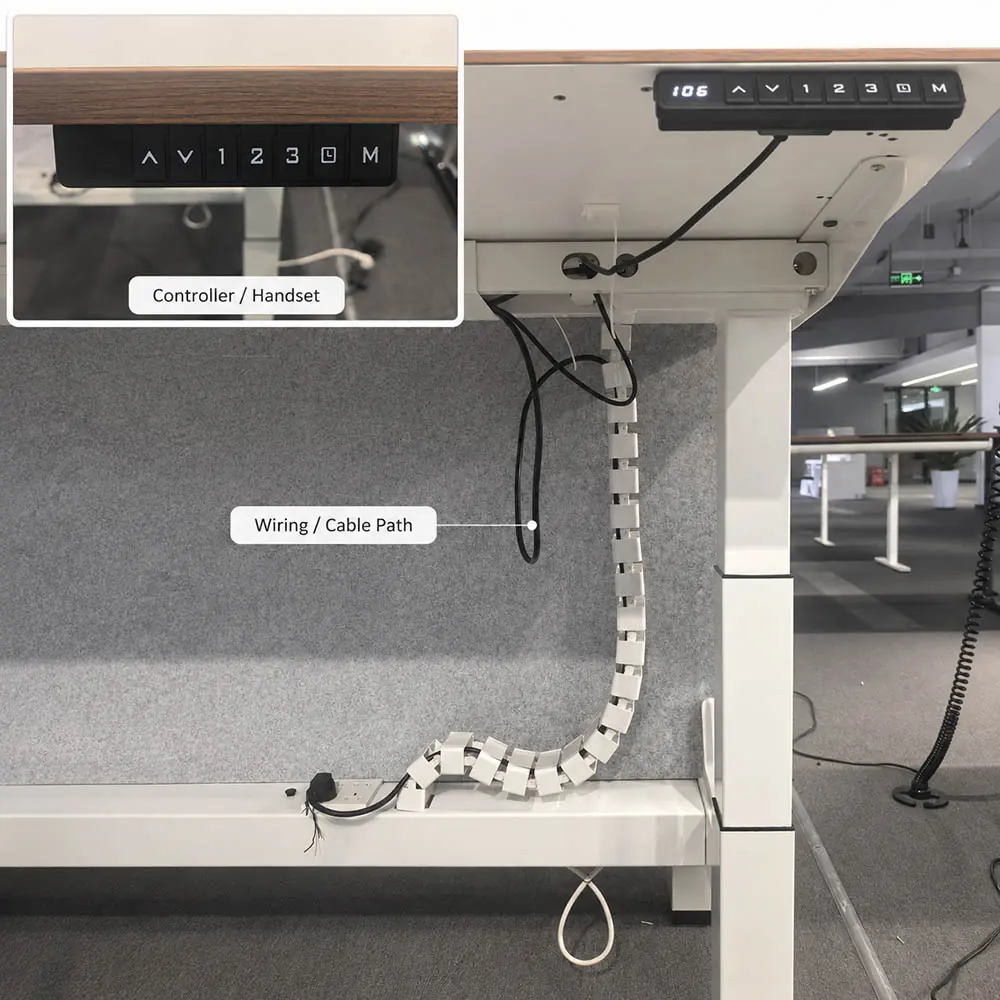
Select the Control Functions
Mige controller configurations can include:
Memory · USB · Child Lock · Anti-collision
Choose the required functions together with the controller and handset configuration.
Keep the System Compatible
Foot / Frame → Columns / Motor → Controller / Handset → Electrical
The mechanical, control and electrical components need to match as one configuration.
Combine the Mige Configuration Variables
Match the Evidence to the Mige Configuration
Use the source that answers the question and matches the configuration being evaluated.
Use the Right Source
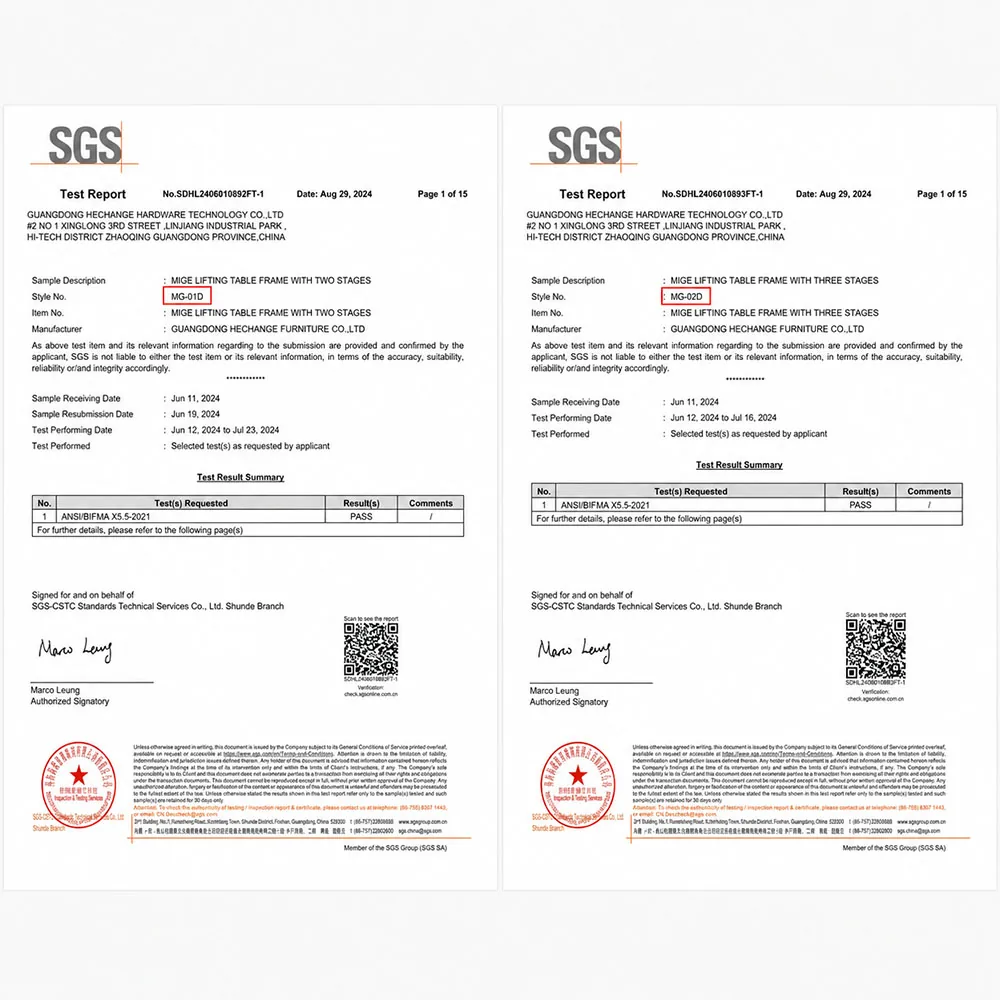
Test Report: Tested product, result and conditions
Check the Supporting Evidence
Question → Right Source → Exact Product Relationship → Result + Conditions
Series data ≠ configuration data
Example layout ≠ confirmed Mige configuration
Listed reference ≠ tested product
MG-01D and MG-02D appear as listed Mige references. This does not mean the selected configuration was the tested product.
If the model, frame, controller, layout or another relevant component changes, check whether the same source still applies.
See It in a Real Project
New Delhi Mige Workstation Project
Box-frame · Two-stage · Pedestal clearance · Local integration
See how structure, movement clearance and local integration came together in one project—not as a standard layout, component set or specification for every Mige configuration.
Turn the Mige Direction into a Project Brief
Keep what is already defined, and add only what is needed for the next project step.
The project can move forward before the exact model, component set and evidence package are finalized.
Add the Next-Step Details
Quantity · Target Market · Delivery Destination · Required Timing
These inputs support configuration and quotation planning.
Choose the Next Step
Prepare a Mige Configuration Request
Compare Height Adjustable Desk Products · Explore the Mige Workstation Project