
COMPLEX WORKSTATION CONFIGURATIONS
L-Shaped & 120° Office Workstations
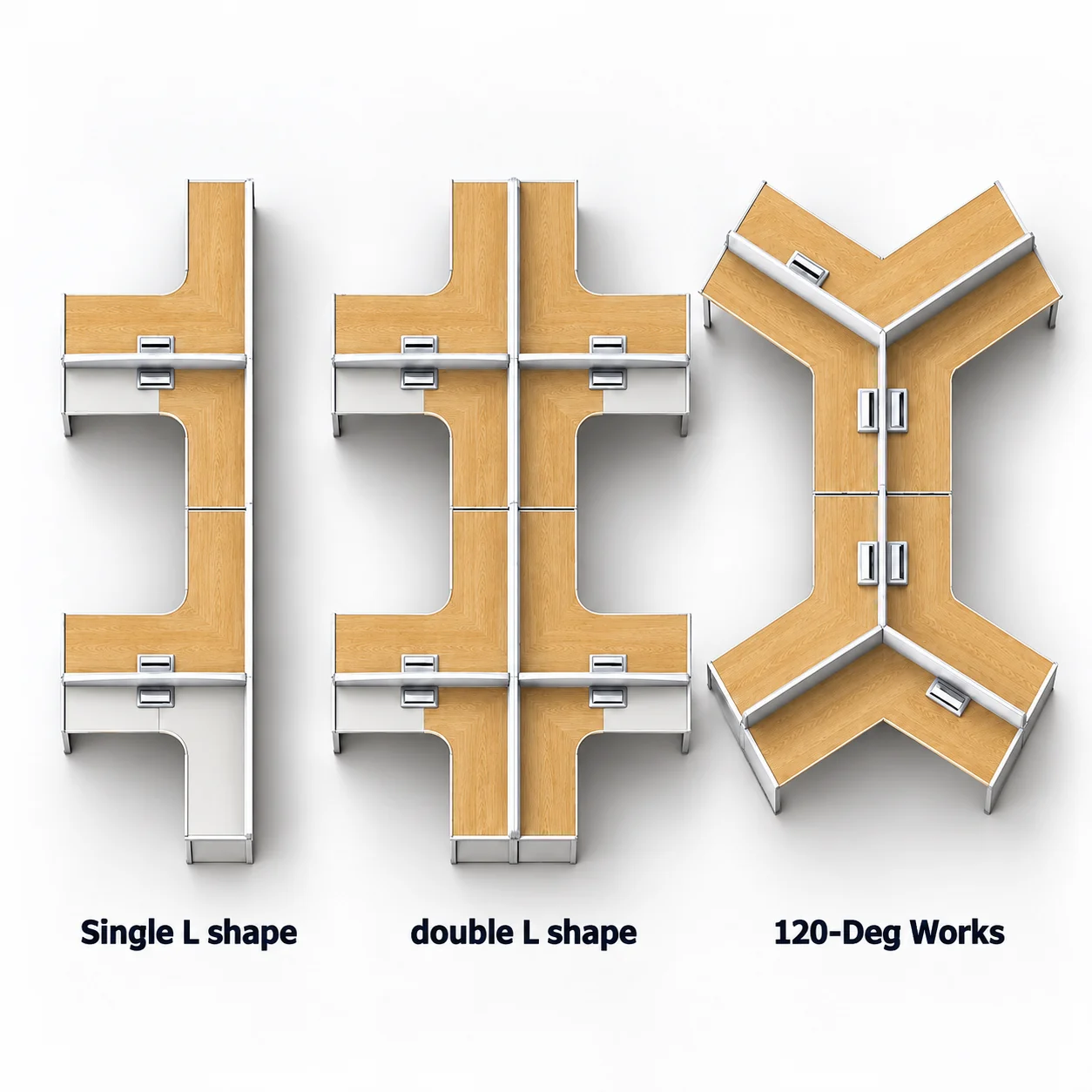
L-shaped and 120° workstations are non-linear workstation layouts. Compared with linear and face-to-face arrangements, they typically provide more individual worksurface area and require closer attention to layout direction, left- or right-hand orientation, and how adjoining work surfaces are configured.
Choose Your Configuration Direction
L-Shaped Workstations
L-shaped workstations use an L-shaped worktop, either as a single-piece top or as a main worktop combined with a side return.
Depending on the floor plan, L-shaped workstations can be arranged in single-sided or double-sided configurations, with left- or right-hand orientation defined to suit the space.
120° Workstations
A 120° workstation uses angled work surfaces arranged at approximately 120°.
Compared with the more defined corner of an L-shaped workstation, a 120° layout creates a more open workstation arrangement. It is commonly used for three-person clusters and other grouped workstation layouts in open-plan offices.
Looking for an Individual L-Shaped Desk?
Manager desks and individual desks can also use a standalone L-shaped layout, with a side return, pedestal, or other storage unit added as required.
These products typically follow a different product and planning route from open-plan L-shaped workstations.
Not Sure Which Workstation Type You Need?
If you are still deciding between L-shaped, 120°, linear, or face-to-face workstations, compare the available fixed-height workstation configurations first.
COMPLEX LAYOUT INPUTS
Define the Layout Before Selecting the Structure
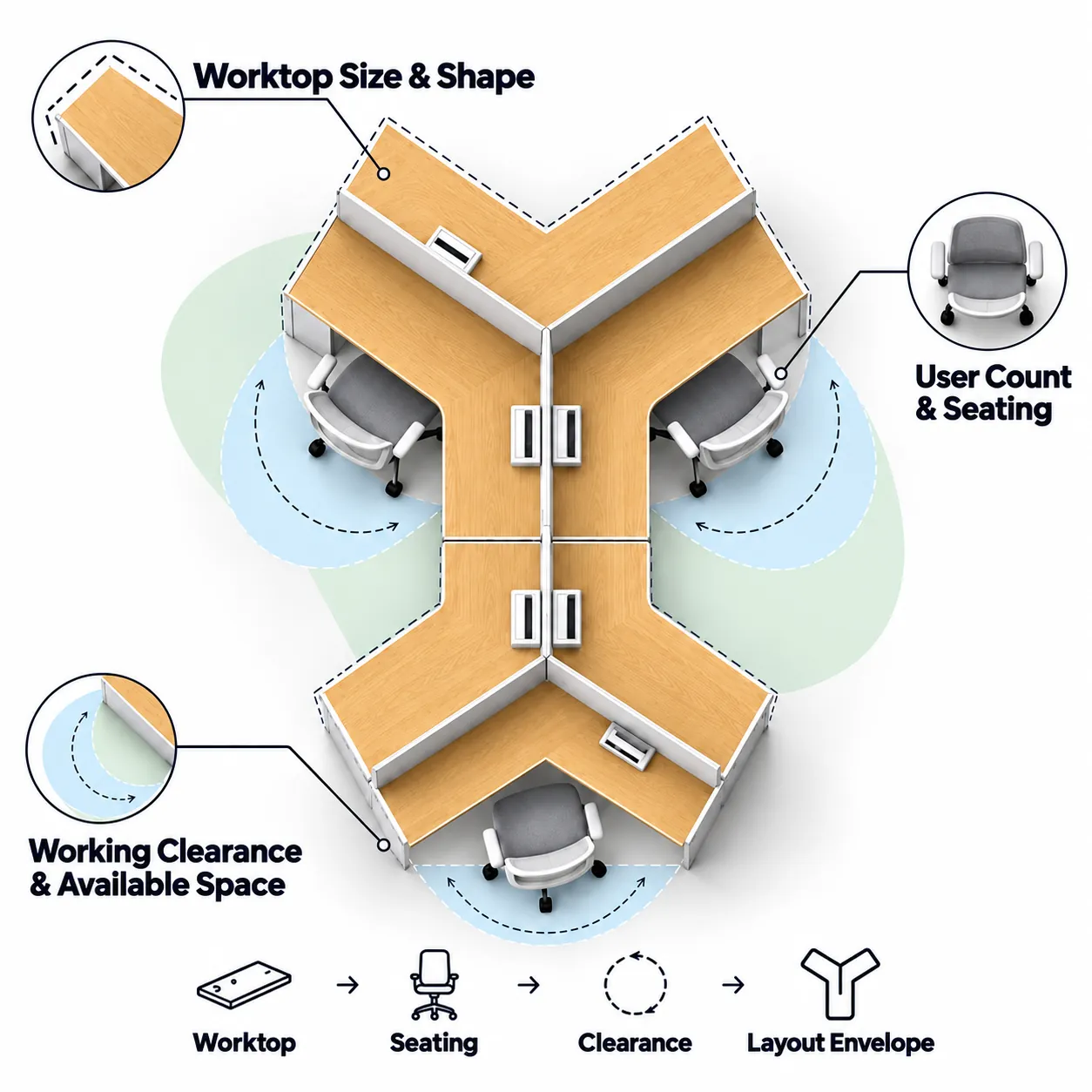
L-shaped and 120° workstations require the layout to be defined before the frame system is selected. Worksurface size and shape, user count, and available space all need to be considered before the workstation configuration and supporting structure are specified.
Worksurface Size & Shape
Define the overall worksurface required for the layout. L-shaped configurations may combine a primary worksurface with a return, while 120° configurations use angled worksurfaces to create a grouped layout.
User Count & Seating
Confirm the number of users and the required seating arrangement.
Working Clearance & Available Space
Allow for knee space, chair movement, and adequate clearance around each workstation while working within the available floor area.
STRUCTURAL PLANNING
Relate the Frame Structure to the Workstation Layout
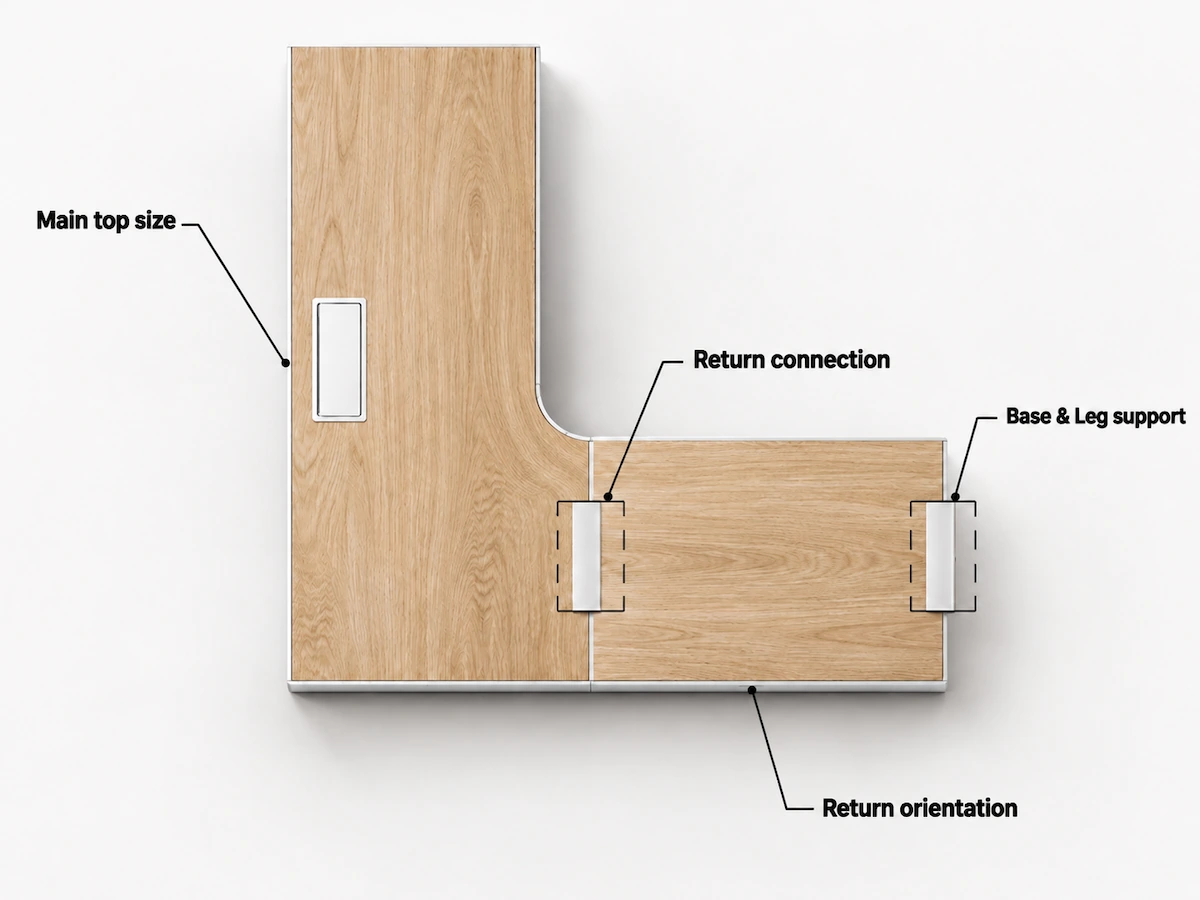
Once the workstation layout is defined, the frame structure should follow the arrangement of the worksurfaces and seating positions. The key considerations are how the legs, bases, shared supports, and returns relate to the overall configuration.
Illustrative Layout Review
Structure Follows the Layout
The final arrangement of legs, bases, supports, spans, and connection points should follow the workstation layout and the characteristics of the selected frame system.
WORKSTATION SYSTEM REVIEW
Coordinate Screens, Cable Management, Power & Access
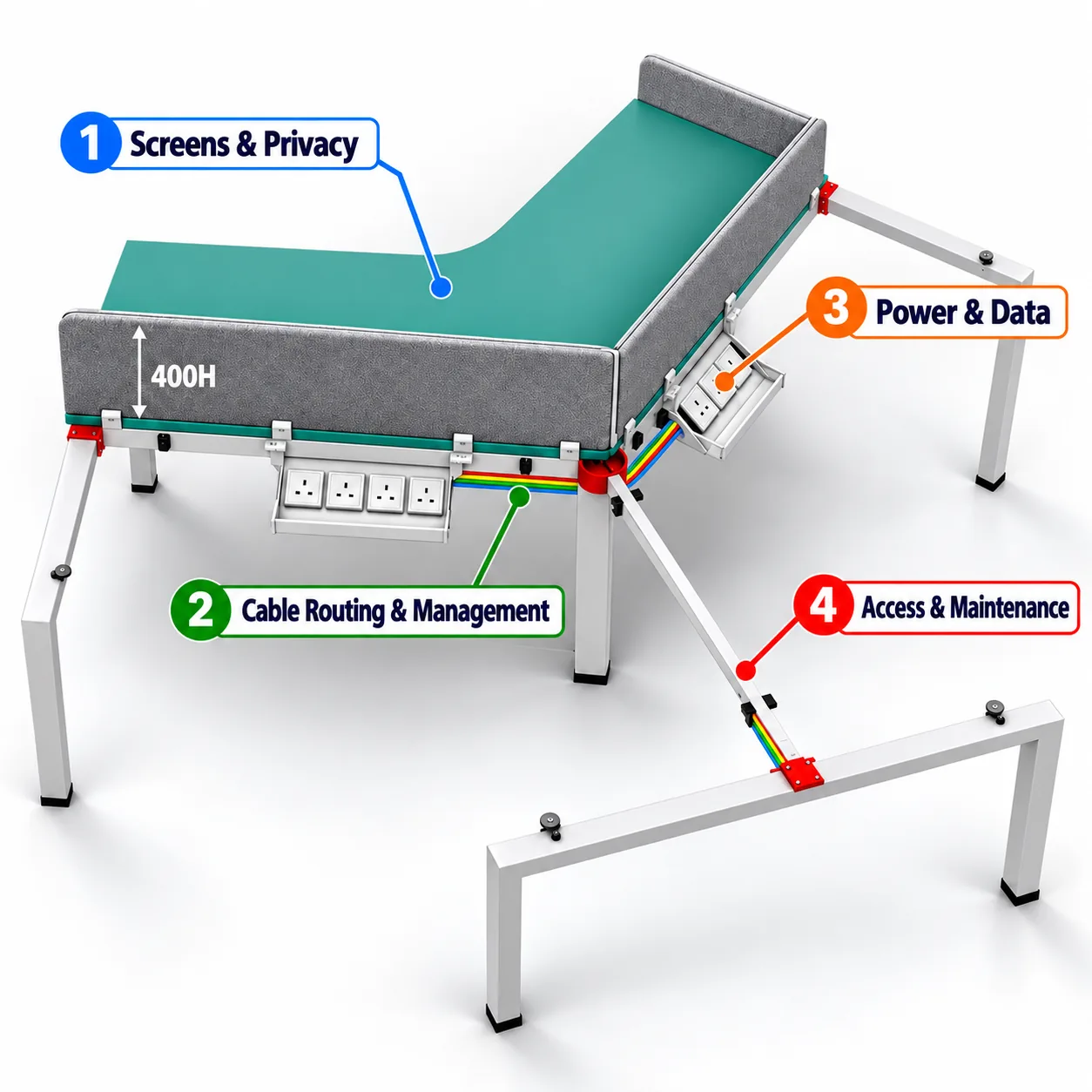
Desk screens, cable management, power and data should be coordinated as part of the workstation system rather than added after the frame configuration has been finalized.
Confirm the System Requirements
Confirm screen mounting, cable routes and power and data access against the selected frame system and project layout. Component compatibility should be verified for the final specification.
120° Frame Series & Product Directions
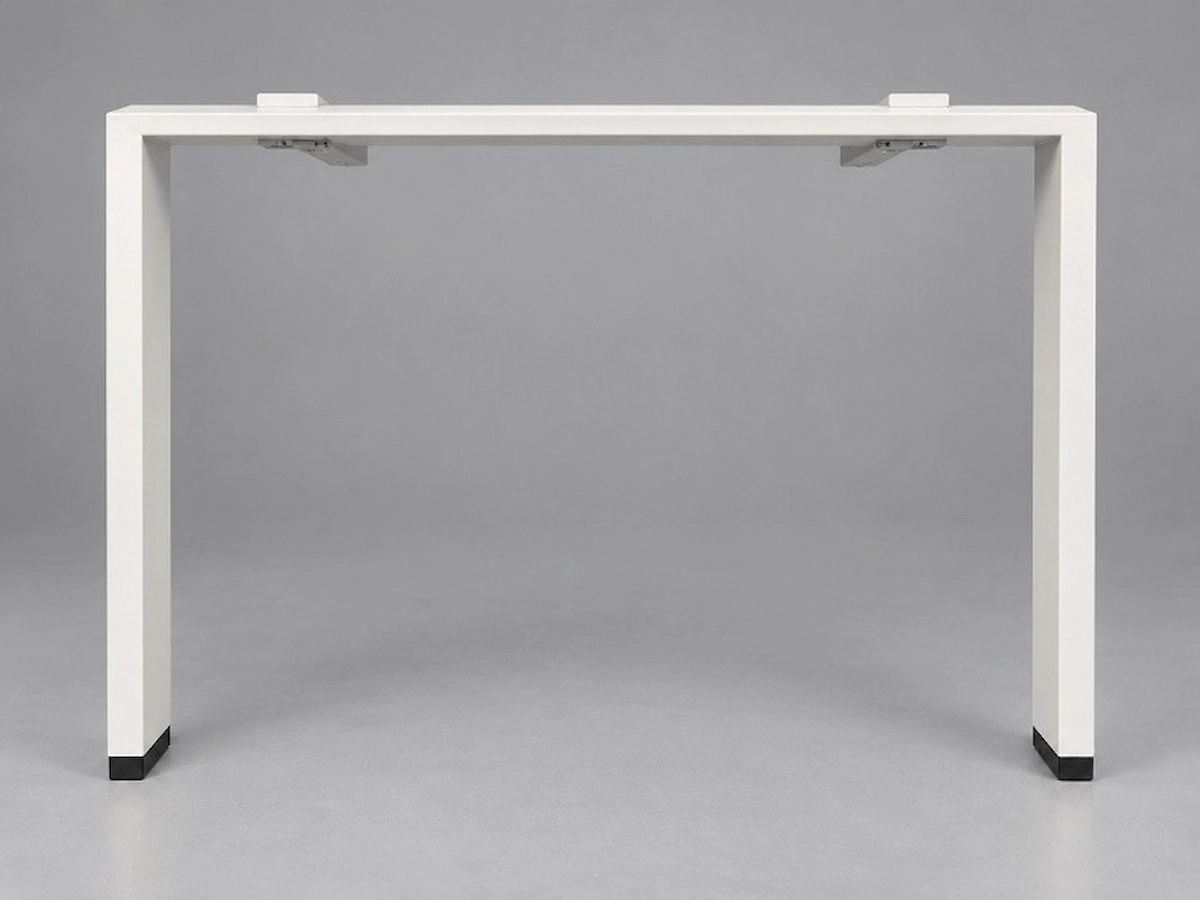
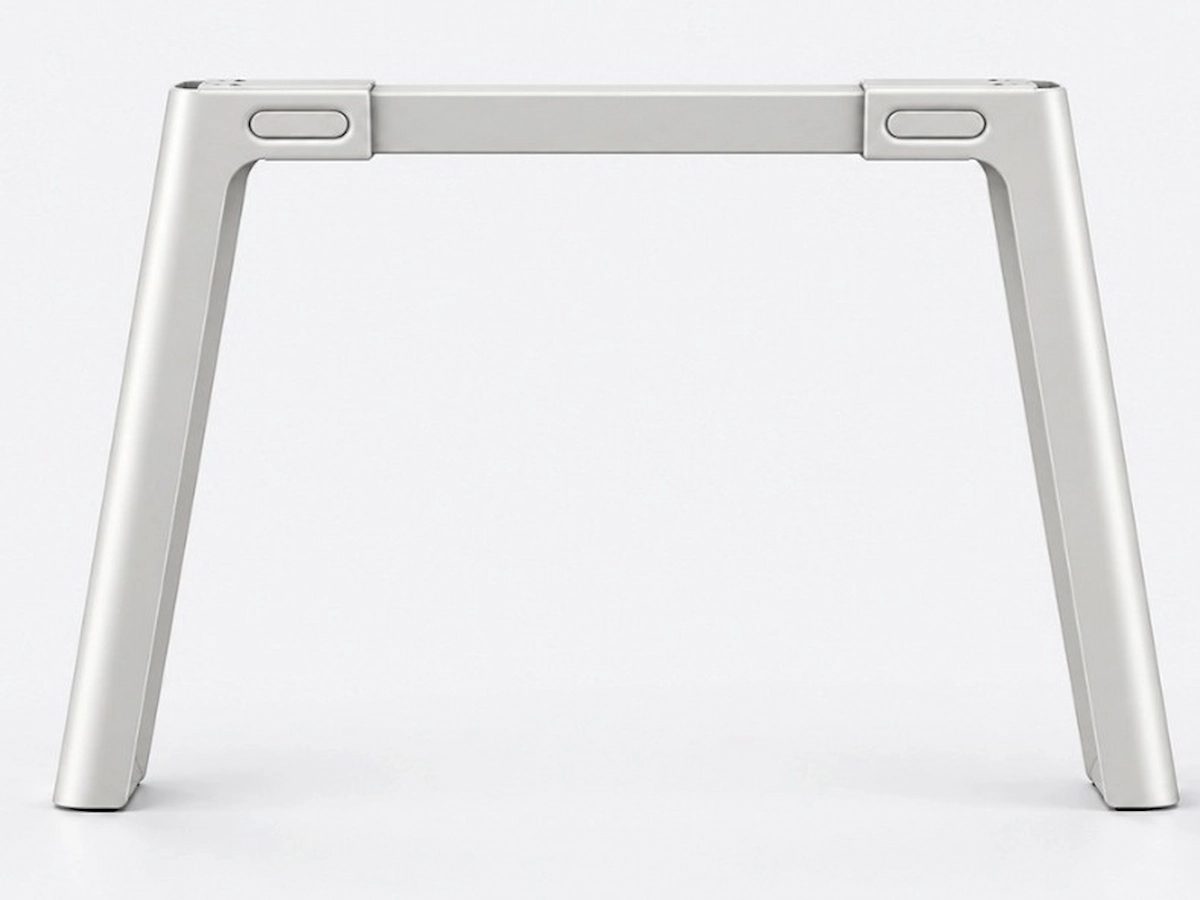
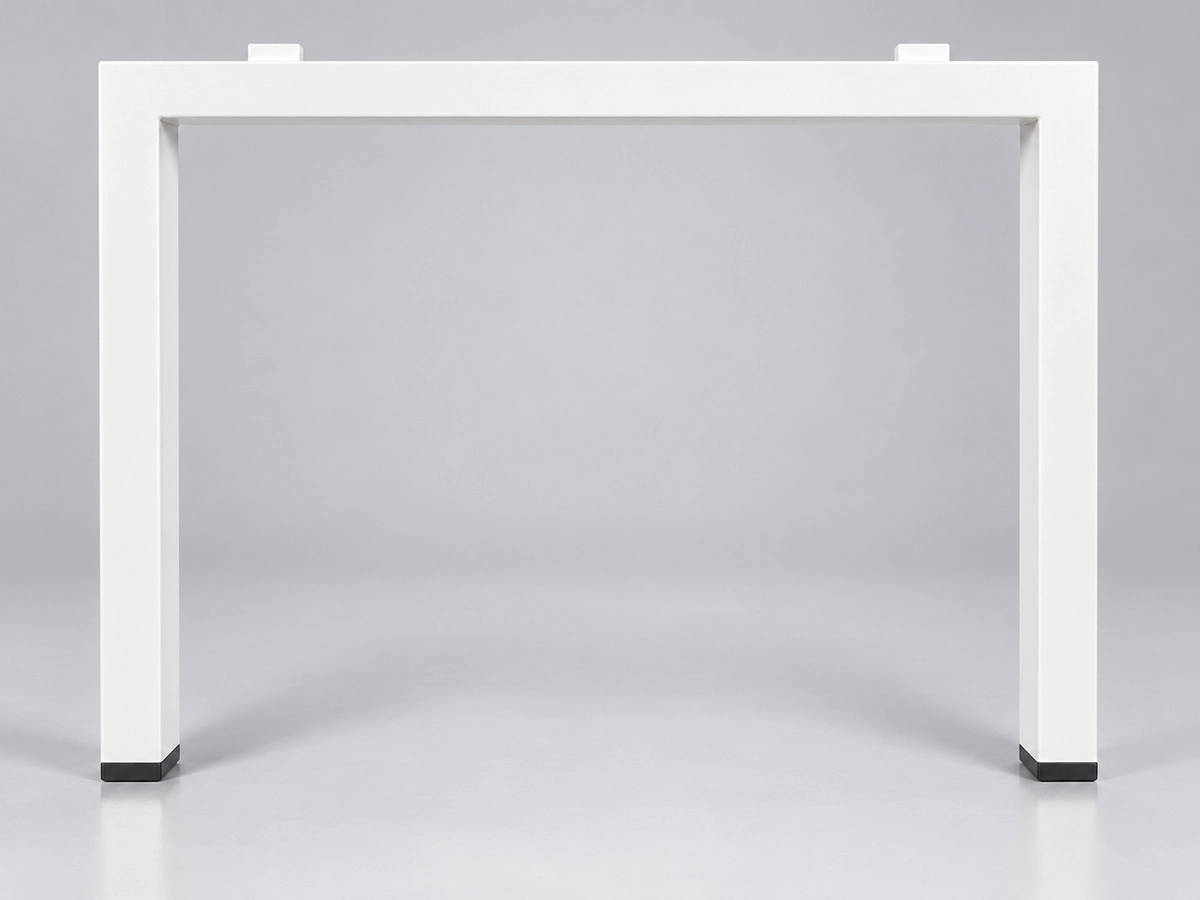
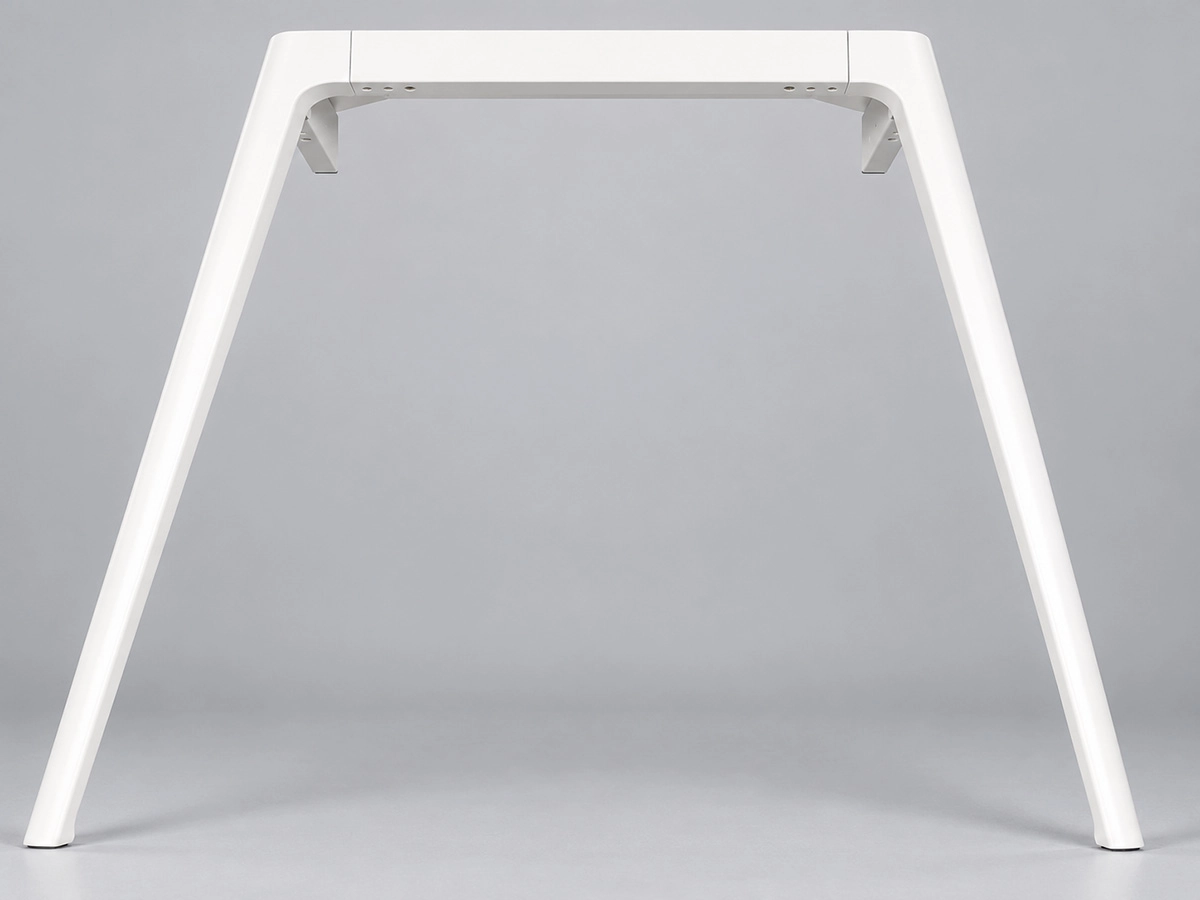
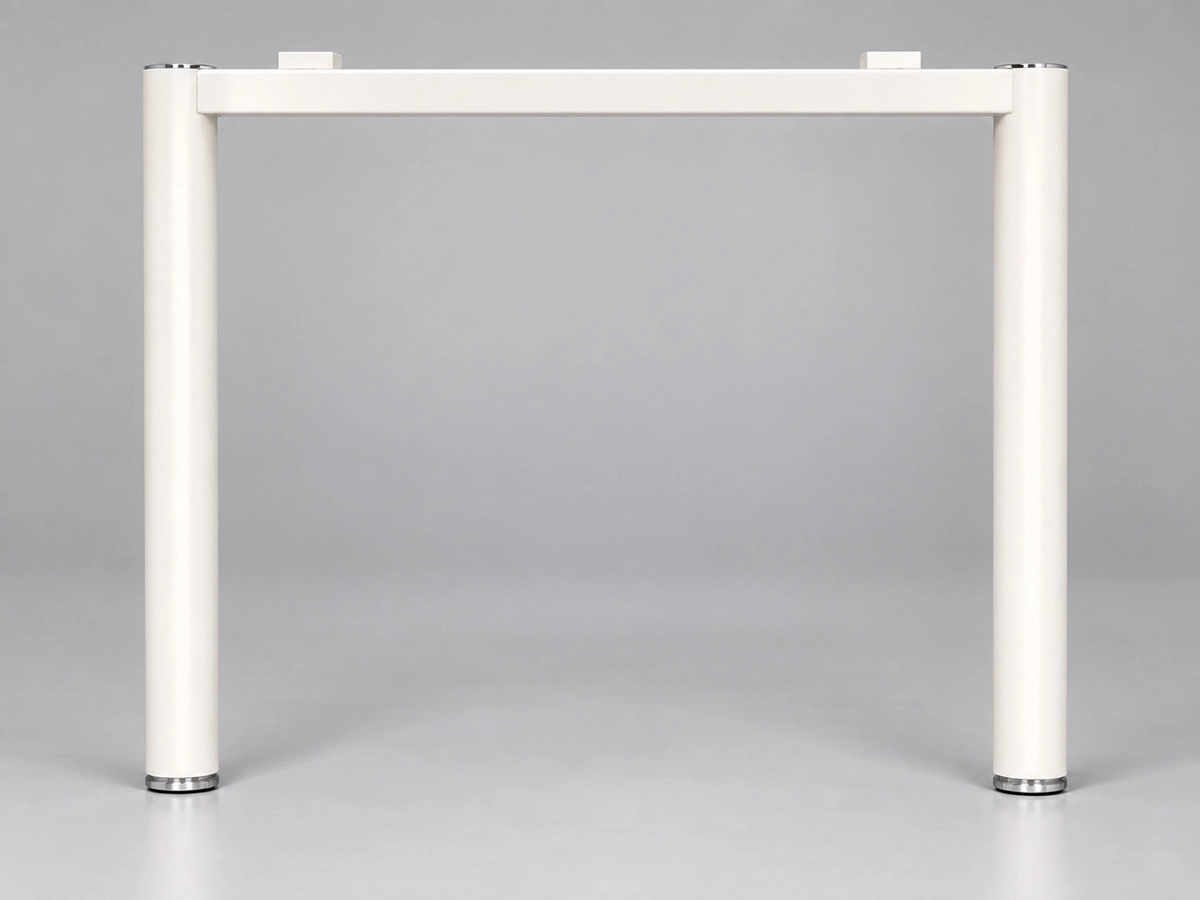
Our portfolio includes 62 desk-frame models, but only selected series support 120° workstation configurations
Current Series for 120° Workstations
120° SERIES REVIEW
Explore Other Frame Options
Additional steel, die-cast and aluminum frame models are available for other workstation configurations.
TECHNICAL CONFIRMATION
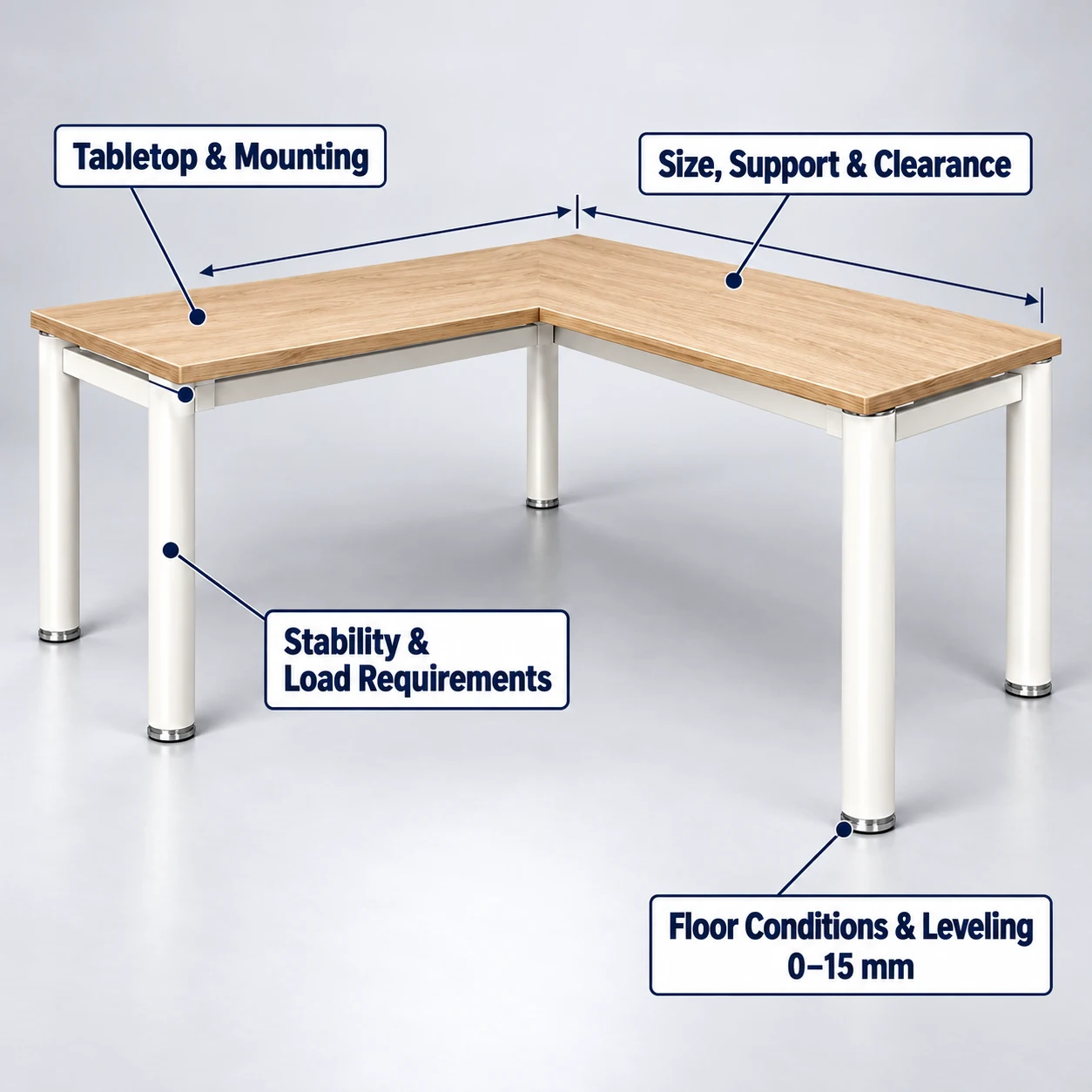
Confirm Tabletop, Mounting, Support & Installation Requirements
Once a frame series has been shortlisted, the remaining technical requirements are checked against the project brief, customer drawings and installation conditions.
PROJECT LAYOUT REVIEW
Resolve the Layout Through Drawings & Visual Review
If you already have project information, we use it to review and refine the workstation layout before quotation or further technical development.
A 2024 Dubai office project used the D557 frame system across three floors with a mix of workstation layouts, including 120° workstations on Floor 3.
Layout drawings, 3D visualization, and a physical sample were used during project review.
PROJECT HANDOFF
Prepare Your Workstation Project for Review or Quotation
Once the configuration and key technical requirements are clear, send your project information for review or quotation.
You do not need to have every detail finalized. Start with what you have, and any remaining points can be confirmed during the review.
Project Files
Where available, include:
- Floor plans or workstation layout drawings
- CAD files
- Bill of quantities (BOQ) or tender documents
- Reference images or marked-up drawings
Workstation Configuration
Include the main configuration details:
- L-shaped or 120° workstation layout
- Number of users or workstation positions
- Tabletop and overall dimensions
- Return side, dimensions and connection requirements, where applicable
System Requirements
Include any requirements for:
- Privacy screens
- Cable management
- Power and data access
- Installation and service access
Frame & Finish
If already selected, include the preferred frame series, frame type, material, color and finish.
Scope of Supply
Indicate whether you need a complete frame system or selected components. Component-level supply can also be reviewed based on the project scope.
Move the Project Forward
With this information, we can confirm any remaining technical details and prepare the project for quotation.