
How Different Mechanisms Adjust Desk Height
Electric, manual crank, and pneumatic standing desks use different mechanisms to adjust desk height.
The key difference is how movement is produced and controlled — a factor buyers should evaluate together with usage needs and workspace requirements.
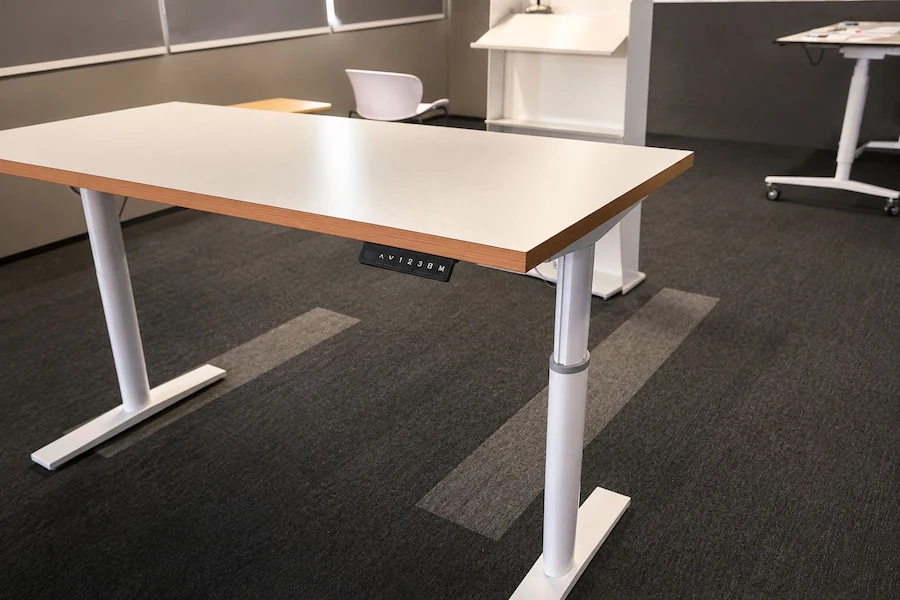
Electric Adjustment
Powered height adjustment through a motorized lifting system
User Action
Use an up/down control to start height adjustment.
Movement Source
An electric lifting system driven by motorized components creates the movement.
Power Requirement
Requires an electric-powered lifting system to operate.
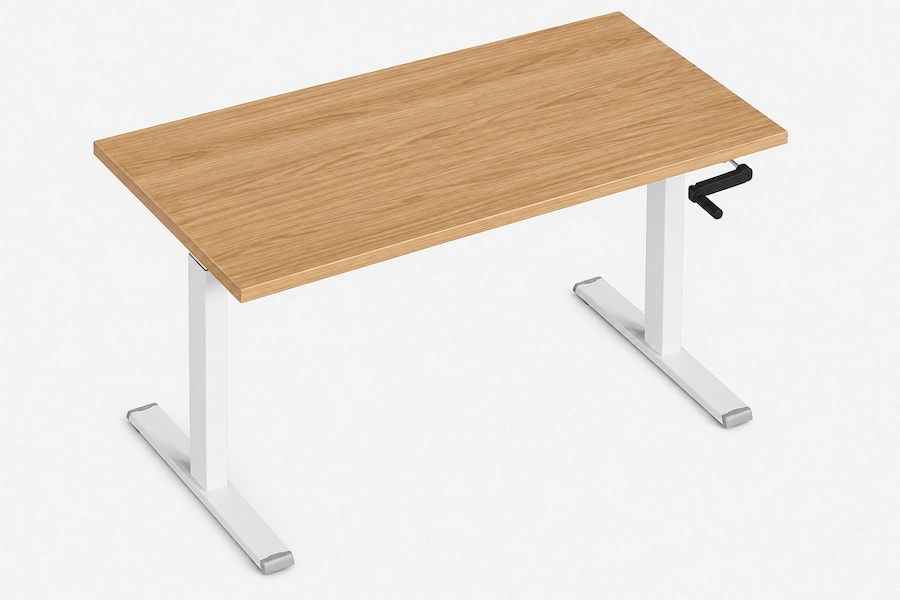
Manual Crank Adjustment
Height adjustment through a user-operated crank
User Action
Turn the crank to adjust the desk height.
Movement Source
The user turns the crank to raise or lower the desk.
Power Requirement
Height adjustment depends on continued manual input from the user.
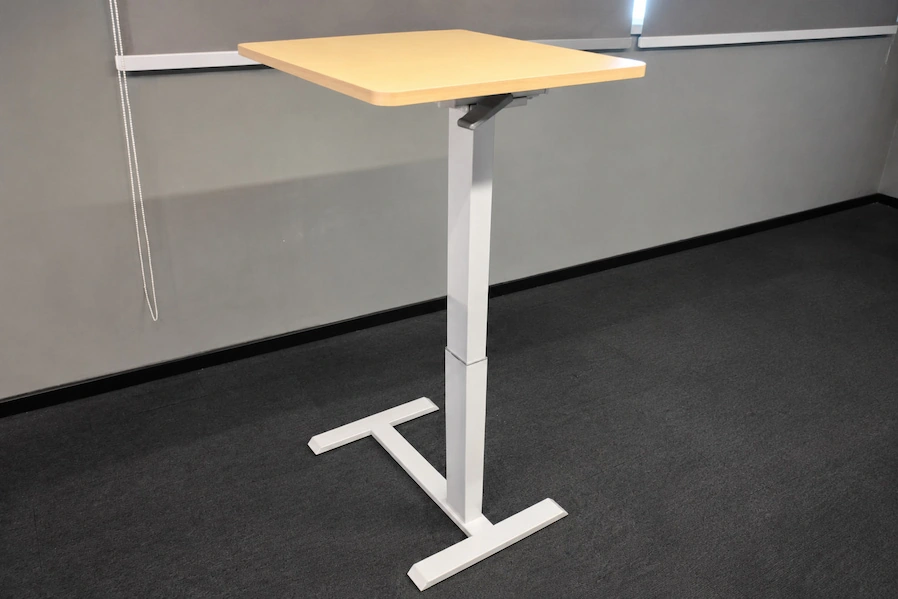
Pneumatic Adjustment
Assisted height adjustment using stored gas pressure
User Action
Activate a release or control mechanism to adjust height.
Movement Source
A pneumatic lifting mechanism provides adjustment assistance after activation.
Power Requirement
Adjustment behavior depends on the specific pneumatic mechanism design.
The Key Difference Between These Adjustment Mechanisms: It does not, by itself, determine the overall quality or performance of a standing desk.
It does not, by itself, determine the overall quality or complete performance of a standing desk.
Electric, manual crank, and pneumatic systems represent different operating approaches — not a best-to-worst ranking.
What Should Buyers Compare?
Different adjustment mechanisms should be compared by operating requirements and application needs, not by a single “best” feature.
Comparison Framework
| Comparison Factor | Buyer Consideration |
|---|---|
| Adjustment Experience | How users interact with the adjustment system |
| Usage Frequency | How often height changes are expected |
| Power Availability | Whether electrical operation is practical |
| Workspace Conditions | What the working environment requires |
| Configuration | Which product setup needs to be verified |
A specification is only meaningful when it is evaluated against the intended use and the exact configuration being compared.
Next, identify which adjustment mechanism best fits your application.
Which Adjustment Mechanism Fits Your Needs?
We do not rank adjustment mechanisms from best to worst.
Instead, we identify which adjustment mechanisms better match your user requirements, workspace conditions, and application needs.
Decision Filter
How will users interact with the adjustment system?
| Buyer Condition | Adjustment Mechanism |
|---|---|
| Prefer powered height adjustment through a control system | Electric may be a suitable option. |
| Accept direct user input for height adjustment | Manual Crank can remain under consideration. |
| Prefer assisted height adjustment | Pneumatic can remain under consideration when a supported product form fits the application. |
How often will height changes occur?
| Buyer Condition | Mechanism Direction |
|---|---|
| Frequent height changes or multiple users (such as shared workstations) | Give greater importance to adjustment experience and operating method during comparison. Frequency alone does not determine the mechanism choice. |
| Occasional height changes | Manual input or assisted adjustment options may remain under consideration depending on the required operating approach. |
Is electrical power available?
| Buyer Condition | Mechanism Direction |
|---|---|
| Electrical power is practical for the workspace | Electric can remain under consideration. |
| Electrical operation is unsuitable for the location | Electric may be set aside. Manual Crank or Pneumatic require separate evaluation based on their operating requirements. |
Does the application require a specific product form?
| Buyer Condition | Mechanism Direction |
|---|---|
| A specific product form or application is required (such as workstation or conference use) | Continue only with mechanism directions that have a supported product form for the intended use. |
| Strict technical requirements must be met | Continue to exact product and configuration verification before final selection. |
Remaining Options
After considering operating requirements:
• One mechanism direction may remain;
• Multiple mechanism directions may remain.
The goal is not to select a universal winner.
It is to identify which mechanism directions should continue for product and configuration review.
Onmuse Adjustment Mechanism Options
Based on the selected adjustment mechanism, buyers can review corresponding Onmuse product examples and configuration options.
Adjustment Mechanism → Product Mapping
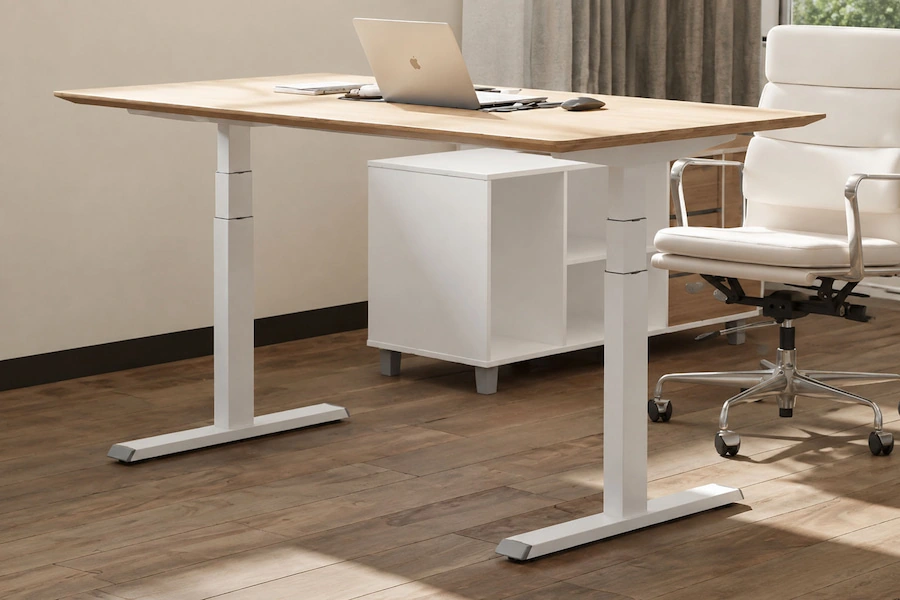
Milan Electric
Example configurations include:
• Dual-motor 2-stage
• Dual-motor 3-stage
• Dual-motor 3-stage High-speed
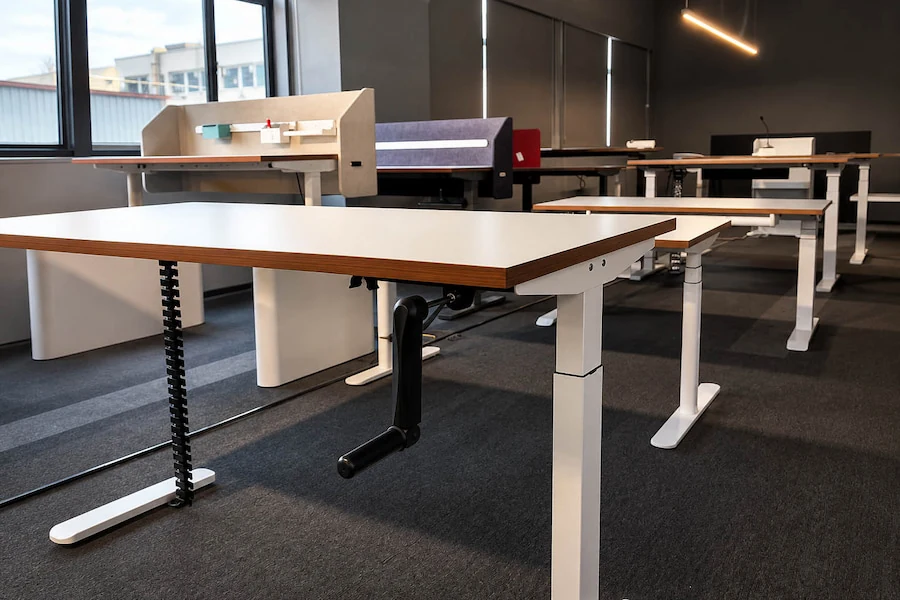
Milan Manual
Example configuration:
• Manual 2-stage
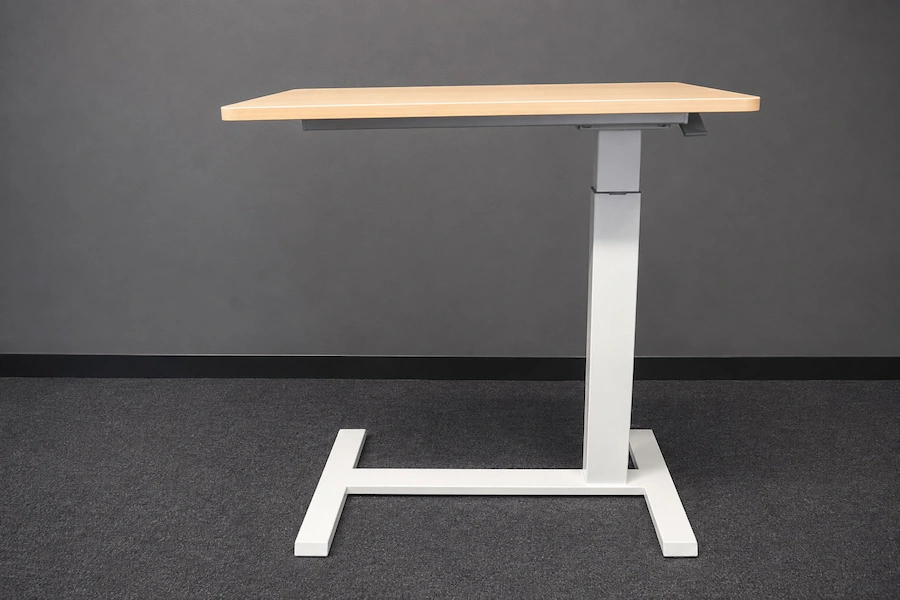
Mike Pneumatic
Example applications:
• Consultation Table
• Podium
Pneumatic applications may vary by product form and configuration.
Configuration Note
The listed Milan Electric, Milan Manual, and Mike Pneumatic examples represent Onmuse product configurations used for mechanism comparison.
Performance, application scope, and technical specifications may vary between configurations. Specific information should be confirmed for the applicable product model and configuration.
Next Step
Review the technical specifications, compatibility requirements, and available documentation for the selected configuration.
How to Compare Technical Information Properly
Before comparing technical information, confirm the product, configuration, and scope it applies to.
A reliable comparison requires matching the product, configuration, and supporting information within the same scope.
Verification Checklist
| Check | Buyer Question |
|---|---|
| Product | Which product or model does this information apply to? |
| Configuration | Which configuration is being reviewed? |
| Specification Conditions | Under what conditions was it measured or tested? |
| Supporting Documents | What documents support this product and configuration? |
| Result | Meaning |
|---|---|
| Ready to Compare | Information matches the reviewed product and configuration. |
| More Information Required | Product, conditions, or documents need confirmation. |
| Different Scope | Information applies to another product, configuration, or scope. |
Compare Information Within the Right Scope
Technical specifications, test results, and supporting documents apply only to their confirmed scope. Do not apply information from one product or configuration to another without confirmation.
Next Step
Confirm any missing technical information or supporting documents before making a final decision
Choose Your Next Step Based on Your Current Needs
Choose the next step based on your current requirements and the information you still need, rather than moving directly to an RFQ.
Select Your Next Option
| Current Situation | Recommended Next Step | Information to Provide |
|---|---|---|
| The product direction has not yet been determined | Explore Product Options | The product type being considered, intended application, and any options already reviewed |
| Specific product, configuration, or technical information needs to be confirmed | Request Technical Information | The product or model being considered, configuration reference, and the technical questions that need clarification |
| Product selection and project requirements are clearly defined | Start an RFQ or Project Discussion | The selected product direction, configuration requirements, application, quantity or project scale, and relevant project information |
| Special modifications or customization are required | Discuss an OEM or Custom Solution | The product direction, requested modifications, intended application, and project scope |
Choose the Route That Matches Your Current Requirements
Select the route that matches your remaining requirement. If product or technical information is not yet confirmed, complete the necessary clarification before moving to project or RFQ stage.