
Understand Fixed-Height Workstations and Benching Systems
Fixed-height workstations and benching systems work well when multiple work positions need to be planned together in an office or team area.
A Coordinated Layout for Multiple Users
Tabletops, frames and other workstation components are planned as one coordinated layout rather than as a group of separate desks placed together.
Fixed Working Height
The workstations remain at a fixed height during use. The tabletops do not raise or lower like those on height-adjustable desks.
Need to Adjust the Working Height?
If your project calls for sit-stand use or adjustable working height, compare fixed-height and height-adjustable systems.
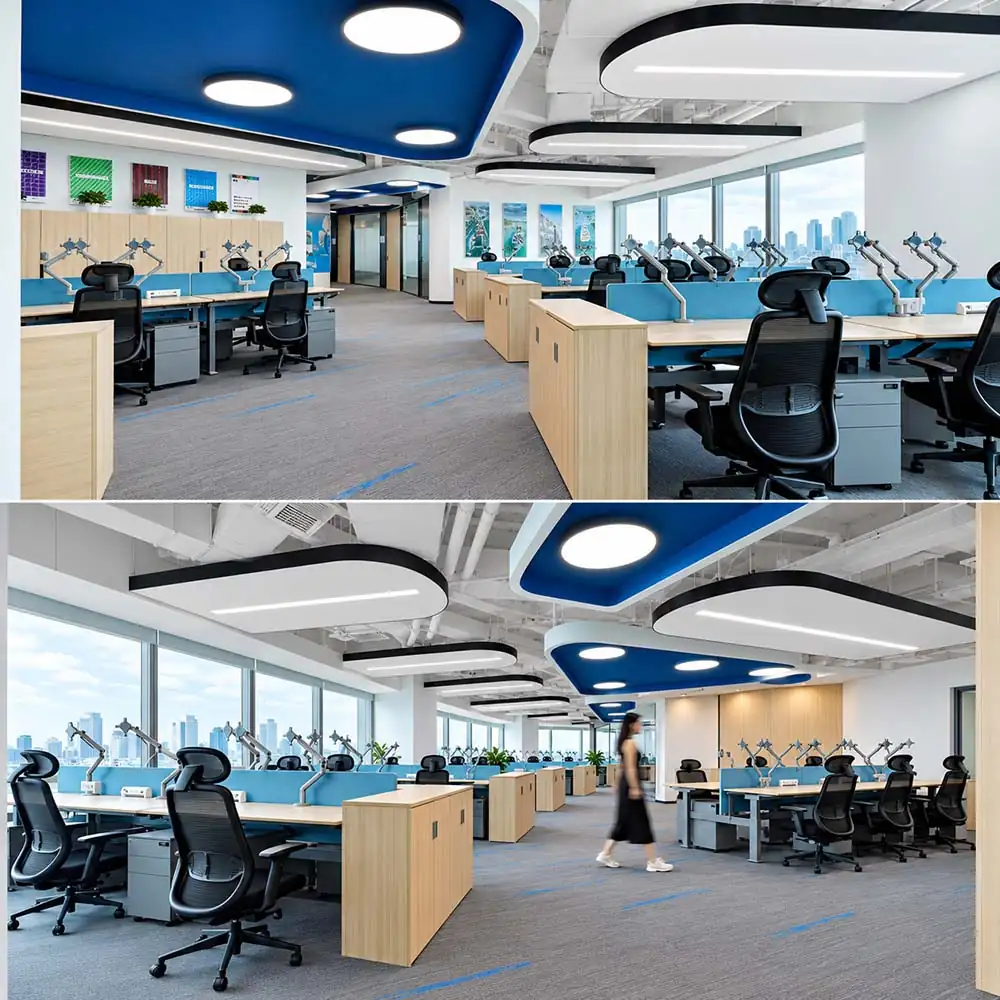
Choose a Workstation Layout
When planning workstations, first decide how the work positions will be arranged. Here are three common layouts.
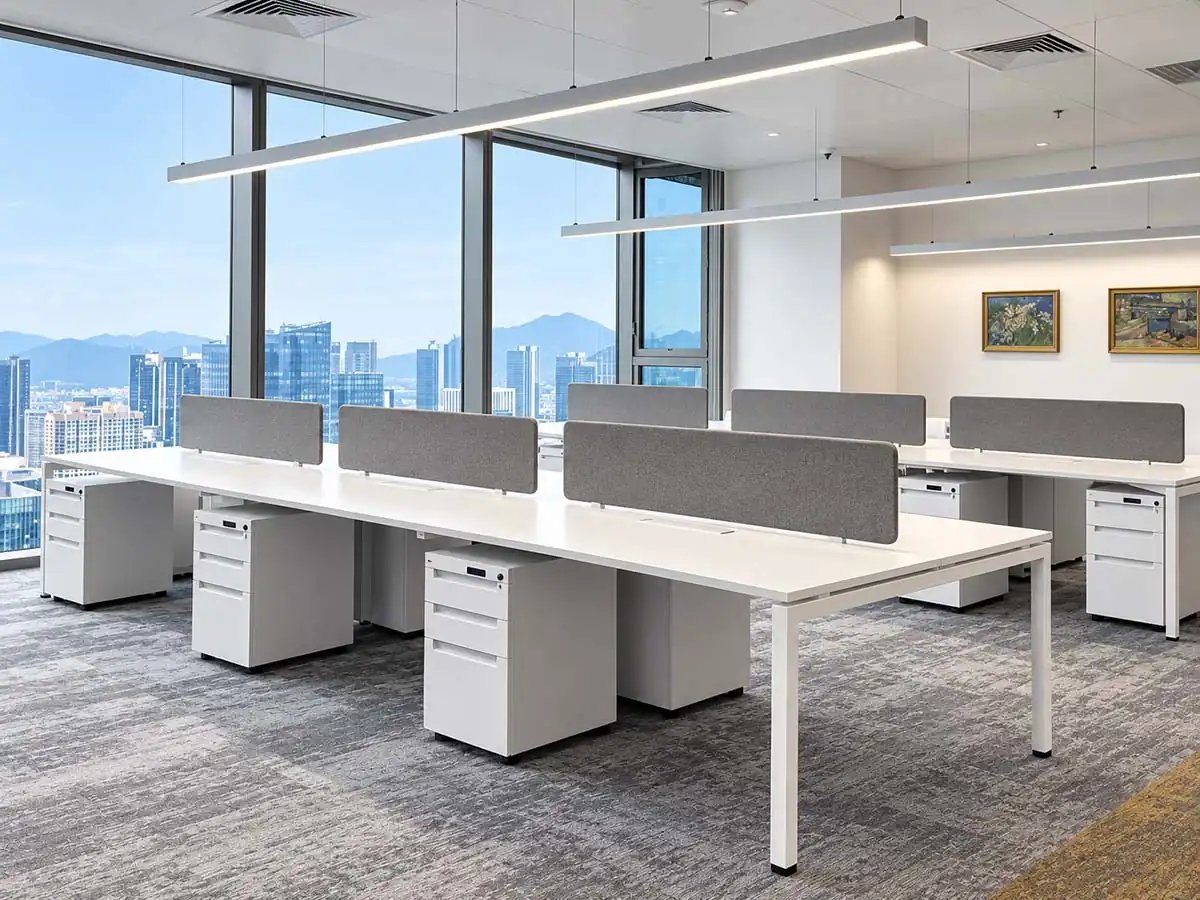
Face-to-Face / Back-to-Back Workstations
Work positions are arranged in two opposing rows to create a multi-user workstation layout.
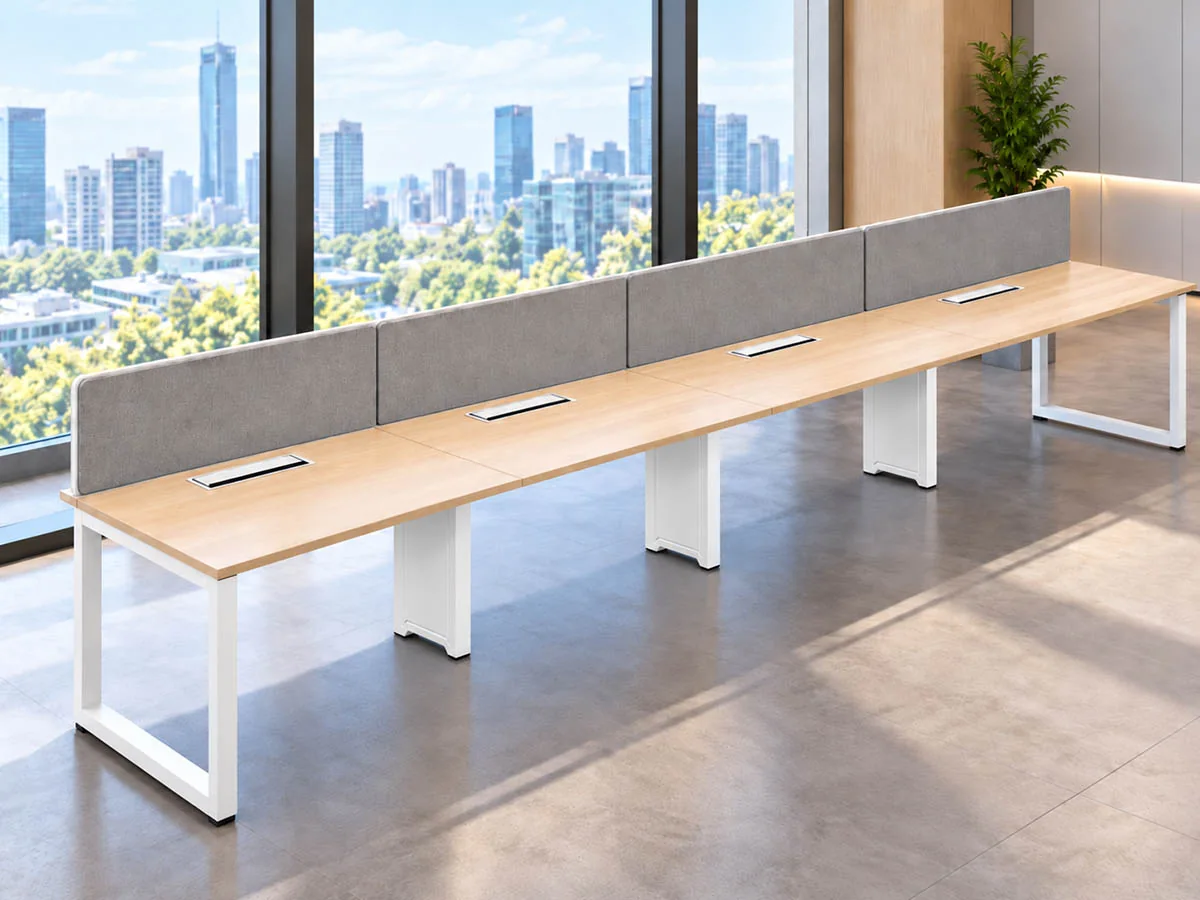
Linear Workstations
Work positions run in one continuous straight row.
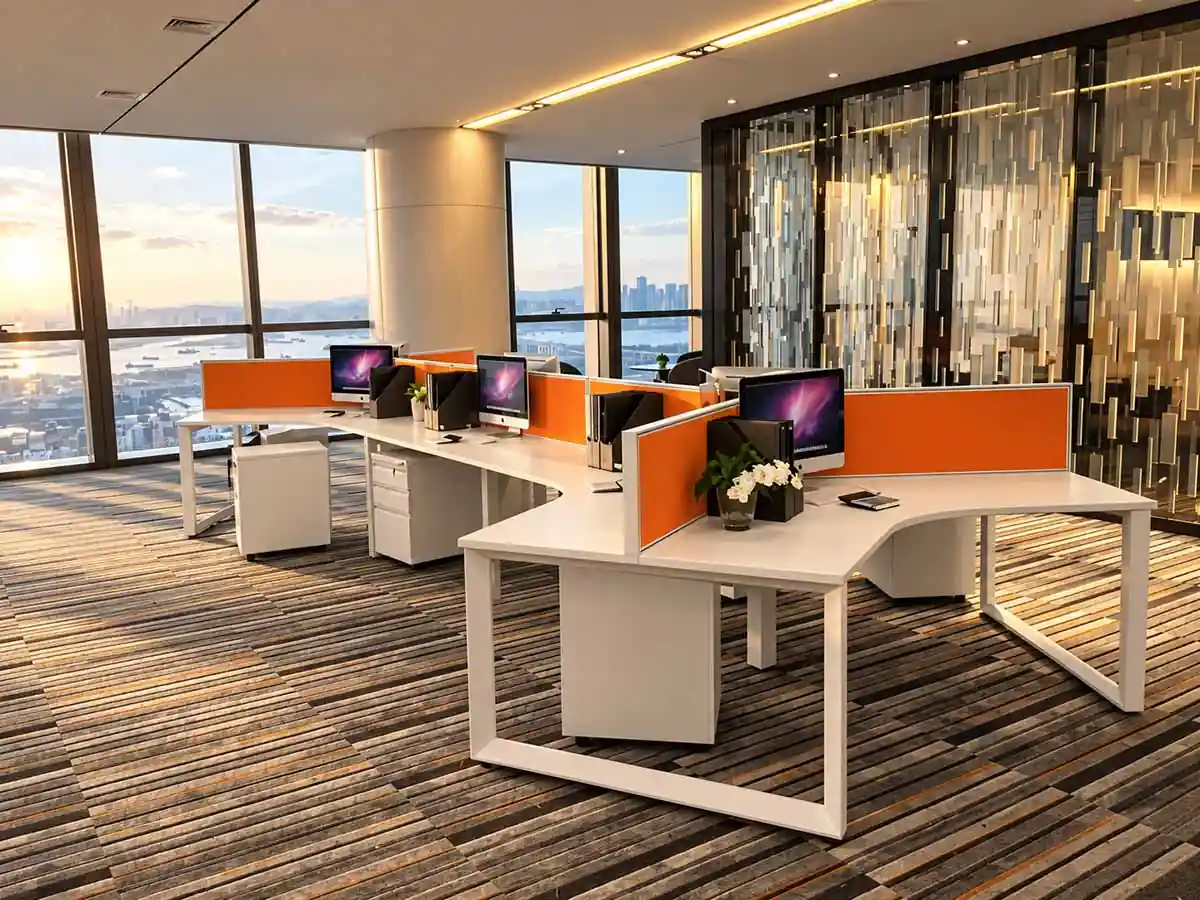
L-Shaped and 120° Workstation Layouts
Work positions are arranged in an L-shaped or 120° configuration for multi-user workstation planning.
Check Team Size, Layout and Available Space
Use Team Size and Layout to Narrow the Workstation Direction
After the configuration family has been selected, user count, workstation grouping, and available space become the main planning inputs.
Coordinate Privacy, Cable, Power and Storage Requirements
Once the workstation layout is defined, screens, cable routes, power access, and storage need to be coordinated with the same layout and available space.
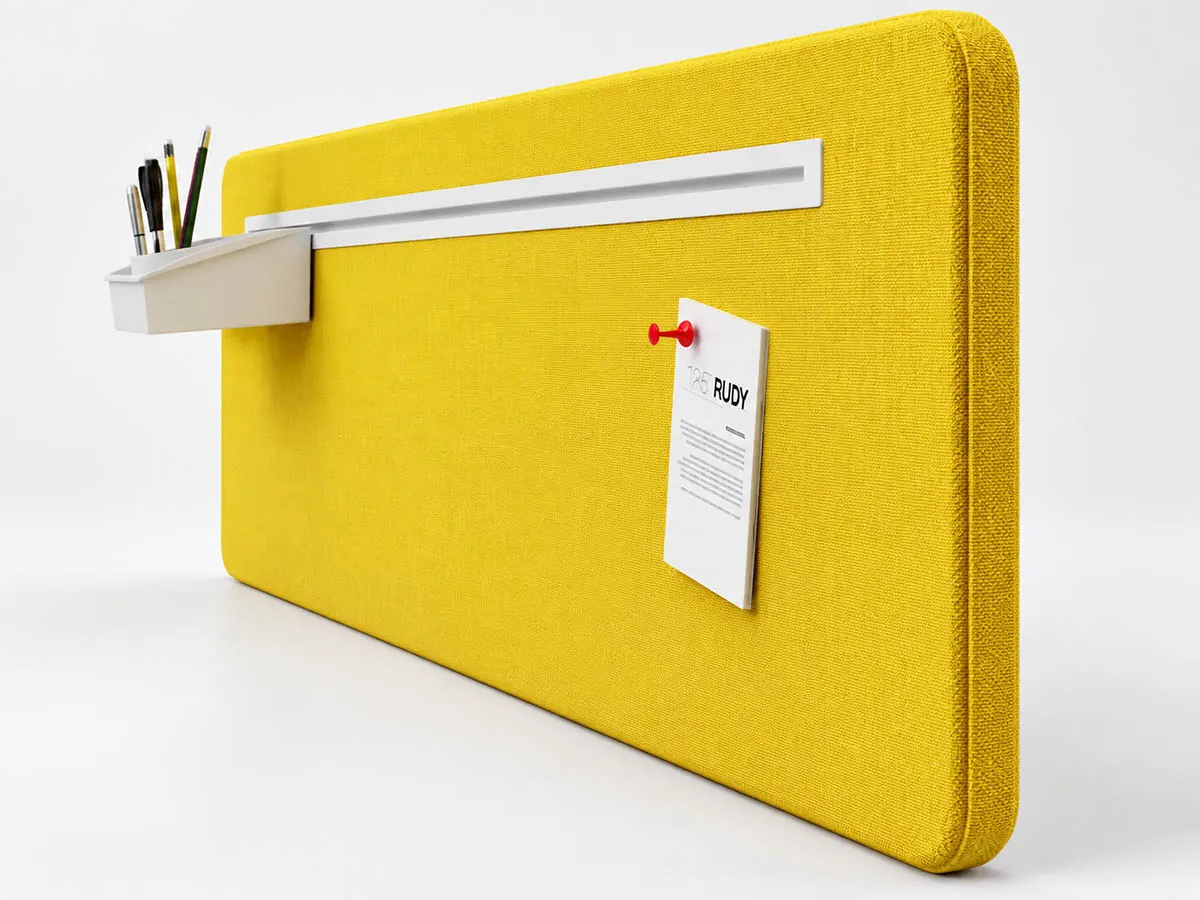
Privacy and Screens
Screen or divider requirements depend on how the work positions are arranged and where privacy is needed.
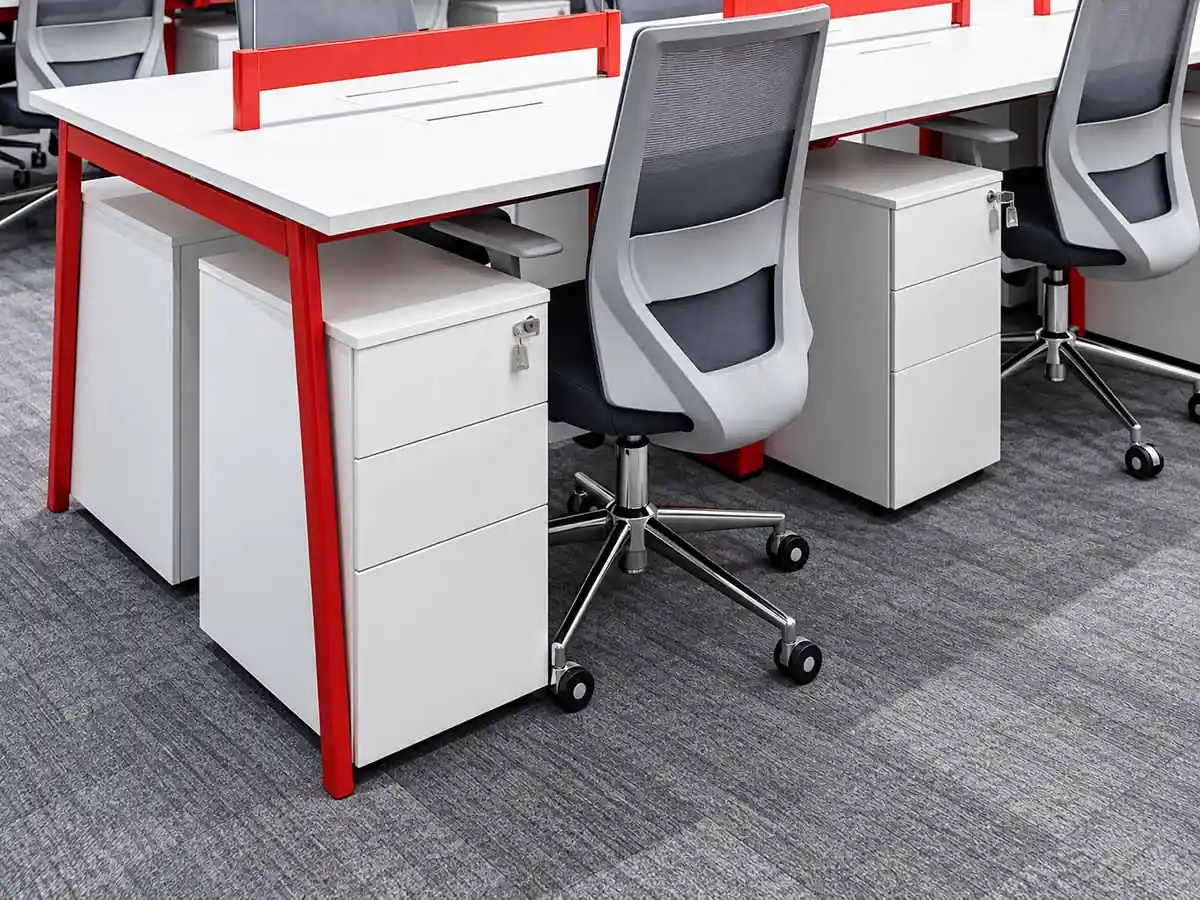
Storage
Plan the position of cabinets or mobile pedestals based on user positions and available space.
Cable Management
Define where cables enter the workstation and how they are routed to each work position based on the layout and equipment locations.
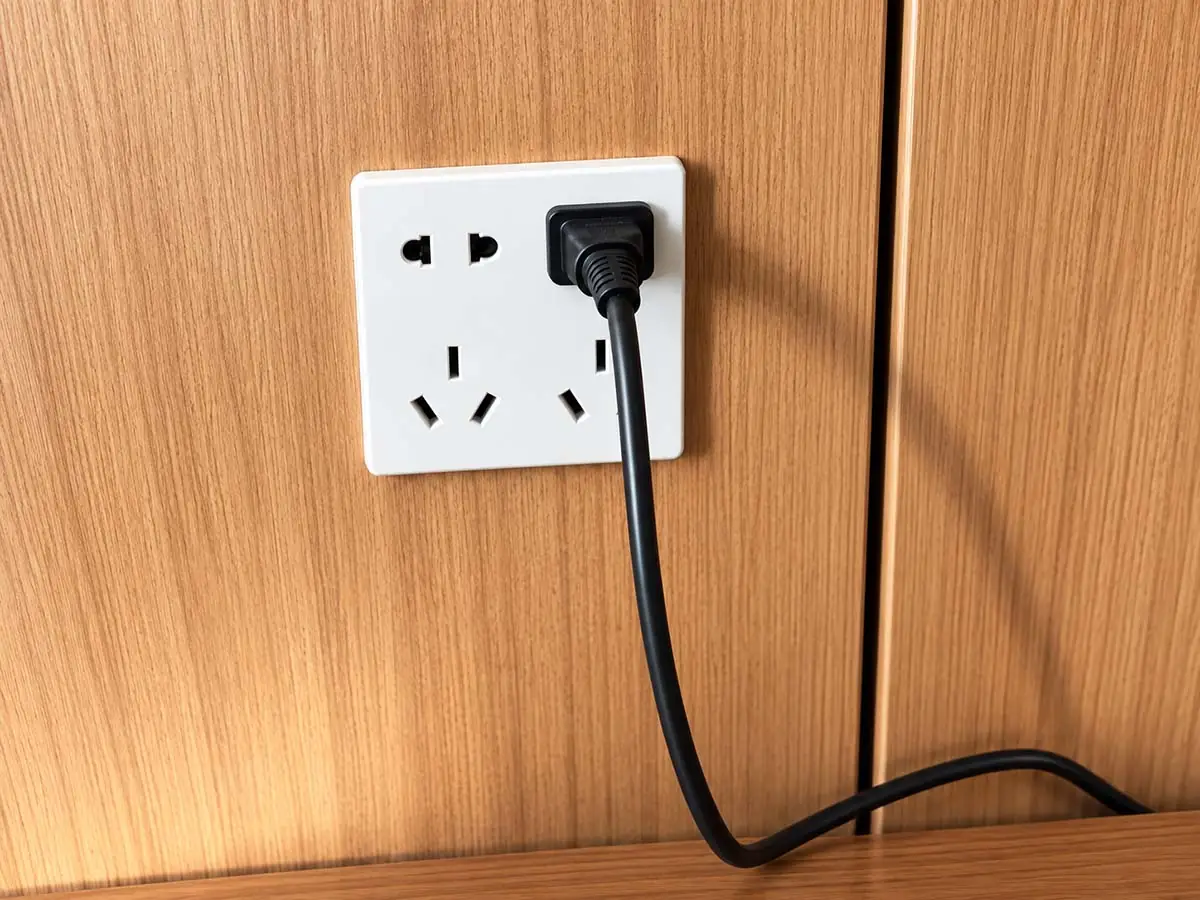
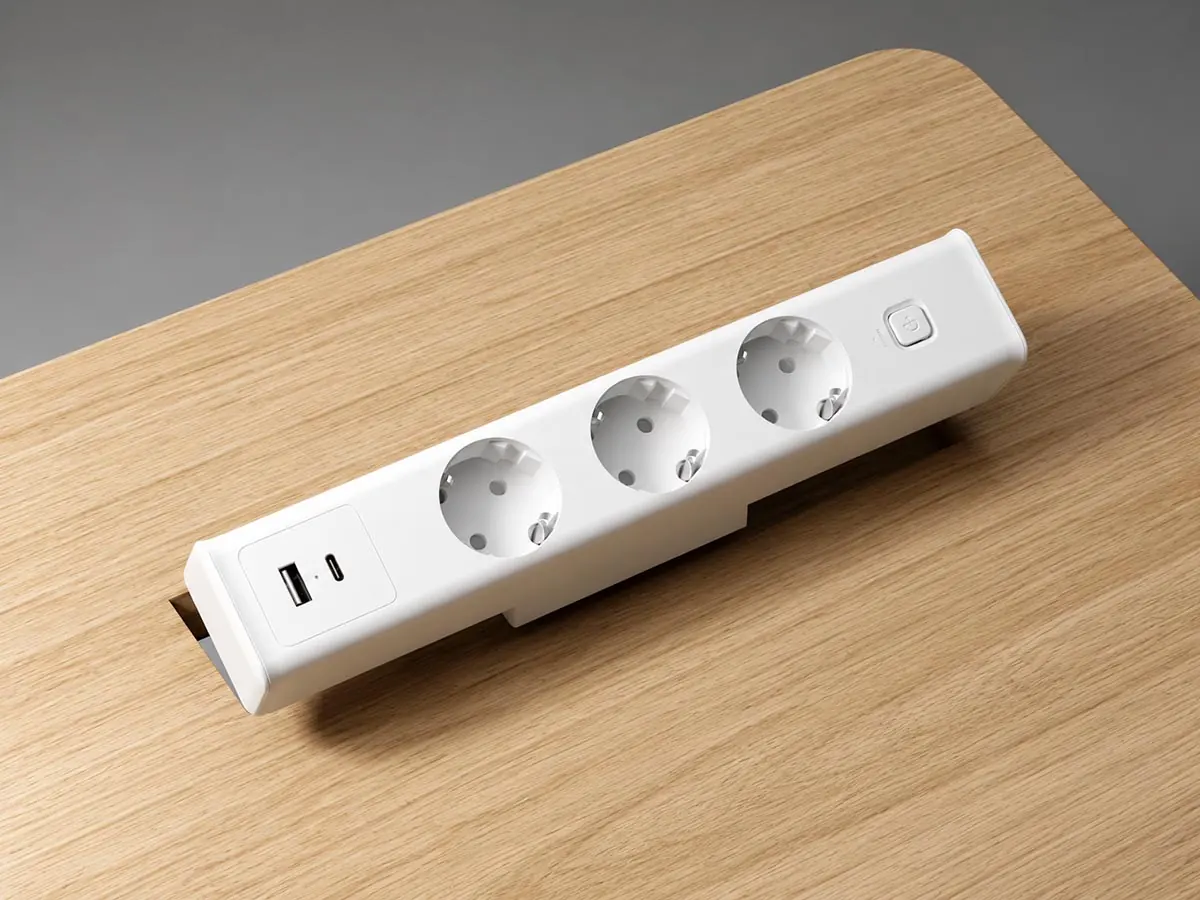
Power
Plan where power needs to enter the workstation and where users need access to it based on the workstation layout and equipment requirements.
The final installation and interfaces for screens, cable management, power, and storage should be confirmed against the selected components and workstation configuration.
Explore workstation accessories and frame components
Compare product and material directions for workstation projects
Compare Product and Material Directions for Workstation Projects
The representative series below illustrate different materials and frame constructions for comparison in workstation projects.
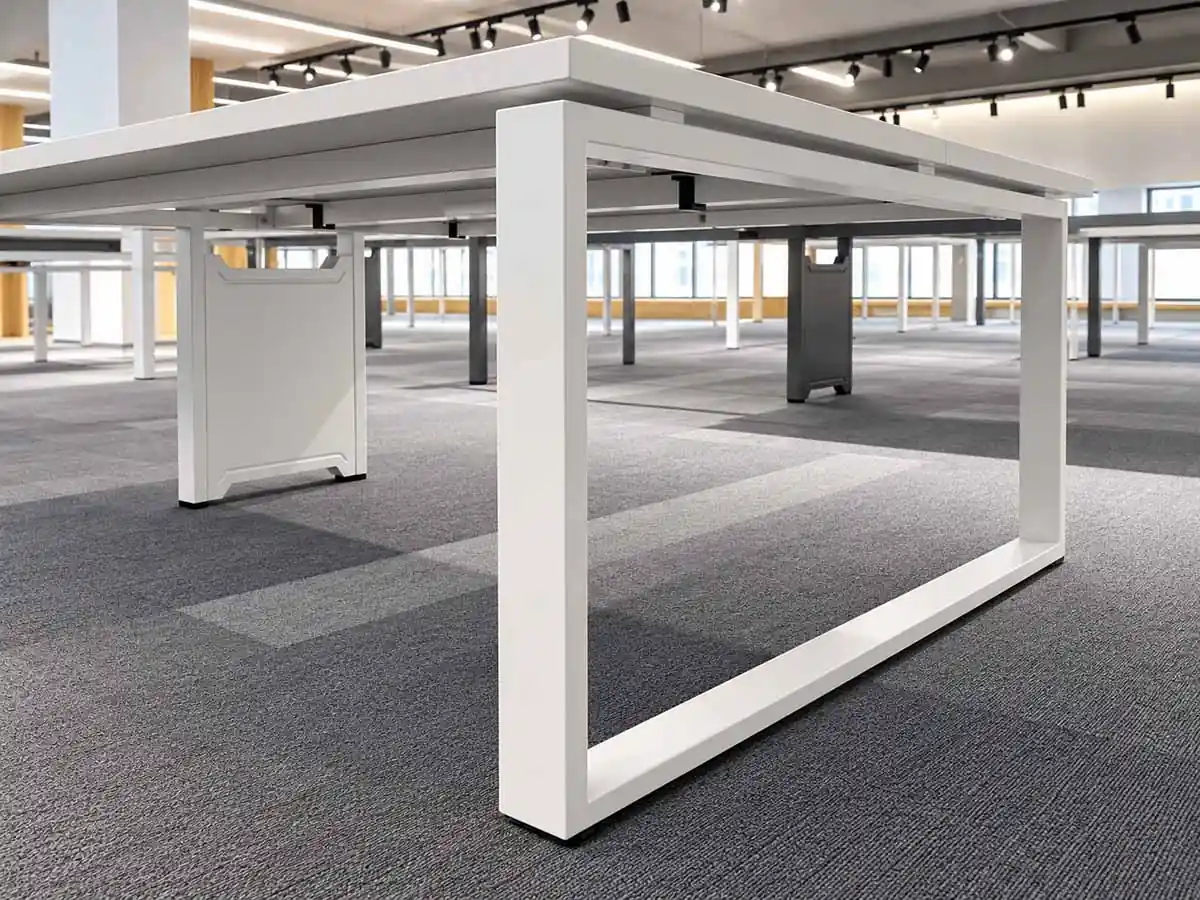
Steel — Rectangular-Tube Welded Construction
D360 features welded rectangular-tube steel construction and is available with U-shaped, loop, and slant-leg designs.
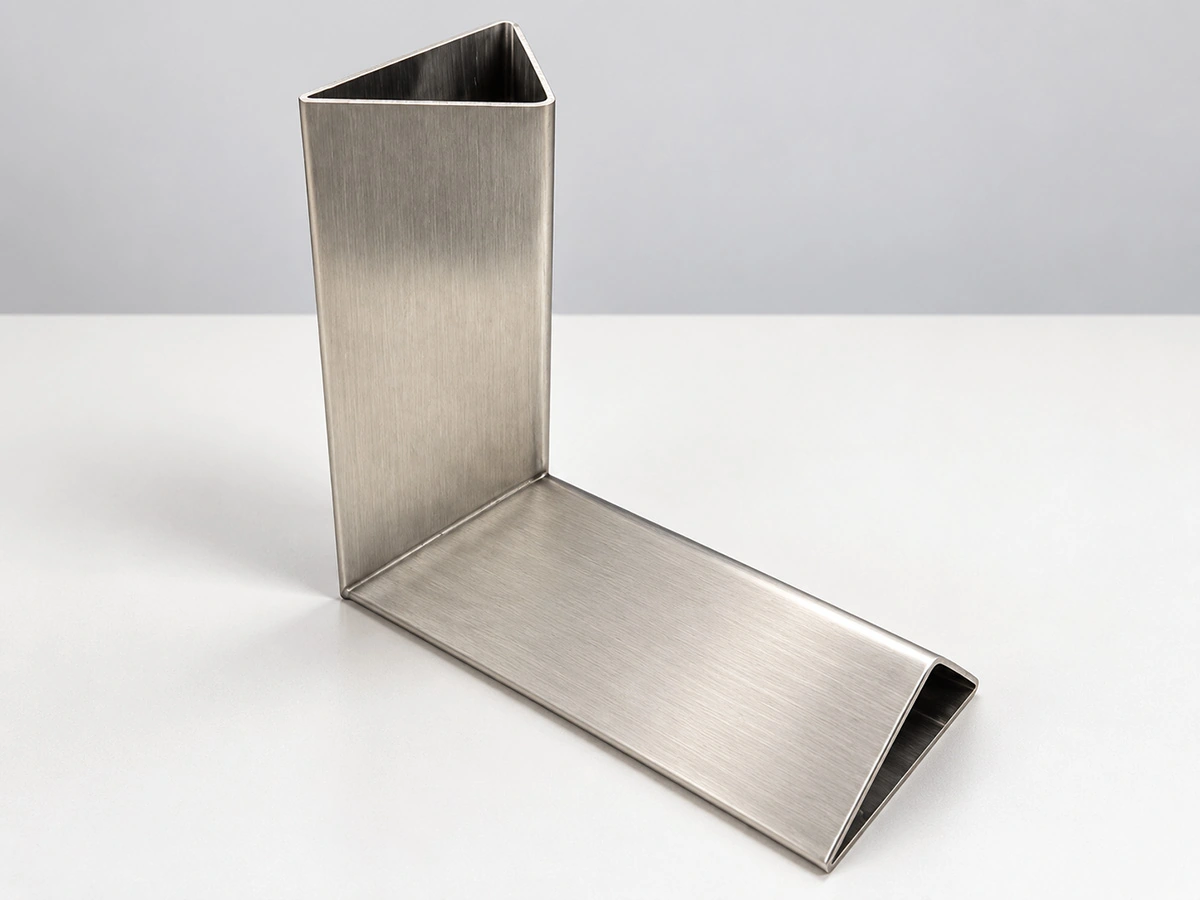
Steel — Profiled-Tube Welded Construction
D557 features welded profiled-tube steel construction and is available with U-shaped, loop, and slant-leg designs.
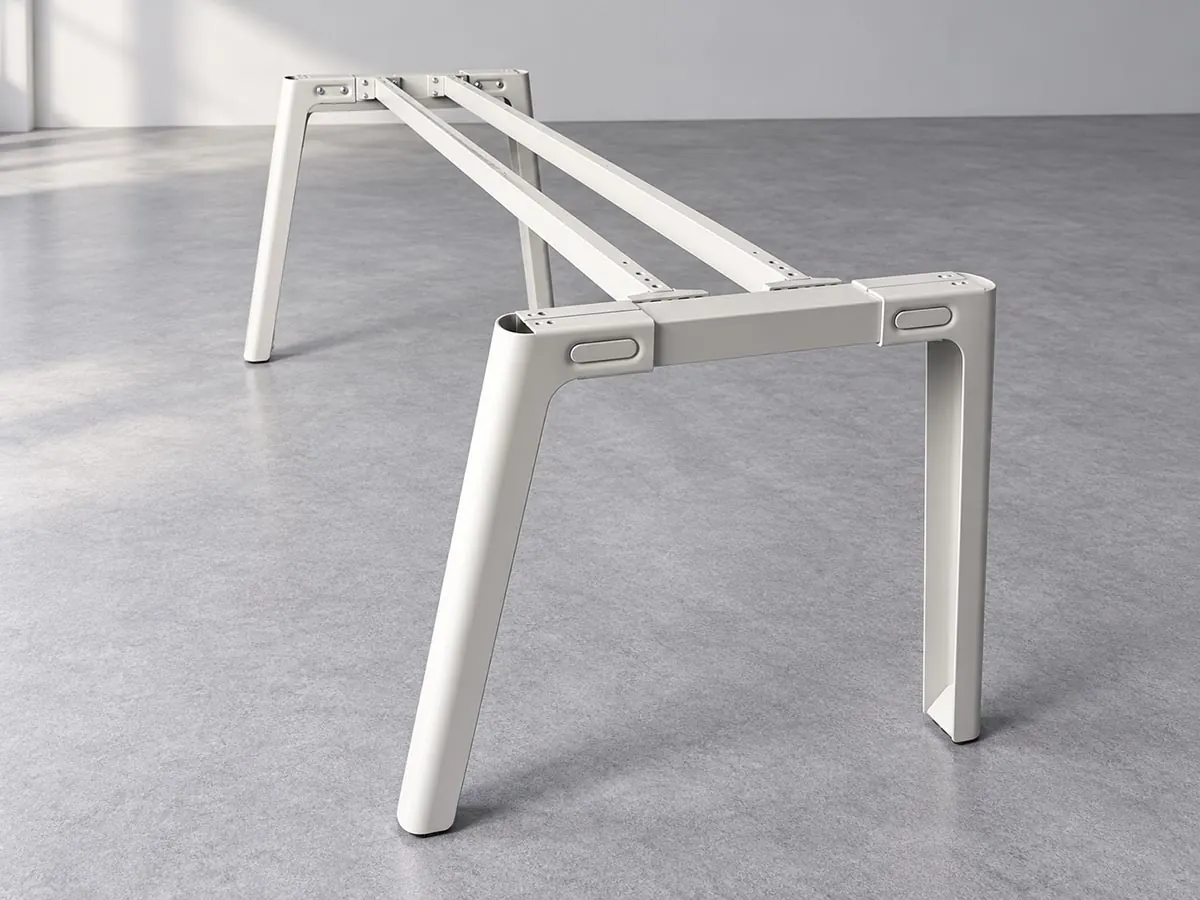
Formed-Steel Construction
UNO uses formed-steel plate legs instead of conventional welded steel-tube legs.
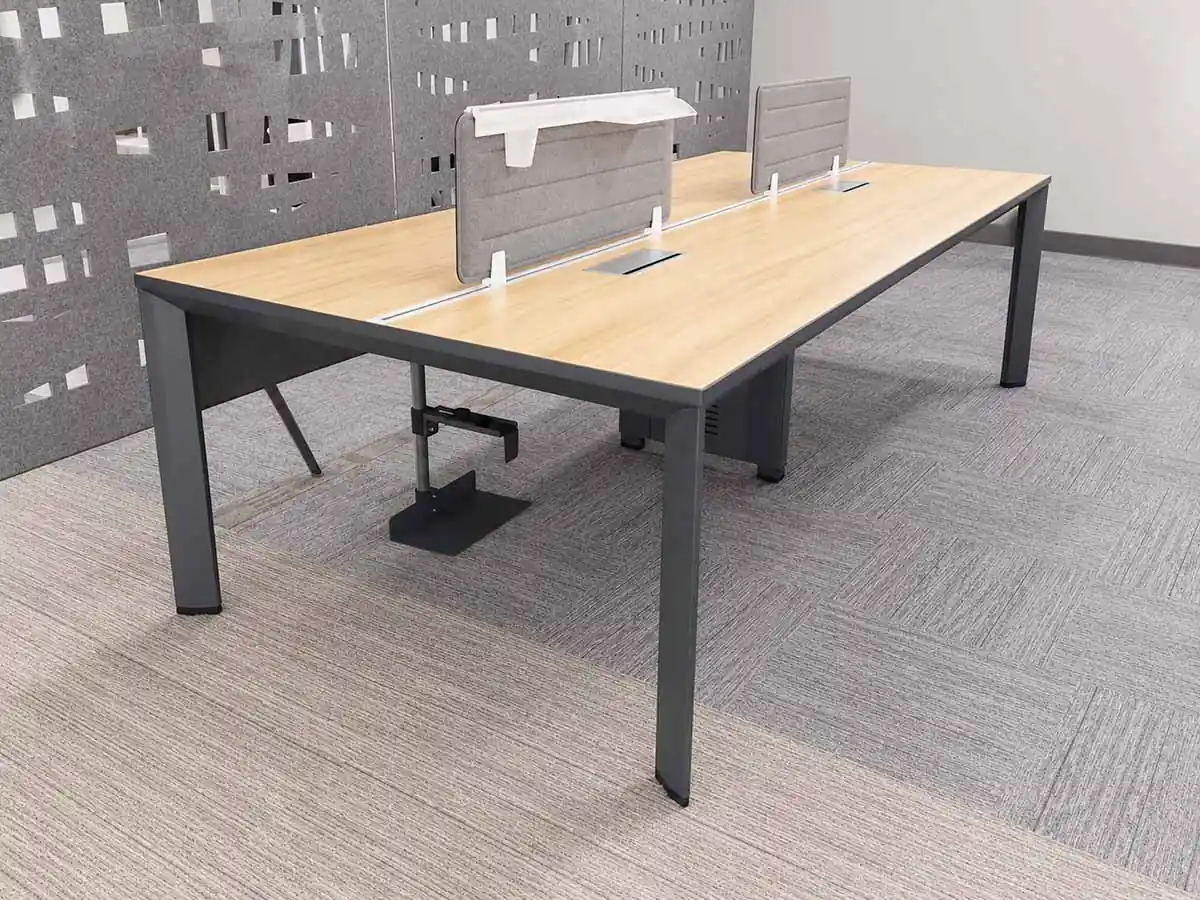
Aluminium Frames
Pauer uses aluminium legs and beams, with die-cast connectors forming part of the frame structure.
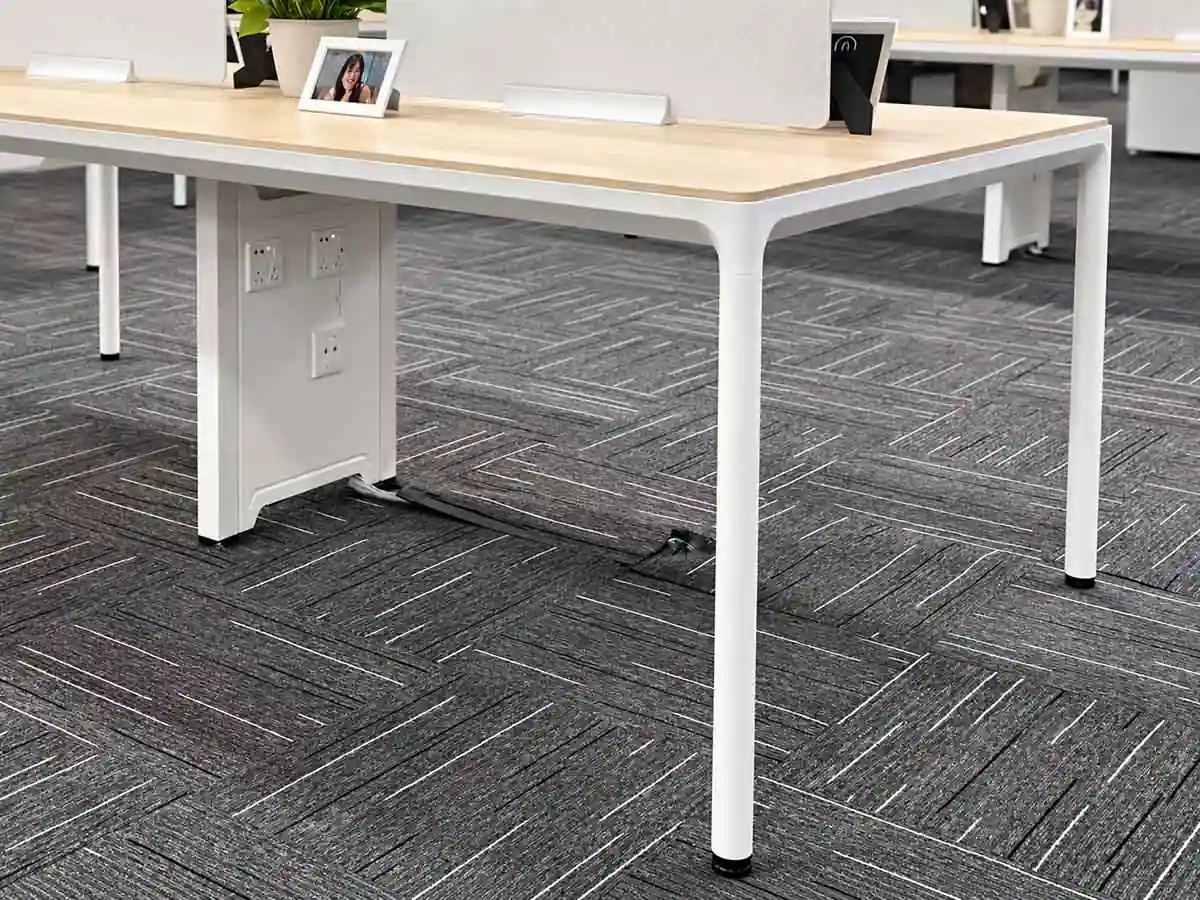
Steel and Aluminium Hybrid Construction
England combines steel legs with aluminium beams to create a hybrid frame structure.
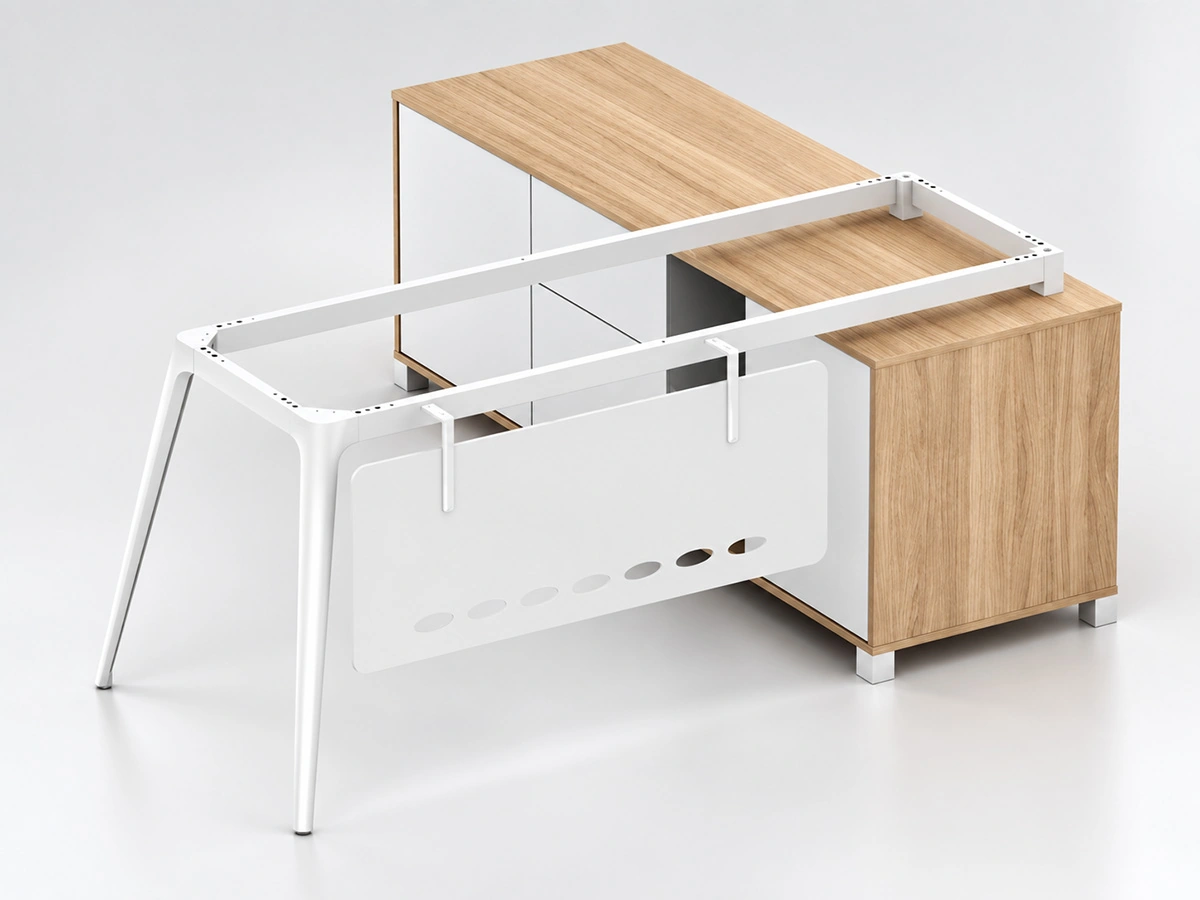
Die-Cast Leg Construction
Warren and LF-87 combine die-cast legs with steel beams in fixed-height frame systems.
Material and frame construction alone are not enough to determine whether a series is suitable for a specific workstation project. The final choice also needs to consider the workstation layout, configuration requirements, and relevant technical conditions.
See which workstation details need technical confirmation
Know Which Workstation Details Need Technical Confirmation
Before the final workstation model is selected, the tabletop, support arrangement, and accessories should be reviewed against the actual layout and user requirements.
Tabletop Fit and Mounting
Make sure the tabletop size suits the selected frame and that the mounting method is compatible with the frame.
Sizing, Support and Clearance
Review the workstation dimensions, support arrangement, span, and available clearance in relation to the selected product and layout.
Stability and Leveling
The selected frame and workstation configuration may also need further review for stability and leveling.
Accessories
Screens, cable trays, power modules, and storage cabinets should be checked for position, interface fit, and any potential interference between components.
Drawings and Technical Resources
Confirm which drawings, CAD files, and technical resources are available for the selected product and whether they apply to the current workstation configuration.
Assembly and Installation
Once the workstation configuration is defined, review the assembly and installation requirements that apply to it.
Prepare the workstation project for review or RFQ
Prepare the Workstation Project for Review or RFQ
To support project review or quotation, consolidate the available information into a clear project brief.
Project Information to Provide
- Project files: Floor plan, workstation layout, CAD file, or BOQ
- Confirmed layout: Required work positions and the selected configuration or arrangement
- Preferred frame direction: Shortlisted series, material, or frame construction, if identified
- System requirements: Screens, cable management, power, storage, and related components
- Finish and quantity: Preferred finish and required quantities
- Supply scope: A complete frame system, selected components, or another sourcing requirement
- Supporting references: Reference images, marked-up drawings, or revision notes
Provide the information currently available. Any remaining details can be addressed during project review.