
TECHNICAL RESOURCE FINDER
Office Table Frame Technical Resources
Find technical resources for office table frames by product, drawing type, installation need, or project requirement.
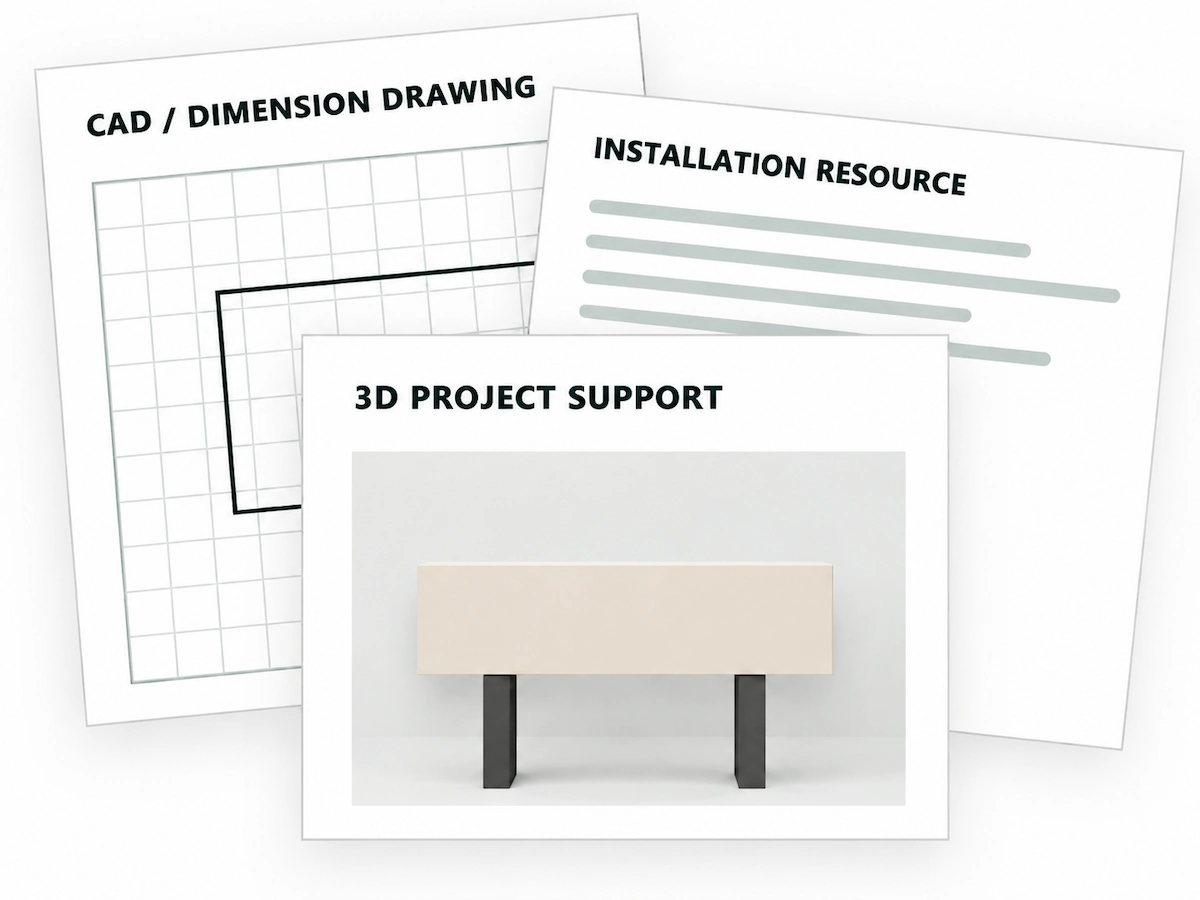
What do you need?
PRODUCT & RESOURCE MATCHING
Identify the Product or Series First
Share the product or series information you have, together with the relevant configuration or project details.
Match the Right Resource
CAD or Dimension Drawings?
We offer two common types of drawing resources: one for 3D design, product placement, and renderings, and the other for reviewing product dimensions and planning layouts.
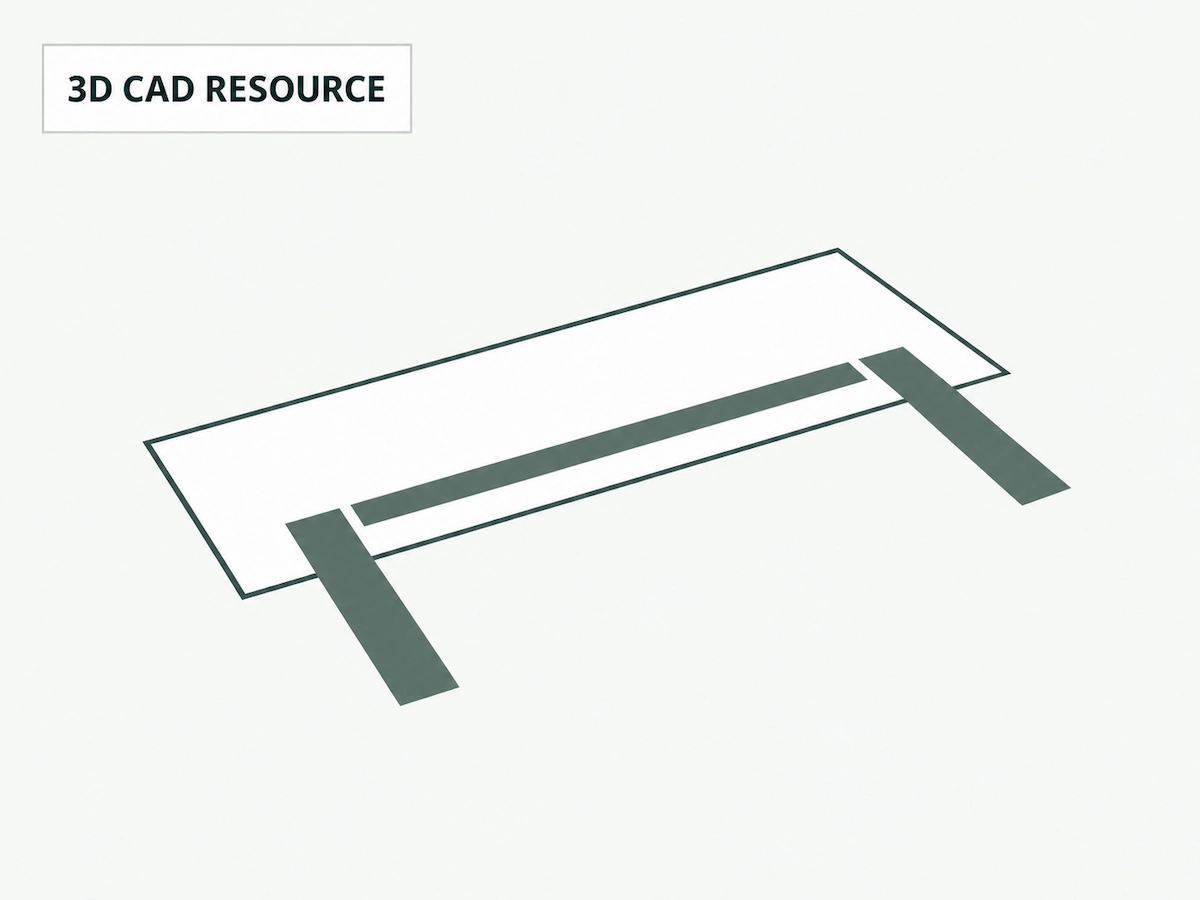
CAD Drawings
For Office Layouts and 3D Design
These CAD resources are typically provided as 3D drawings or models for product placement, design development, and rendering in office projects.
Explore CAD Support
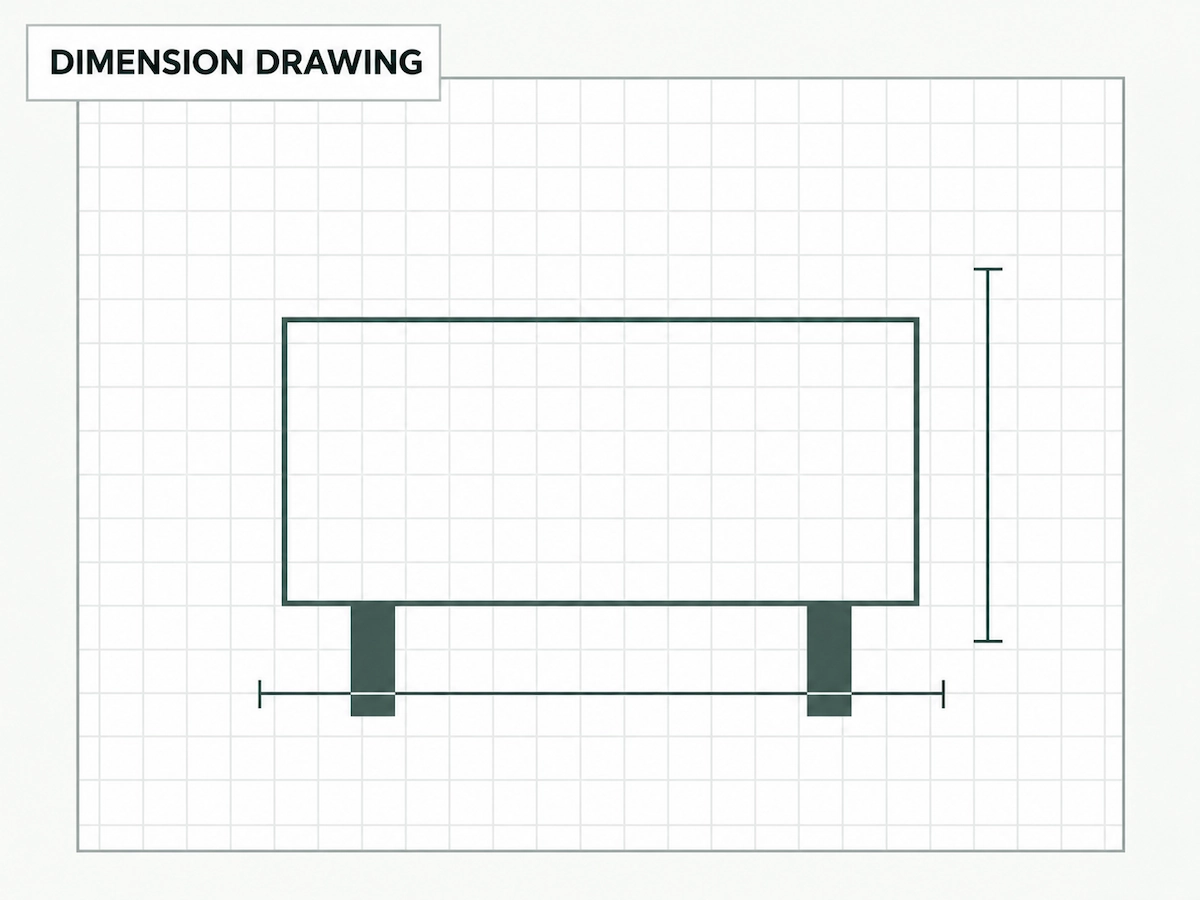
Dimension Drawings
For Product Dimensions and Space Planning
These drawings typically show the overall length and width of standard products, along with dimensions for key components. They are primarily used to verify product dimensions, plan floor layouts, and coordinate space requirements.
Explore Dimension Drawing Support
INSTALLATION GUIDES & VIDEO SUPPORT
Which Installation Resource Do You Need?
Provide the product model and configuration, and we can identify the correct installation instructions and any available installation or packing videos.
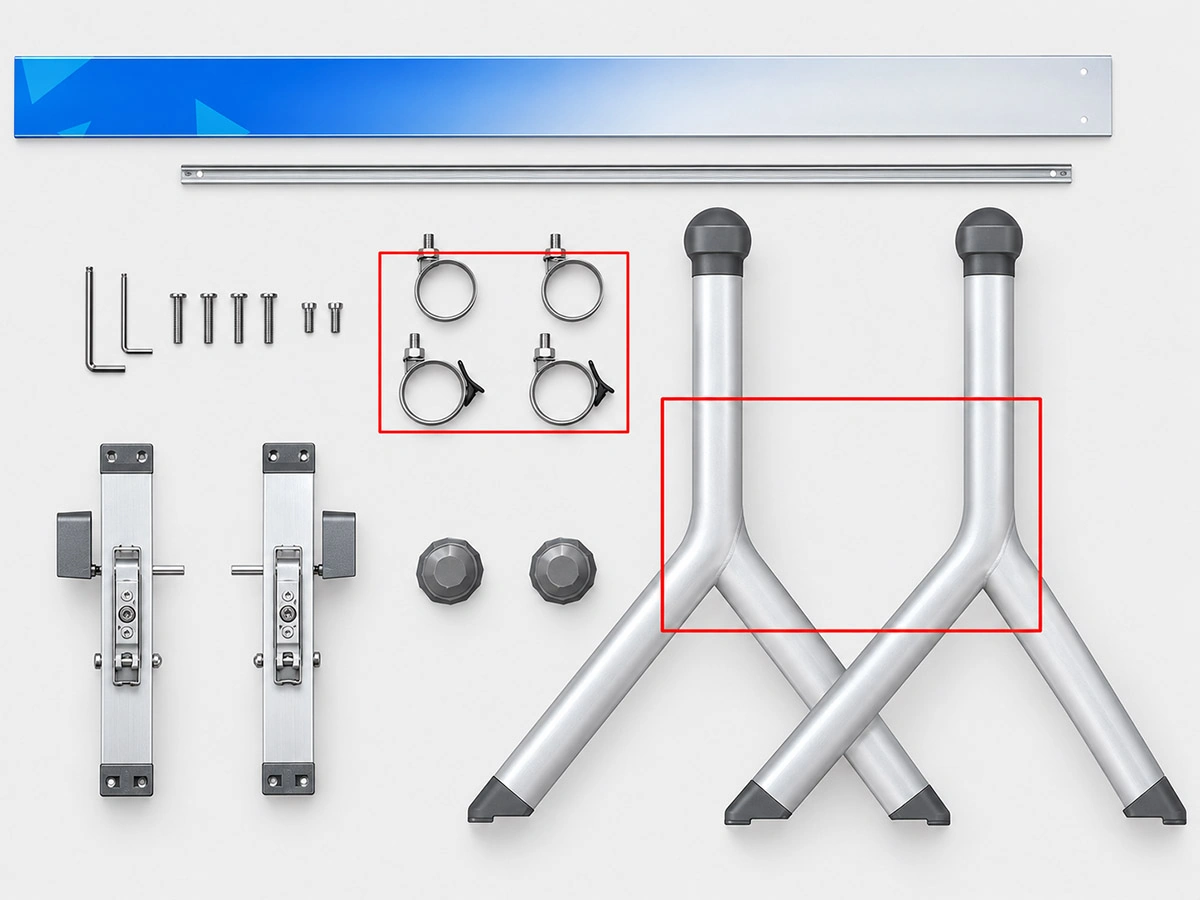
Installation guides
Each product model has its own installation instructions. Please provide the specific model number so we can locate the correct guide.
Find Installation Guides

Installation videos
Installation videos are available for most products and show the installation process step by step. Please provide the specific model number so we can locate the correct video.
Find Installation Videos
PROJECT VISUALIZATION SUPPORT
When Is 3D Visualization Useful?
For specific projects, static 3D renderings can show the proposed product layout and overall appearance. When a more comprehensive presentation is needed, we can also create a 3D video showing the space, product configurations, and different viewing angles.
ACCESSORY COMPATIBILITY & INSTALLATION CHECK
Will Third-Party Accessories Fit Our Table Frames?
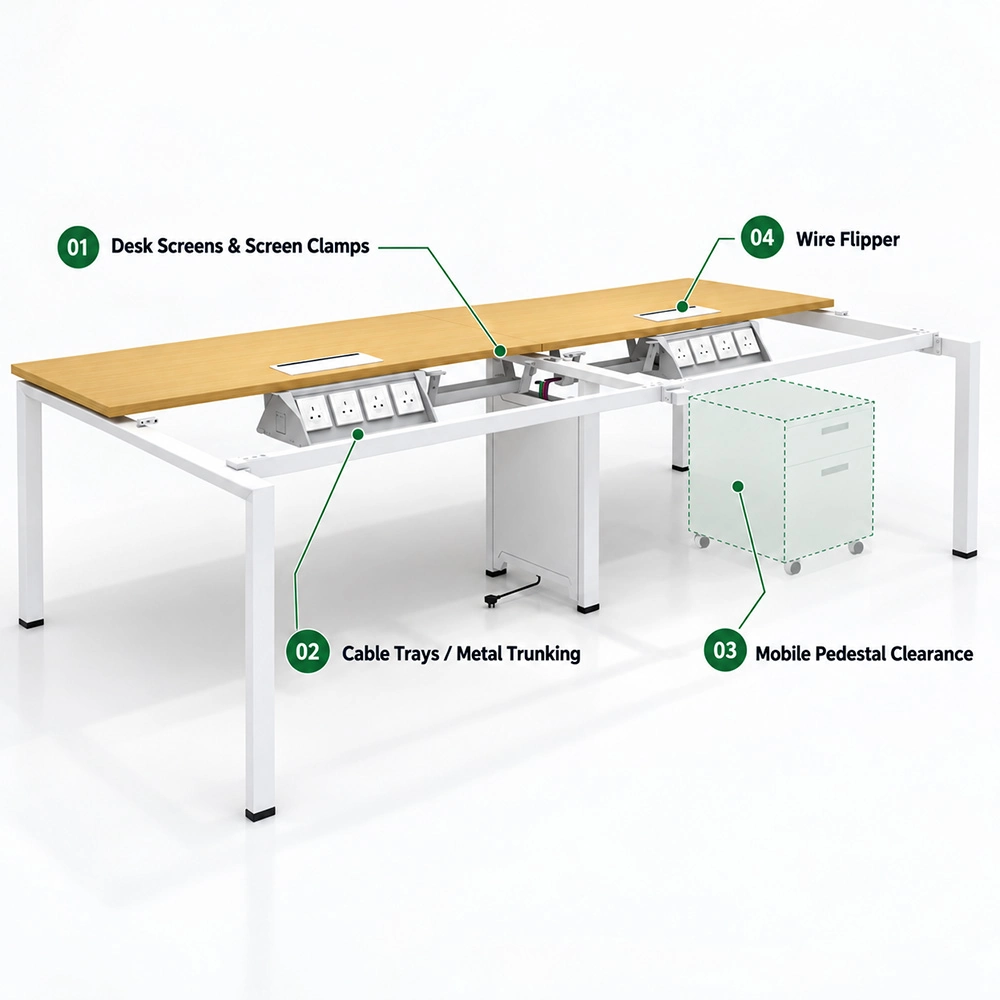
If desk screens, cable trays, mobile pedestals, or other accessories are supplied by another vendor, please provide the relevant dimensions, drawings, or installation details. Before production, we can review the mounting interfaces, hole positions, and required clearances to help reduce the risk of compatibility issues or installation clashes on site.
Desk screens and screen clamps
If the desk screen or screen clamps are supplied by another vendor, please provide the accessory drawings or installation dimensions. We will check whether the clamp positions, mounting interfaces, and required clearances are compatible with the table frame.
Cable trays and installation
Our cable trays are typically installed beneath the crossbeam. If you are using metal trunking from another supplier, please provide the mounting-hole dimensions or installation drawings so we can check whether the holes align with the mounting positions on the crossbeam.
Mobile pedestals
If a mobile pedestal will be placed under the desk, please provide its overall dimensions or a 3D drawing. We will check for interference with the table frame and confirm that the intended position provides sufficient clearance.
Wire Flipper
If the tabletop is produced locally, please provide the Wire Flipper cutout dimensions and location. We will check whether the opening will interfere with the crossbeam below. If the opening conflicts with the crossbeam, we can adjust the crossbeam position during project confirmation.
TECHNICAL SUPPORT
Still Have a Technical Question?
If the available drawings, installation resources, or technical information do not fully answer your question, we can provide more direct support based on the specific issue.

1. Workshop or showroom video
If you need a closer look at a structure, mounting position, accessory interface, or how something works in practice, let us know what you need to confirm. We can record the relevant product or component in our workshop to give you a clearer view of the details.
2. Screen sharing and 3D demonstration
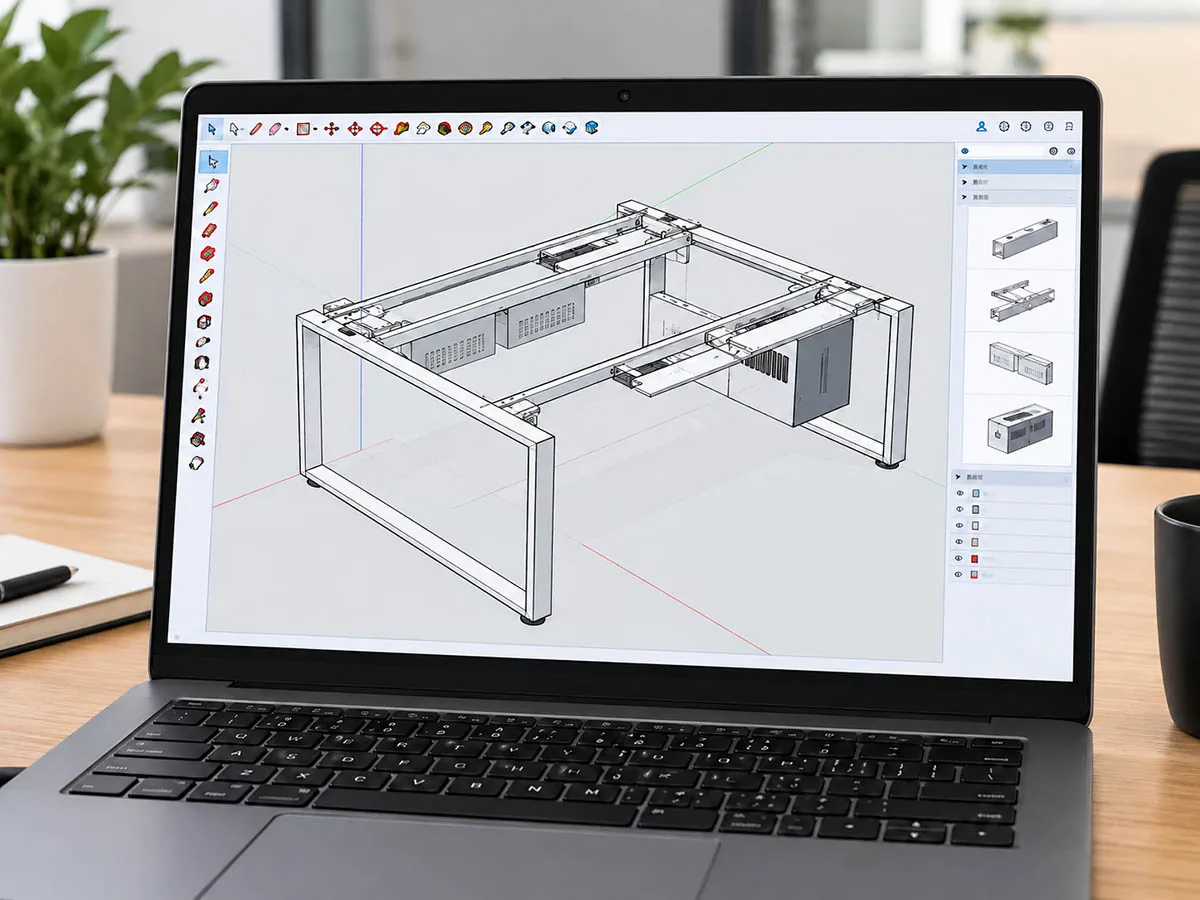
For more complex questions involving product structure, mounting positions, accessory clashes, or layout coordination, we can share our screen during the meeting and use 3D software to explain the structure, show how components fit together, and highlight the areas that need confirmation.

3. Video meeting
If the drawings and videos do not fully resolve the issue, we can arrange a video meeting with our project or technical team.