
DESK FRAME SELECTION, CONFIGURATION & PROJECT REVIEW
Desk Frame Selection, Configuration & Project Review
Choose your preferred desk frame design and share your project requirements. We will review the available drawings and configuration details to confirm the products and configurations needed for your project.
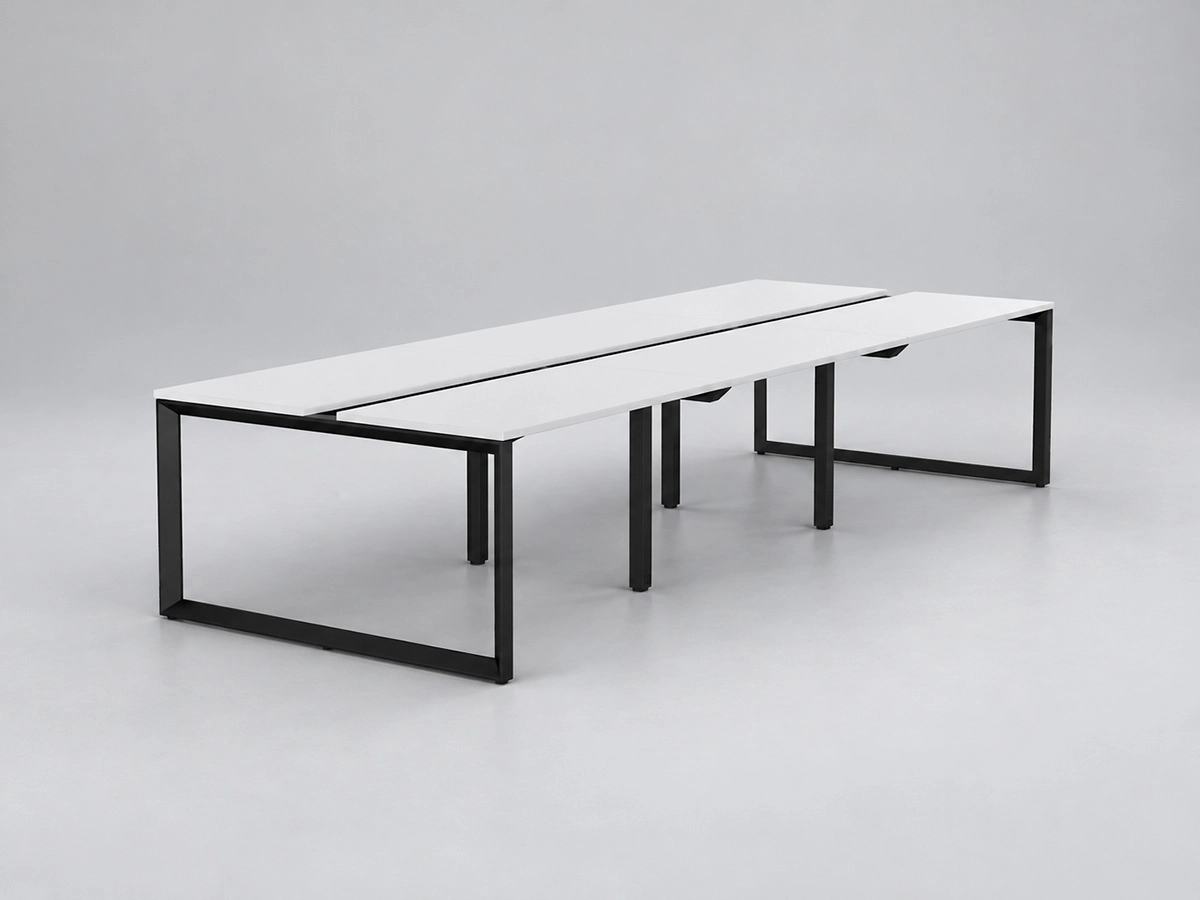
3. Technical & Project Review
We will review the desk frame dimensions, structural layout and support requirements based on your project drawings.
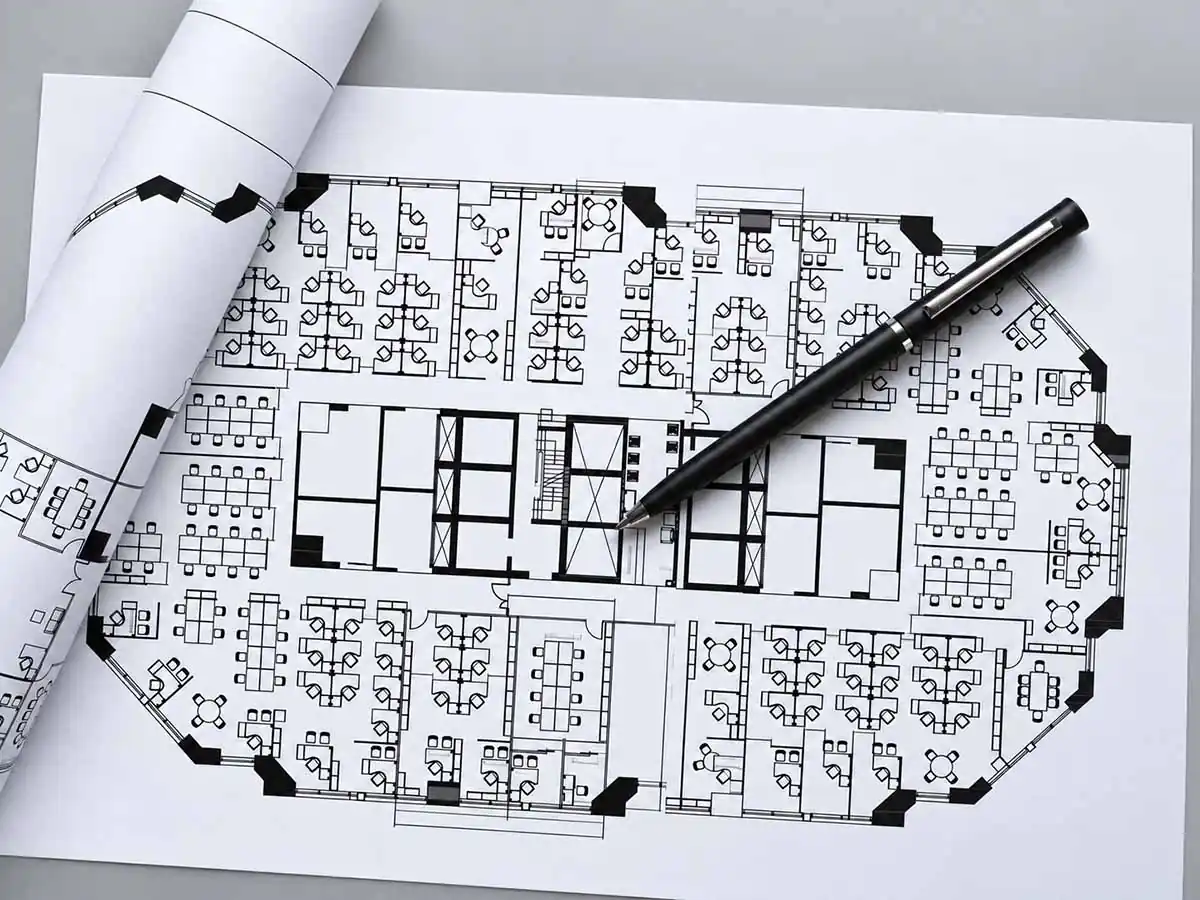
2. Layout Drawings & BOQ
Share your layout drawings and bill of quantities (BOQ), if available. We will check tabletop dimensions, thickness and shape, along with workstation layouts and quantities.
If you do not have a BOQ, we can prepare a detailed product and configuration list based on your layout drawings.
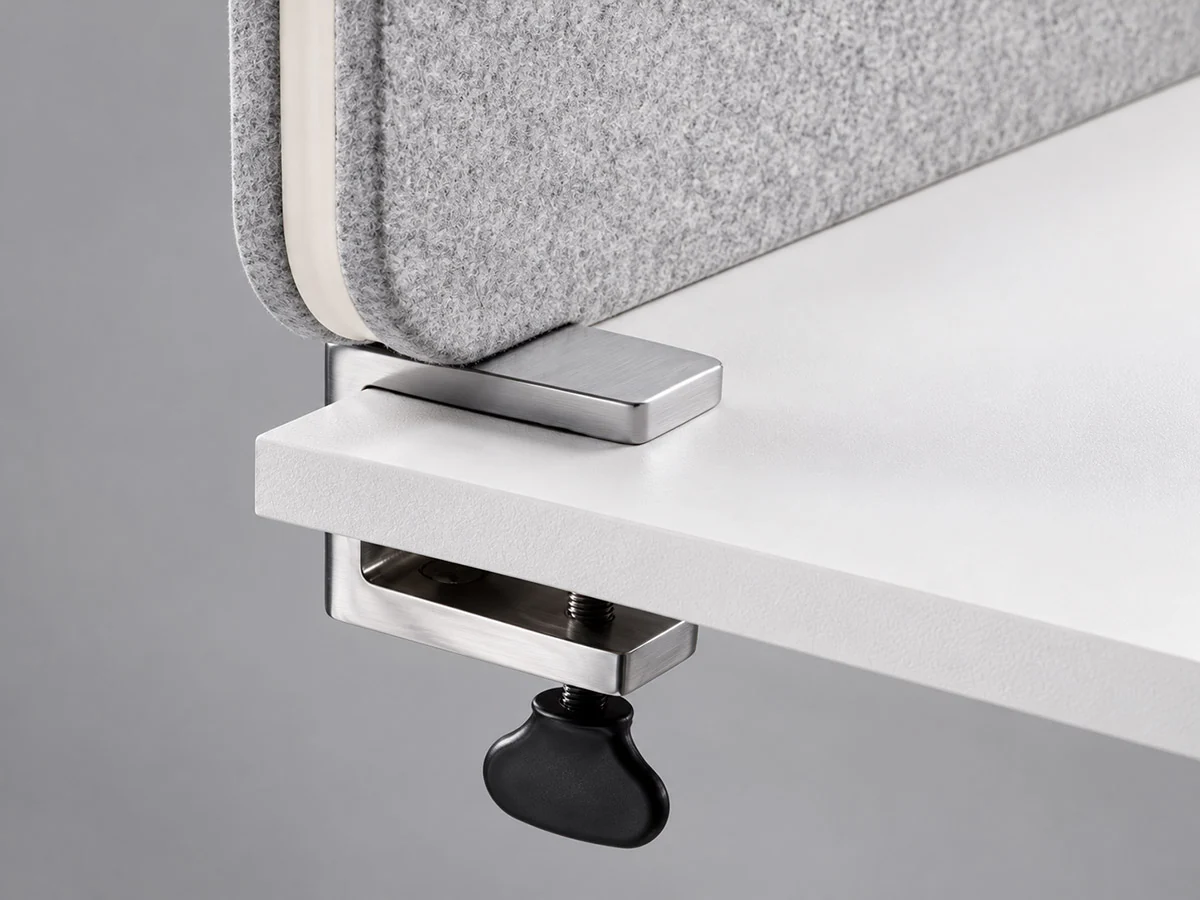
1. Desk Frames & Accessories
Tell us your preferred desk frame design and accessory requirements, including desk screens, fabric colours, screen clamps, Wire Flipper units, and metal or ABS cable trays.
Tabletop Dimensions for Initial Planning
The dimensions below provide a starting point for planning office desk and workstation projects. Specific dimensions will be determined by your project requirements.
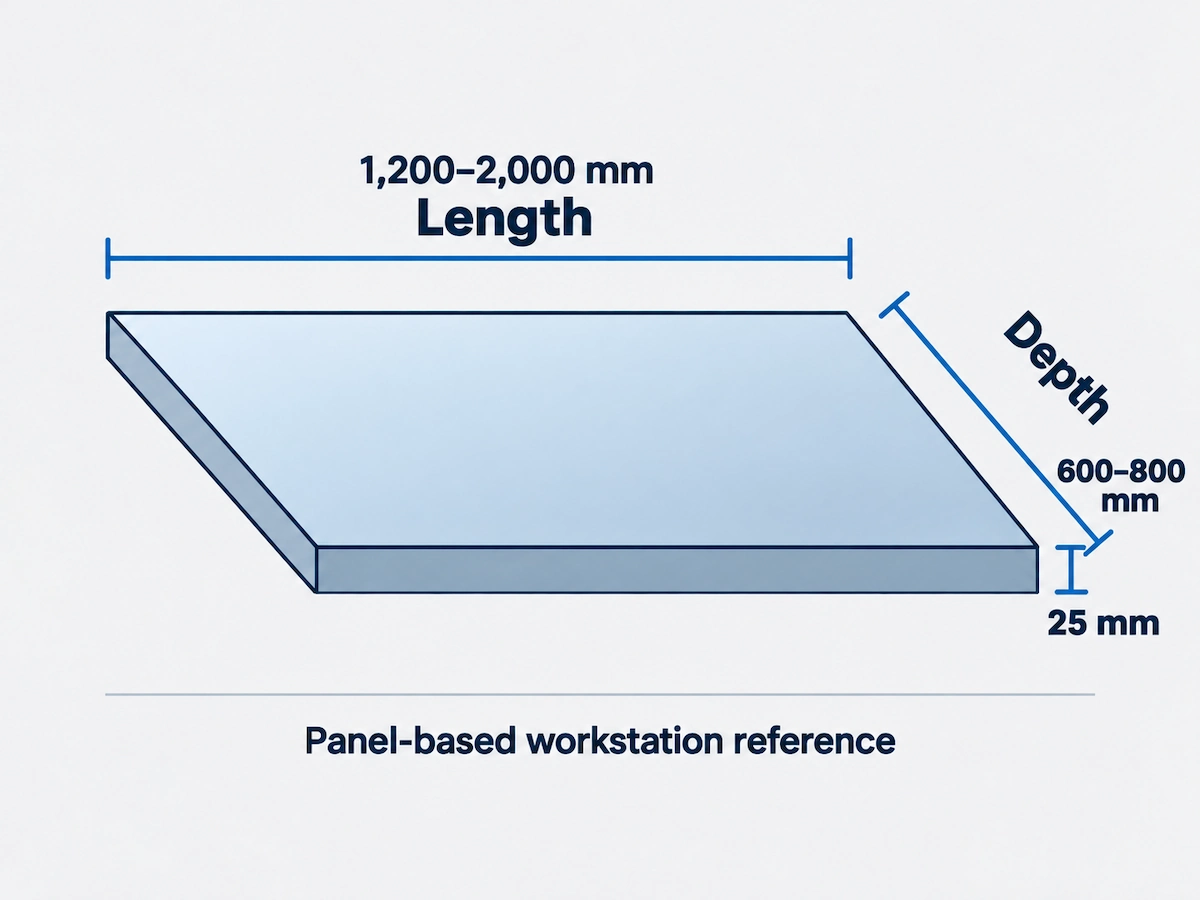
General Planning References
| Tabletop Dimension | Reference | Application |
|---|---|---|
| Length | 1,200–2,000 mm | Workstations with desk screens |
| Depth | 600–800 mm | Workstations with desk screens |
| Thickness | 25 mm | General product range |
Pauer Tabletop Thickness
The Pauer series uses 16 mm tabletops. This thickness applies specifically to the Pauer range.
Plan by Configuration, Not by Dimensions Alone
We review the dimensions and requirements of single desks, manager desks, shared workstations and meeting tables using your CAD layout drawings. For designs outside the usual size ranges, we will check the specific requirements in more detail.
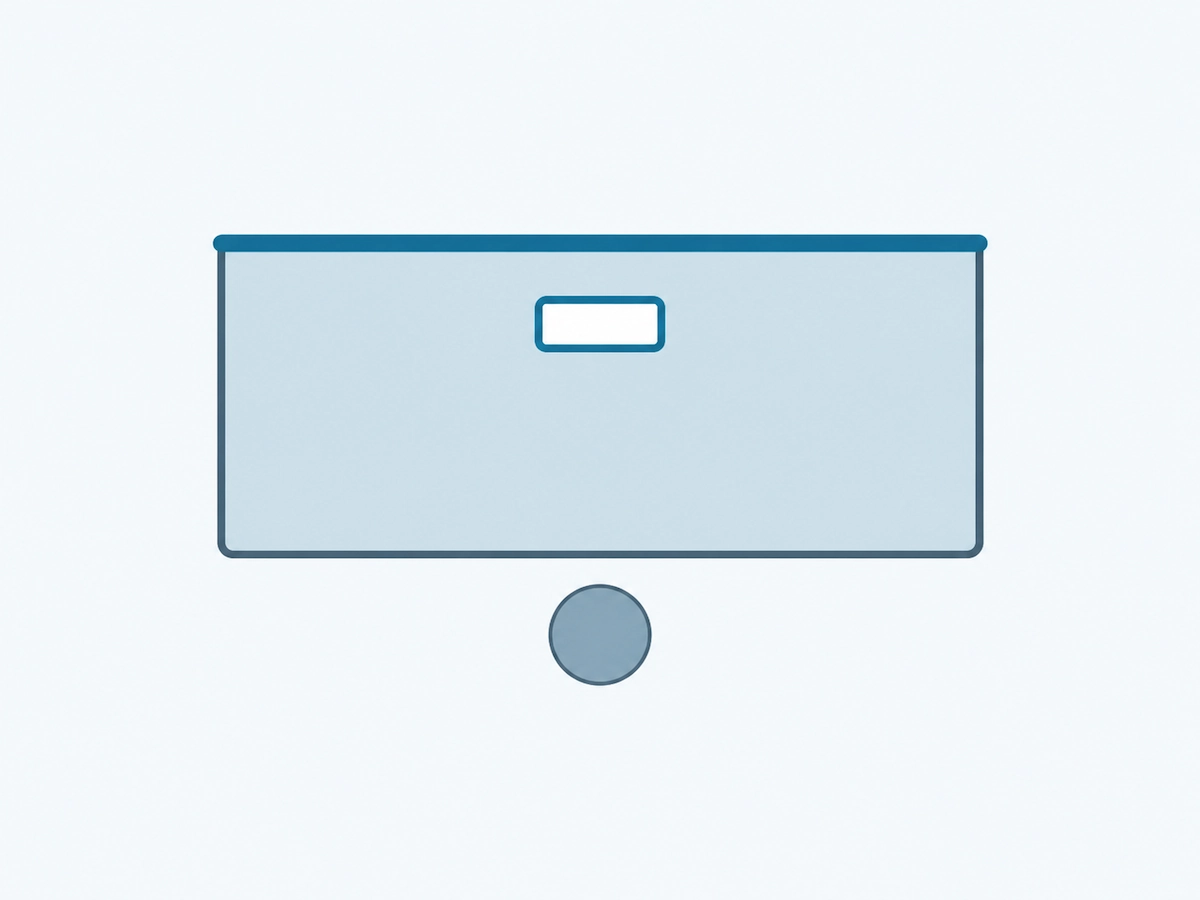
01 / DESK
Single Desk
Check the tabletop and service access for an individual desk.
- Tabletop dimensions and standard-size context
- Desk screen requirements
- Power and cable access
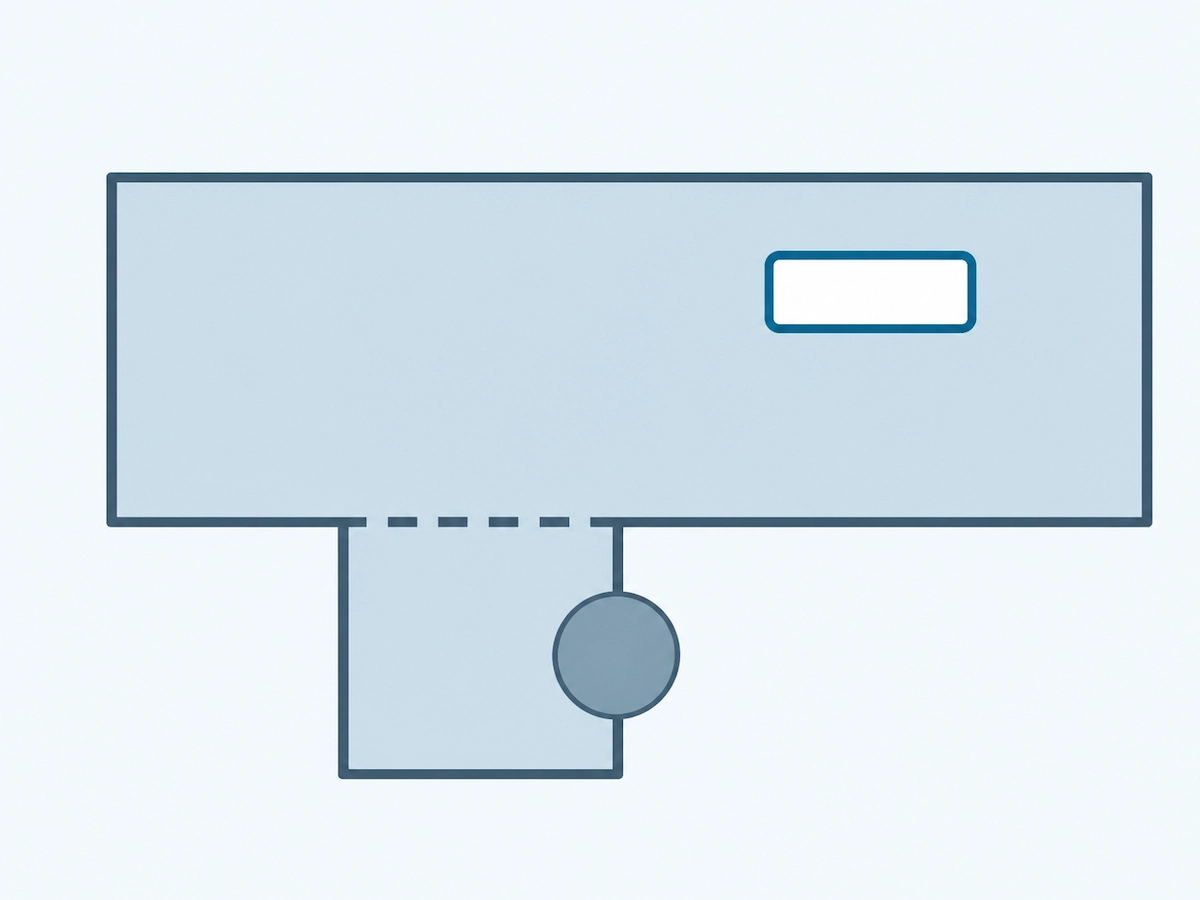
02 / DESK + RETURN
Manager Desk
Review the main desk and side return as one configuration.
- Main desk and return dimensions
- Return height and modesty panel / writing pad
- Power and cable access
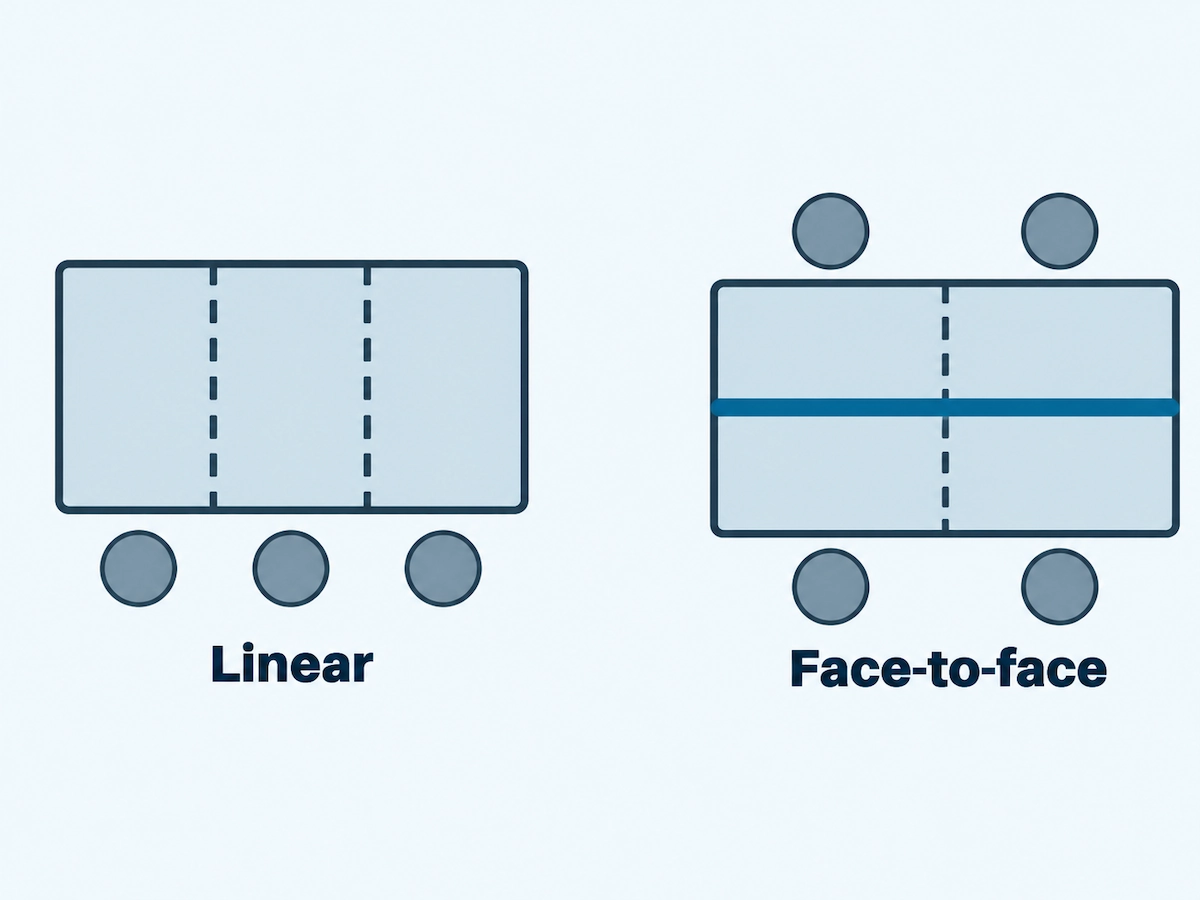
03 / WORKSTATION
Shared Workstations
Compare the proposed workpoint layout and shared requirements.
- Workstation count and arrangement
- Building columns or layout constraints
- Desk screen thickness and mounting method
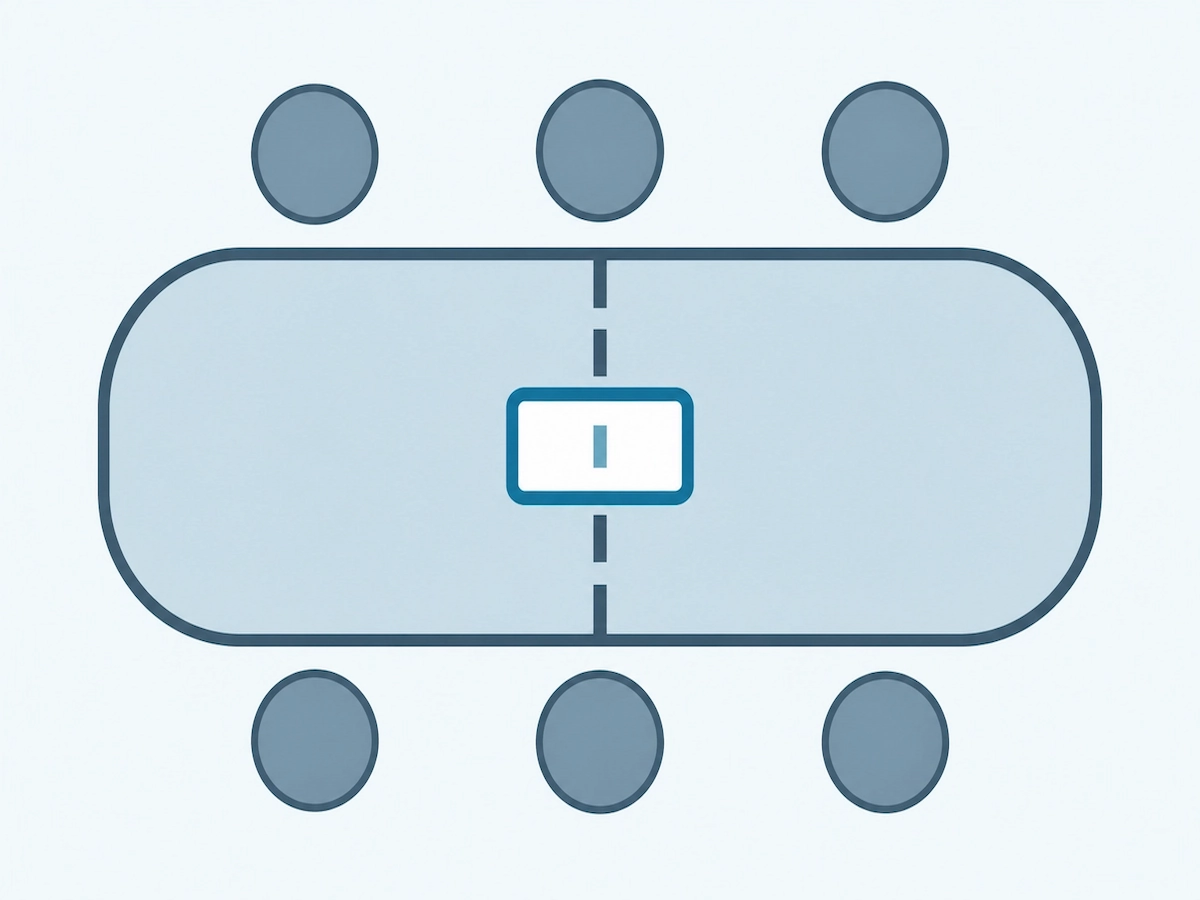
04 / MEETING
Meeting Table
Review the tabletop layout, seating and integrated services.
- Overall shape and dimensions
- Seating arrangement and tabletop sections
- Power / data box locations
05 / LAYOUT
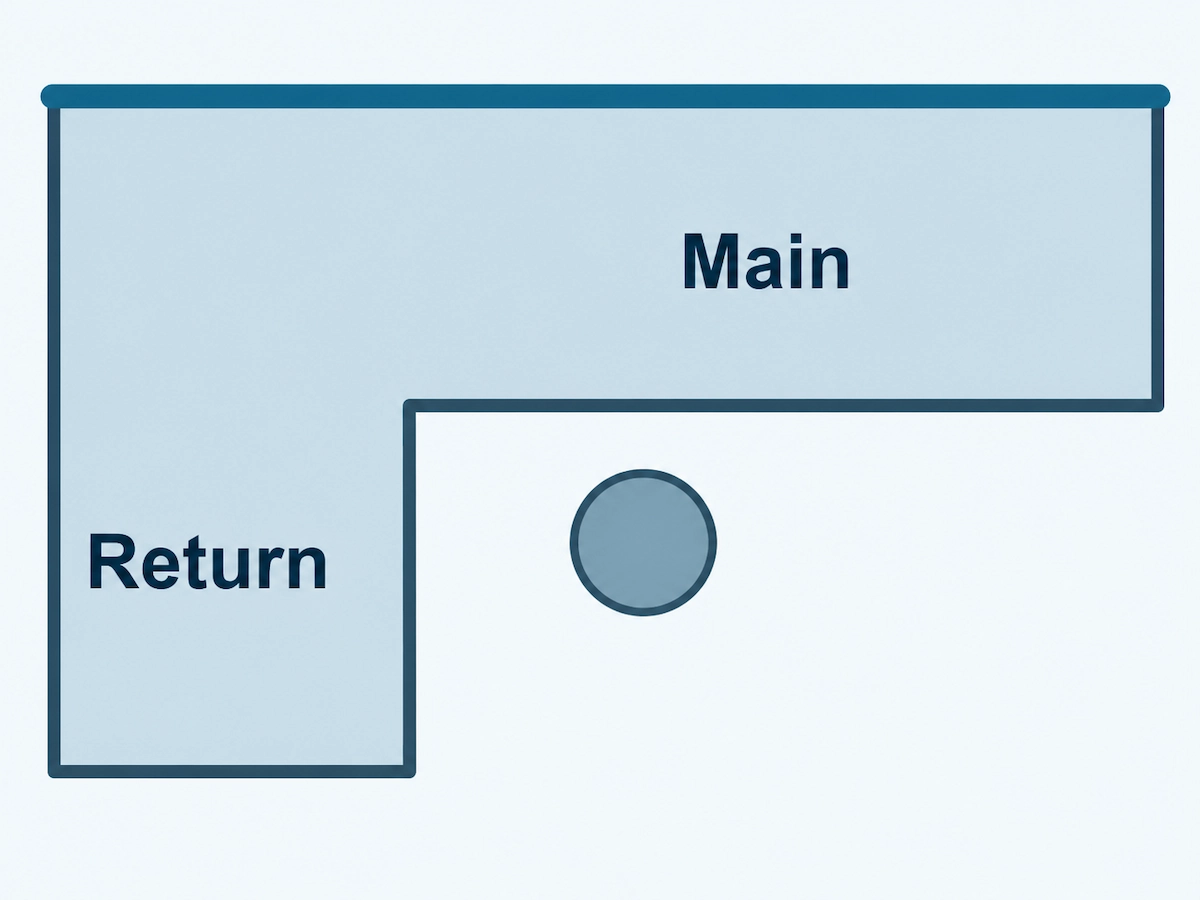
L-Shaped Layout
Identify the main and return sections and their orientation.
- Main desk and return dimensions
- Left- or right-hand orientation (L/R)
- Screen type / thickness and beam arrangement
06 / 120° WORKSTATION LAYOUT
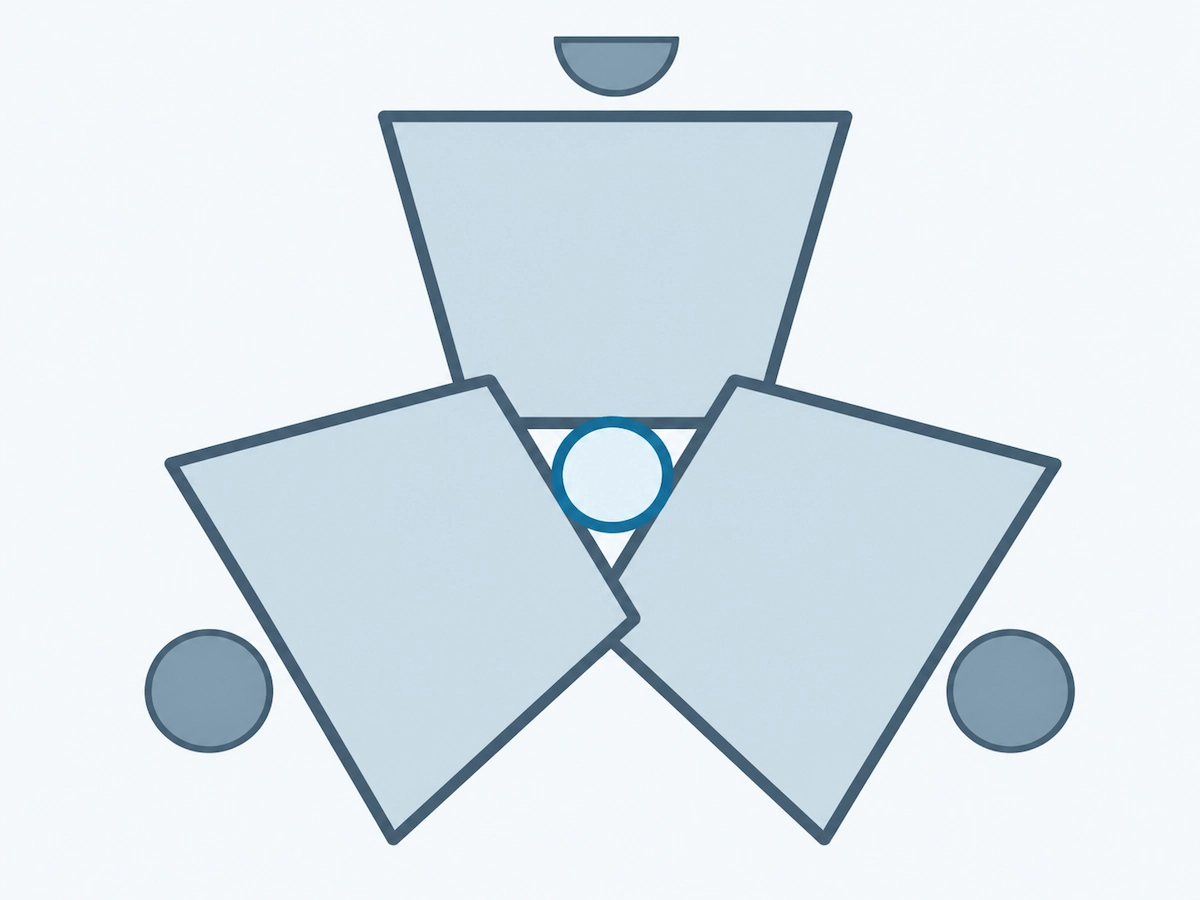
120° Workstation Layout
Review non-rectangular worktop sections and service access.
- Tabletop dimensions and shape
- Any panels exceeding available board size
- Power and cable access
Desk Frame Structure, Crossbeam Configuration & Tabletop Overhang
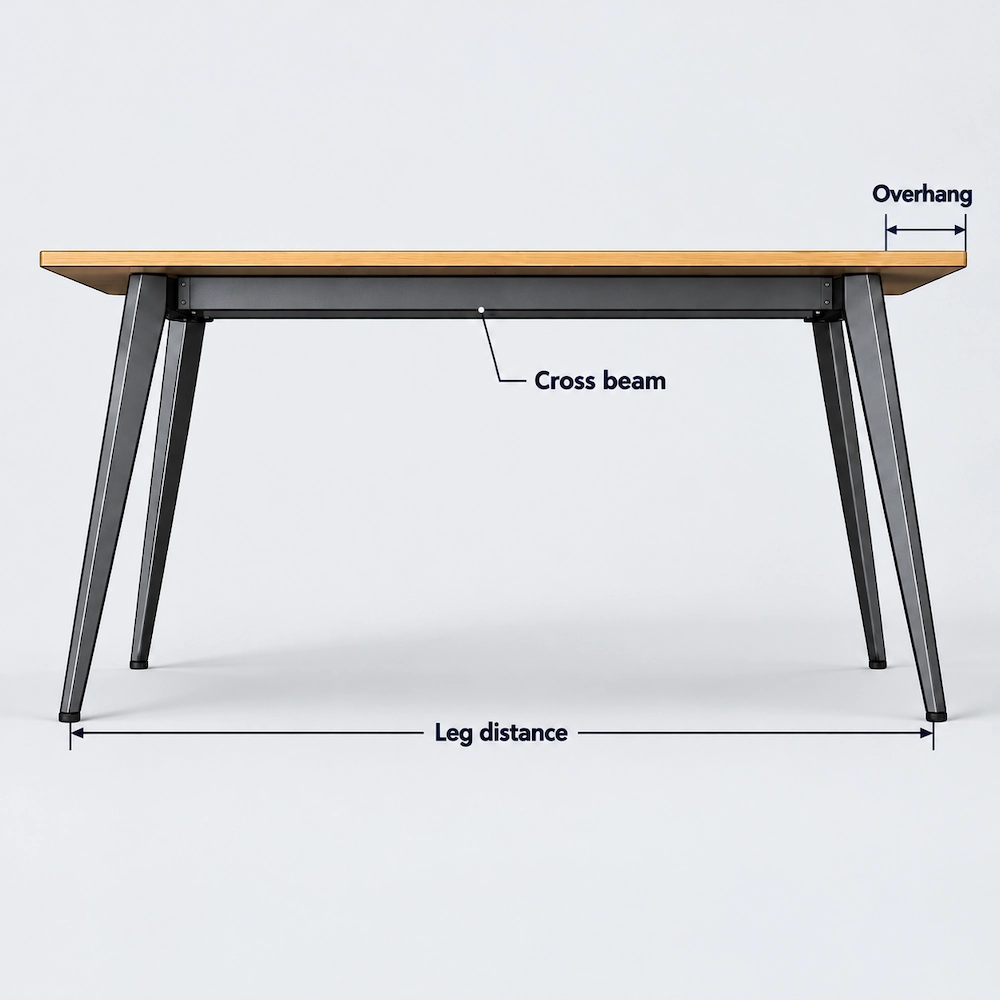
Each desk frame model has its own structural design and dimensional requirements. Using your selected model and project drawings, we check the frame structure, crossbeam configuration and tabletop dimensions to ensure the configuration meets your project requirements.
| Configuration Detail | Description |
|---|---|
| Frame Structure | Desk frame series differ in their leg designs and connection methods. The specific configuration depends on the selected model. |
| Crossbeam Configuration | We confirm the number and length of crossbeams based on the selected frame model and tabletop dimensions. |
| Tabletop Overhang | The portion of the tabletop extending beyond the outer frame supports. The overhang dimensions are determined by the frame design and may vary between models. |
| Frame Arrangement | We confirm the frame configuration and installation method for each workstation based on the project layout and selected model. |
Project Configuration Review
Using the selected frame model, tabletop dimensions and CAD layout drawings, we check the crossbeam configuration, frame positions and how the workstations need to be connected and arranged.
Desk Frame Series for 120° Workstations
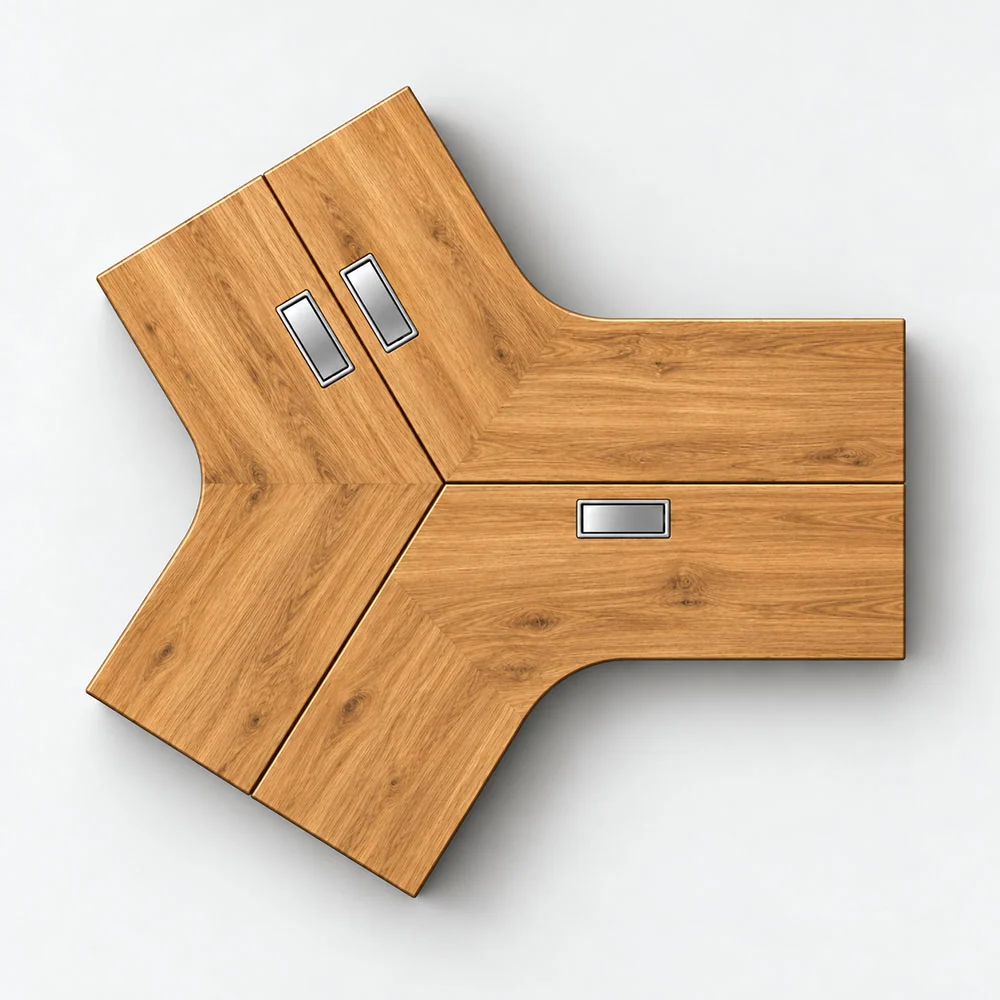
Below is a selection of Onmuse desk frame series that support 120° workstation configurations. Frame arrangements, tabletop dimensions and connection methods may vary by series and project.
Pauer and England: These series do not currently support 120° configurations.
Project Configuration & Product Details
Onmuse currently offers 62 product series, most of which can be used for 120° workstation configurations. Cable routing, crossbeam quantities and structural configurations vary between series.
We will provide the appropriate product configuration and technical details based on your project layout and selected desk frame model.
Configurations for Large Desks, Custom Tables & Conference Tables
Large office desks and conference tables can be planned around the selected desk frame series and existing product configurations. For projects involving dimensions outside the usual range, special structural requirements or custom features, we will assess the specific requirements in more detail.
Project Layout → Frame Configuration → Confirmation of Product Details
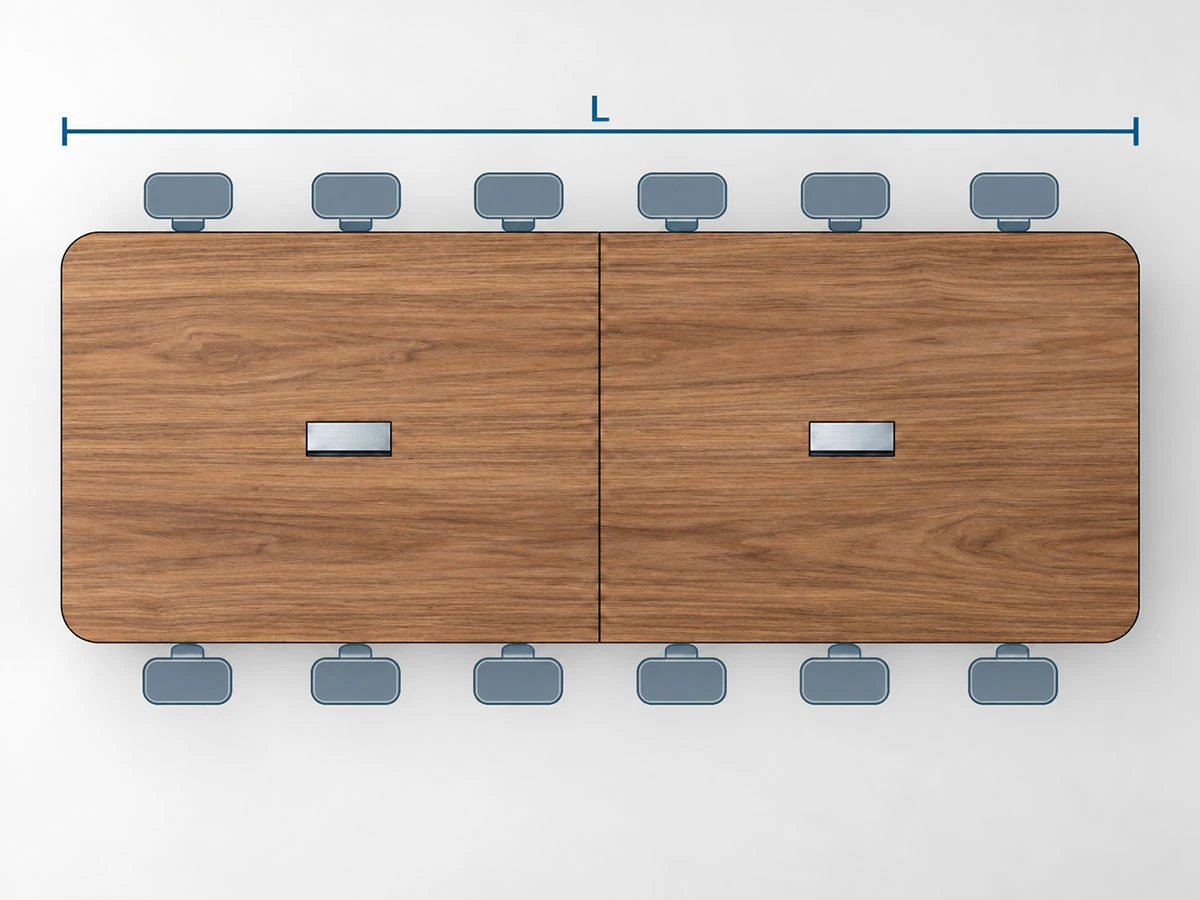
1. Project Layout & Tabletop Requirements
We review your CAD layout drawings and BOQ to understand the tabletop dimensions and shape, how the tabletop is divided into sections, the seating arrangement, and power and cable requirements.
For layouts involving multiple tables, we also confirm how the tables are arranged and connected.
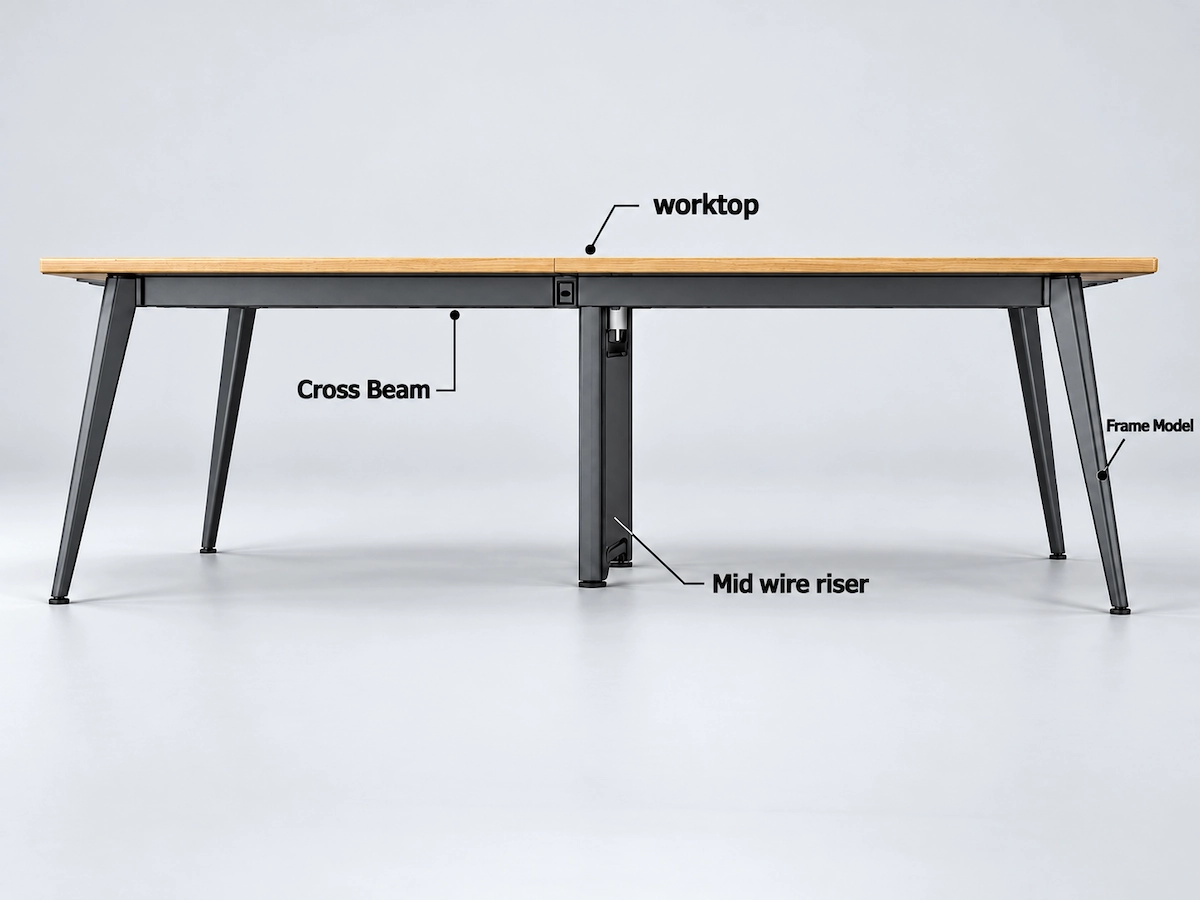
2. Desk Frame & Accessory Configuration
For the selected desk frame series, we provide the corresponding legs, crossbeams, connection components and cable management options.
Each series has its own structural design and dimensional requirements. The configuration is determined by the selected product model and your project requirements.
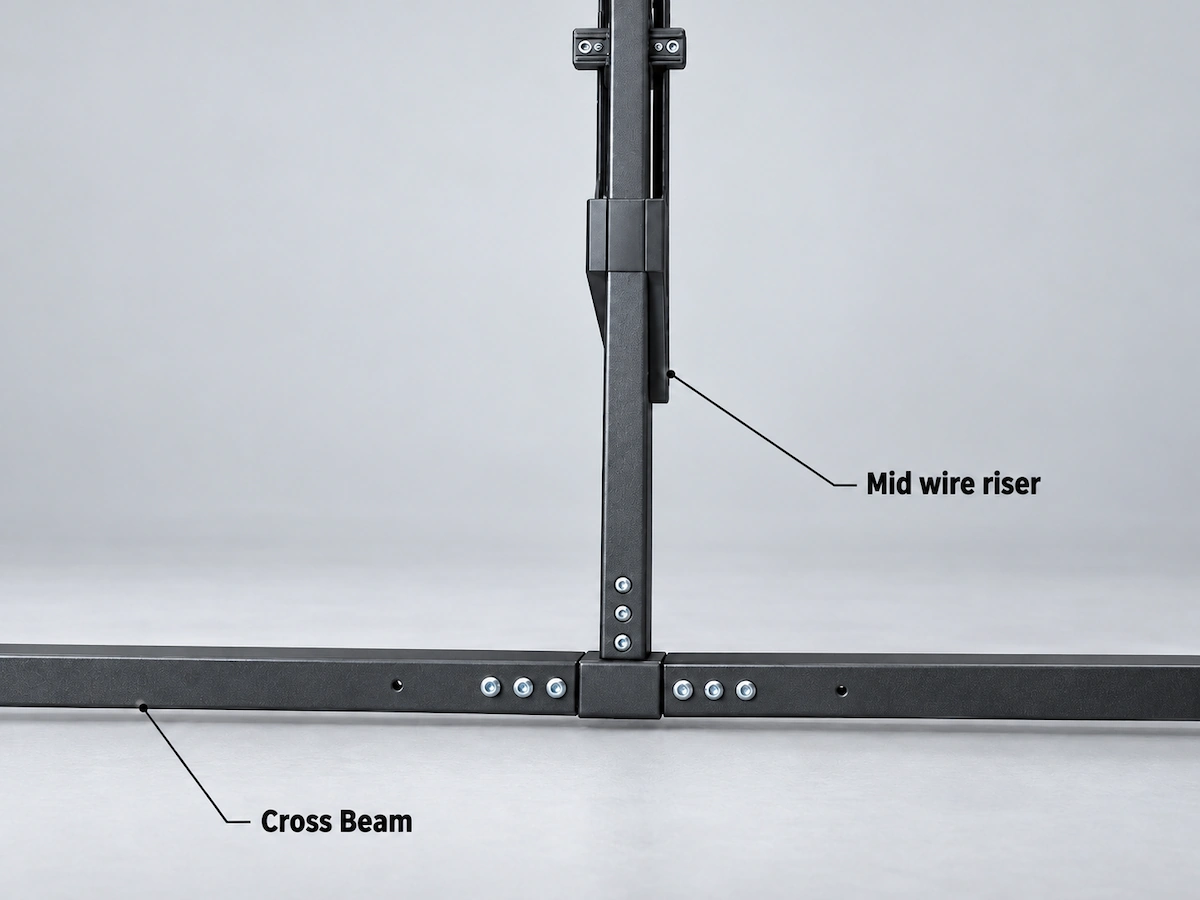
3. Non-Standard & Custom Requirements
For projects involving tabletop dimensions outside the usual range, special connection designs or custom features, we assess technical feasibility against your specific requirements and confirm the details with you.
For standard products and configurations, we provide a suitable configuration based on existing product specifications.
Key Considerations in Desk Frame Design
Desk frame stability, connection details, installation methods and accessory configurations are generally established during product design. Each desk frame series has its own structure, materials and features to accommodate different desk and workstation configurations.
| Design Consideration | Key Details |
|---|---|
| Tabletop Dimensions & Compatibility | Frame designs take common tabletop dimensions and mounting methods into account. For tabletops smaller than 1,200 × 600 mm, suitability needs to be checked for the specific frame model. |
| Structural Stability | Leg design, crossbeam connections and overall stability are considered during product design. If your project has special stability requirements, we can discuss these in more detail. |
| Assembly & Installation | The design takes component connections, assembly steps and ease of on-site installation into account. |
| Materials & Structure | Desk frame series use steel, aluminium alloy or die-cast components, with structural designs and appearance varying between series. |
| Cable Management & Accessories | Cable trays, Wire Flipper units, desk screens and related mounting accessories are configured to suit the frame structure. |
Standard Configurations & Custom Requirements
For standard projects, we can provide the appropriate product configuration and technical documentation based on your chosen desk frame design and layout drawings.
For non-standard dimensions, special structural requirements or custom features, we will assess feasibility against your specific requirements.
Prepare Your Project for Review
Share your available drawings and configuration details so we can review the selected desk frame against your project requirements. If some details are still undecided, highlight them for discussion.
Layout & Drawings
CAD drawings or layout plans showing the table arrangements, seating positions and planned number of users.
Products & Quantities
Preferred desk frame series, required configurations and quantities, or a BOQ if available.
Tabletop Details
Dimensions, shape and thickness, including any separate sections or joints.
Power & Accessories
Cable management, power access, desk screens and other accessory requirements.
Outstanding Technical Questions
Any support arrangements, mounting details, model-specific specifications or custom requirements that still need confirmation.
Review the Details with Us
Share the information you have, along with any project constraints or requirements that need particular attention. We will review the proposed configuration and clarify which product or technical details need to be confirmed.
Discuss Your Desk Frame Project