
Start With Product Type, Quantity and Configuration
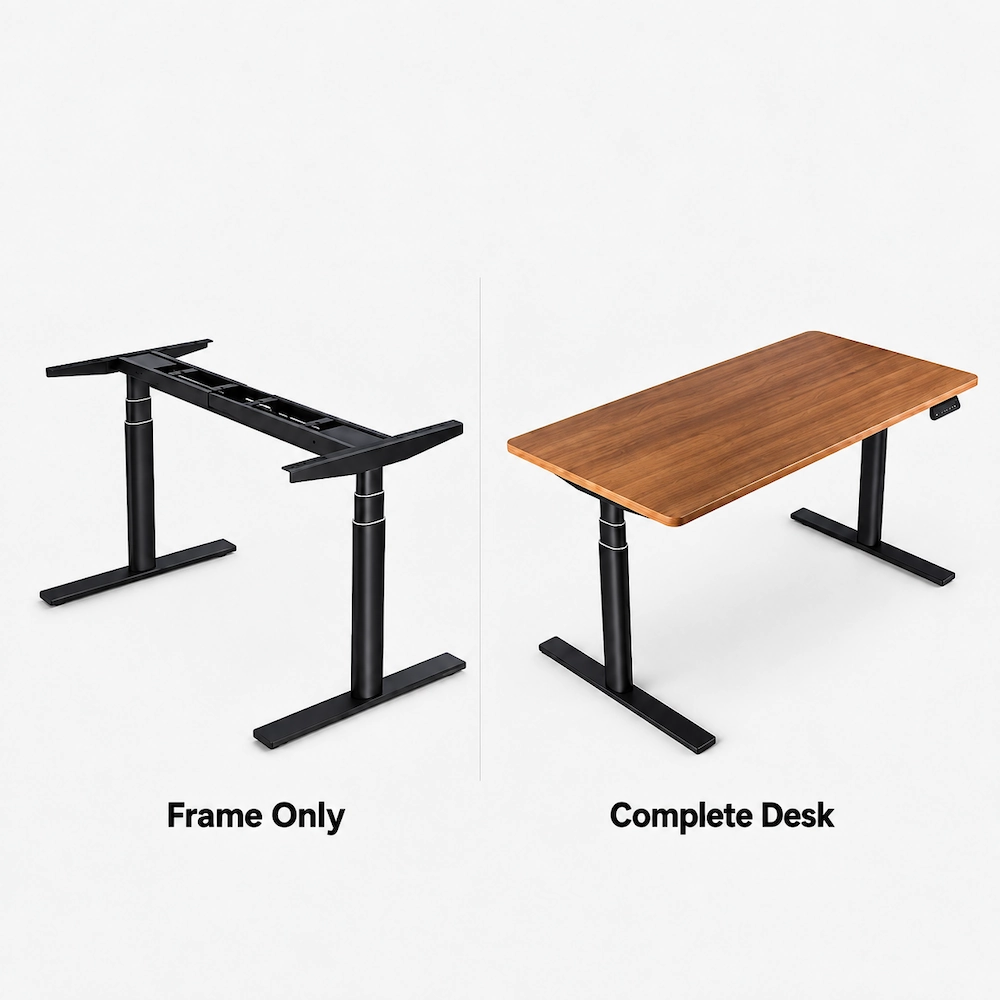
Planning a bulk standing desk order? Start with the product format you need, your estimated quantity, and the main configuration requirements.
| Your decision | What to specify |
|---|---|
| Product | Desk frame, complete height-adjustable desk, or another required supply format |
| Quantity | Estimated units and any planned batches or project phases |
| Configuration | Size, desktop requirements, finish, controls, accessories, and other key options |
If the exact model has not yet been selected, start with your application and must-have requirements.

Know What Is Checked Before Your Bulk Order Is Released Inspection Coverage
Confirm what needs to be checked, from dimensions and finish to functions, electrical components, accessories, labels, and packing.
For applicable bulk orders, quality checks can take place at relevant stages based on the product and configuration. Pre-shipment inspection may use AQL-based sampling, with the sampling scope confirmed for the specific order and order size.
The inspection records or supporting materials available for buyer review are confirmed on an order-by-order basis.
Start With the Market. Match the Power Setup and Documents to Your Order
For a bulk order, the destination market affects what needs to be confirmed—from the plug and voltage to the supporting documents for the order. The exact desk and electrical configuration matter too: documents for a similar model should not be assumed to cover the product you are ordering.
Destination Market
If the Configuration Changes
If the model or a relevant electrical component changes, check which documents still apply before the order is finalized.
To get started, share the destination market, model or product family, required plug and voltage, and any reports, certificates, or labels your project requires.
Define the Order Before You Plan Samples, MOQ and Timing
Use the product or configuration you are planning to order as the starting point, then add the order-specific options, documents, and delivery requirements that may affect sampling, minimum order quantities, and production timing.
Complete the Order Details
Plan Samples, MOQ and Timing
Product & Quantity
Confirm the model or configuration, estimated quantity, and any planned follow-on batches.
Sample
Confirm whether a standard or customized sample is needed and what must be approved before production.
Customization
Specify the finish, branding or labeling, desktop requirements, packaging, and other order-specific options.
MOQ
Confirm the minimum order requirement for the selected product and customization.
Documents & Delivery
Include any required inspection documents, certificates, or labels, together with the destination and key delivery requirements.
Timing
Set the target order or project schedule. Production timing is confirmed for the actual quantity, configuration, and customization.
Pack for Shipping. Plan for Receiving
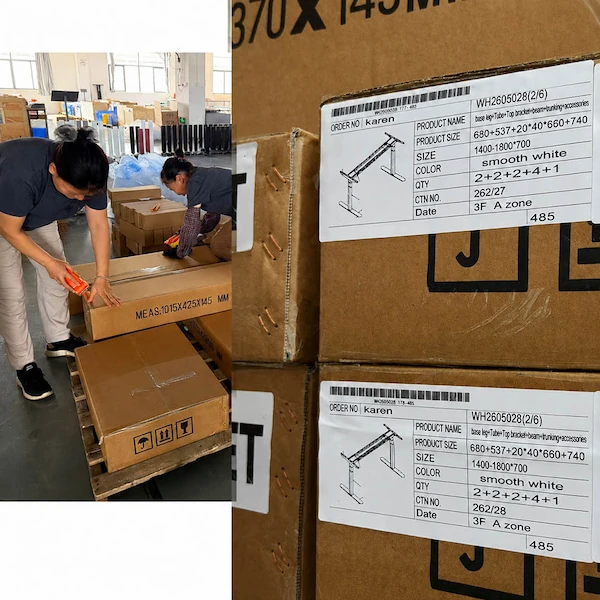
A bulk shipment should be planned from both ends: how the order leaves the factory and how the receiving team will identify and receive it at the destination.
What Needs to Line Up Before Shipment?
Packing photos or other order-related records can be discussed when they are needed for shipment or receiving review.
Discuss Your Delivery Requirements
Match Support to What Comes Next
Different buyers need different information to move a bulk order forward. Identify the next task, then note what is already confirmed and what still needs confirmation.
What Support Is Needed?
What Still Needs to Be Confirmed?
| Order area | Status |
|---|---|
| Product, configuration, quantity & market | Confirmed / To Confirm |
| Sample & customization | Confirmed / To Confirm |
| Required documents | Confirmed / To Confirm |
| Packaging & delivery | Confirmed / To Confirm |
| Support requirements | Confirmed / To Confirm |
Items marked To Confirm can be addressed in the next discussion.