
Standing Desk Ergonomics and Benefits: What the Evidence Supports
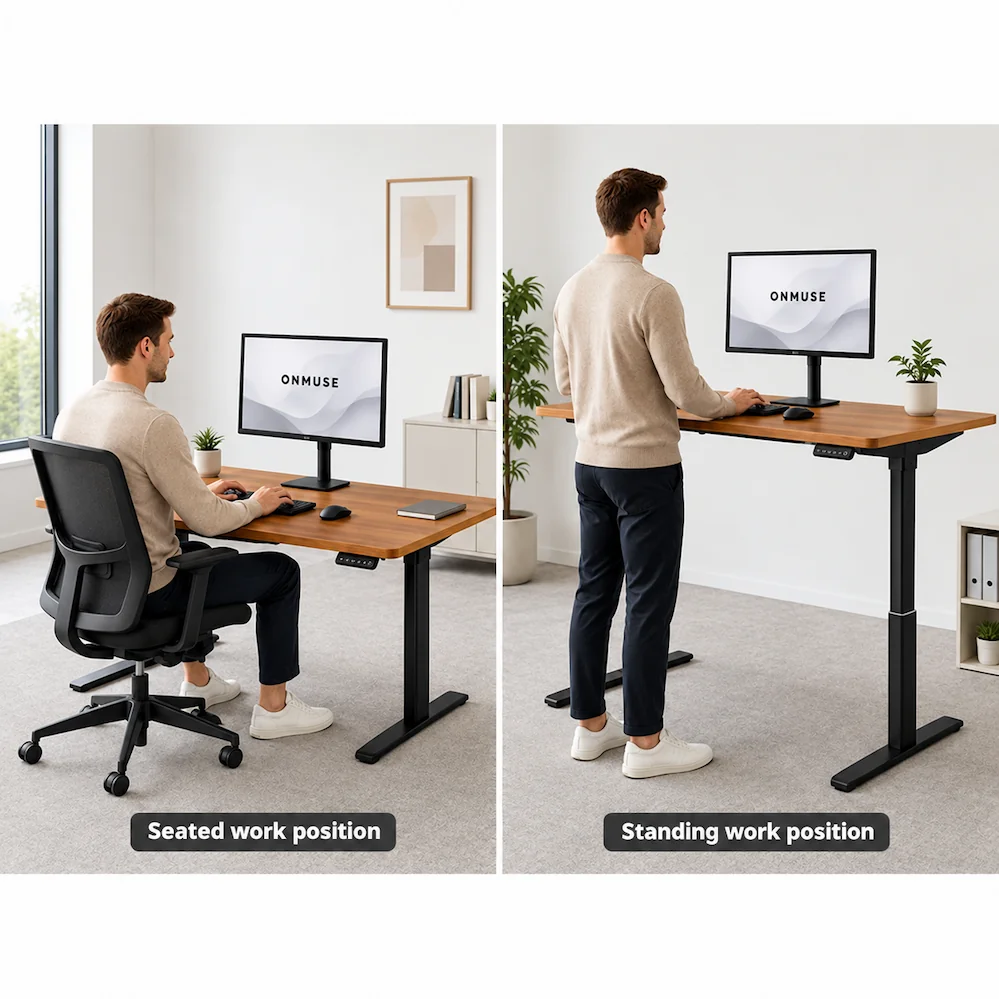
A sit-stand desk makes it easier to alternate between seated and standing work at the same workstation. Its practical value comes from supporting posture and task variation, but height adjustability alone does not guarantee better health, comfort or performance.
Whether a standing desk fits the intended user and work setting depends on the required working positions, user or user range, work tasks, desktop, equipment, available clearance and control setup. The sections below explain how to interpret standing-desk evidence, which user and setup factors affect fit, and how to use sit-stand adjustment without treating standing as the goal.
Written by: Shijun Li
Product and configuration review: Onmuse Product Engineering
Review method: Systematic reviews were prioritized over individual promotional studies. Product facts were reviewed separately against current product documentation.
Last substantive review: August 4, 2026
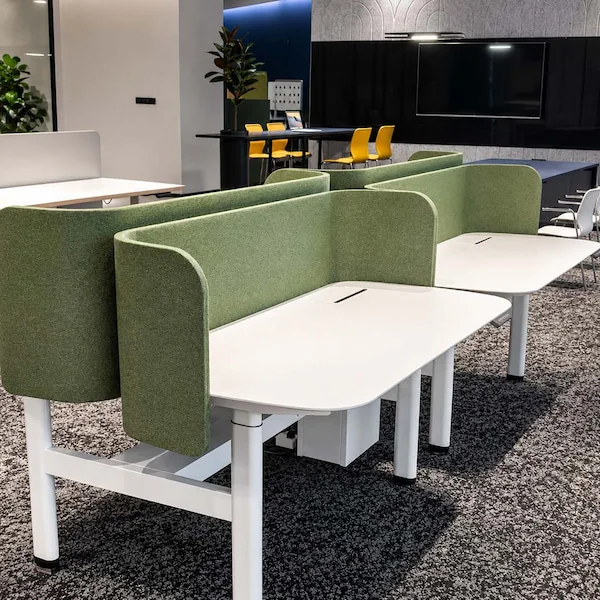
Standing Desk Benefits: What the Evidence Supports
Evidence for standing-desk benefits is not equally strong across all outcomes. Research most consistently supports reduced workplace sitting. Findings for discomfort, productivity, weight loss and long-term health outcomes are mixed, limited or do not establish a direct benefit.
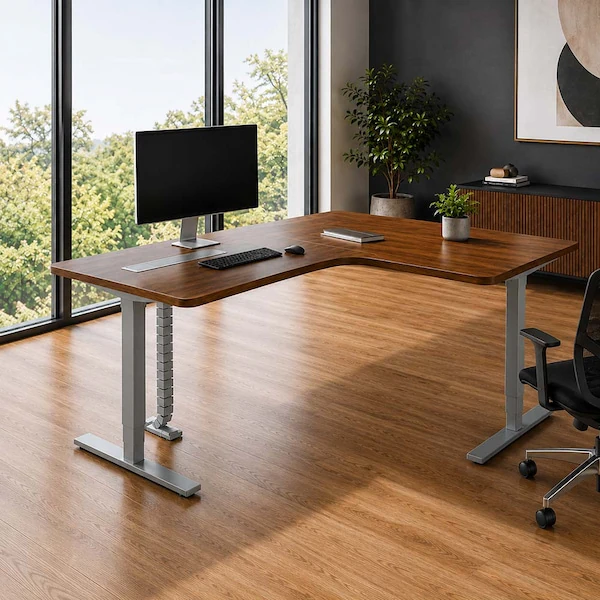
| Benefit Topic | Evidence Summary |
|---|---|
| Reduced workplace sitting | Systematic reviews generally report less workplace sitting with sit-stand desk interventions, although the size of the reduction and its long-term consistency vary. |
| Pain or discomfort | Some studies report lower discomfort, but the findings are mixed and do not support a universal pain-relief claim. |
| Productivity | Reviews generally find no clear loss of work performance, but consistent productivity gains have not been established. |
| Calories and weight loss | Standing uses only slightly more energy than sitting and should not be presented as a weight-loss strategy. |
| Long-term health | Replacing some sitting with standing can make it easier to change working posture, but standing is not exercise and does not establish disease prevention. |
Research Sources
Shrestha N, et al. Workplace interventions for reducing sitting at work. Cochrane Database of Systematic Reviews. 2018.
Baker NA, Chambers AJ, Robertson MM. The Effect of Sit-Stand Desks on Office Worker Behavioral and Health Outcomes: A Scoping Review. Applied Ergonomics. 2019.
Silva H, et al. The Impact of Sit-Stand Desks on Full-Day and Work-Based Sedentary Behavior of Office Workers: A Systematic Review. Human Factors. 2025.
Standing Desk Fit: What to Check Before Selection
A standing desk cannot be judged by user height alone. User needs, work tasks, desktop setup, equipment and available clearance all affect whether the workstation can support practical seated and standing use.
Clearance and Individual Requirements
Check chair or foot-support needs, under-desk clearance, cable movement, drawers, CPU holders, nearby obstructions, and any mobility, reach or accommodation needs.
These are selection inputs, not a confirmation that a particular desktop, frame or complete desk will fit the proposed setup.
For exact desktop, fixing, load and frame compatibility, see Standing Desk Tabletop Compatibility and Size Options.
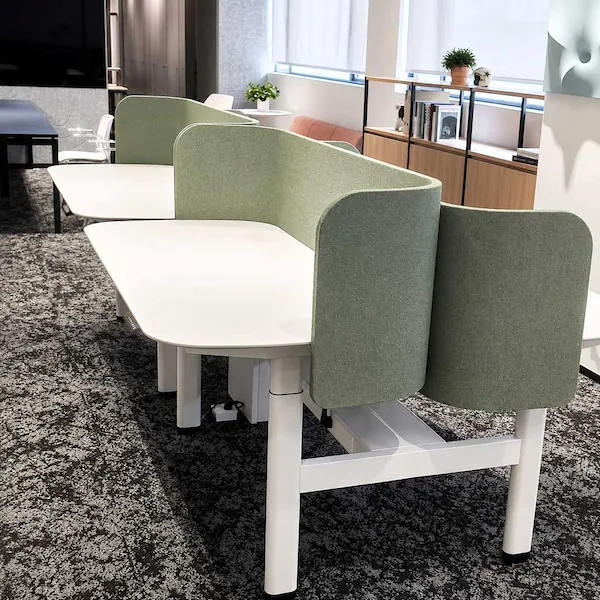
How Use Conditions Affect Standing Desk Fit
User range, working positions, equipment and adjustment needs help determine what should be checked before selecting a standing desk.
| Use Condition | Why It Matters |
|---|---|
| Single or Shared Use | Shared use requires a working range that can accommodate different users. |
| Working Range | Compare two-stage and three-stage options by usable working range and measurement basis—not as quality levels. |
| Equipment & Stability | Desktop and equipment loads affect the setup review. Load rating alone does not confirm stability. |
| Adjustment & Controls | Control convenience is a selection input. Specific functions must be confirmed for the exact configuration. |
For lifting-stage, height-range, motor and controller options, see Standing Desk Motors and Lifting Systems.
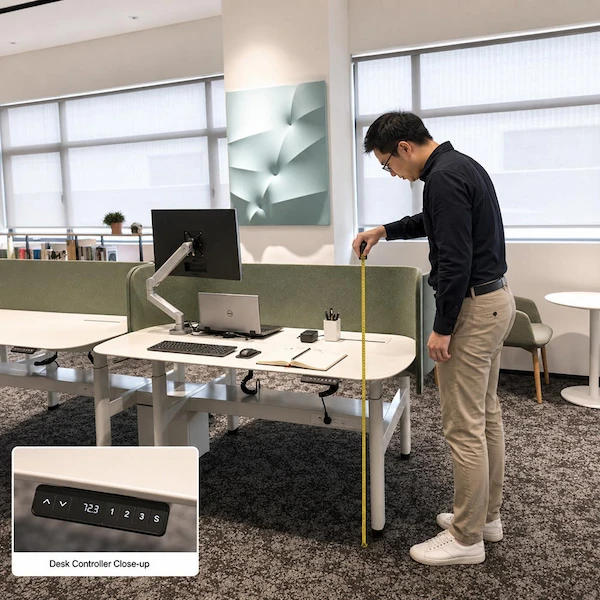
How to Use a Standing Desk Without Standing All Day
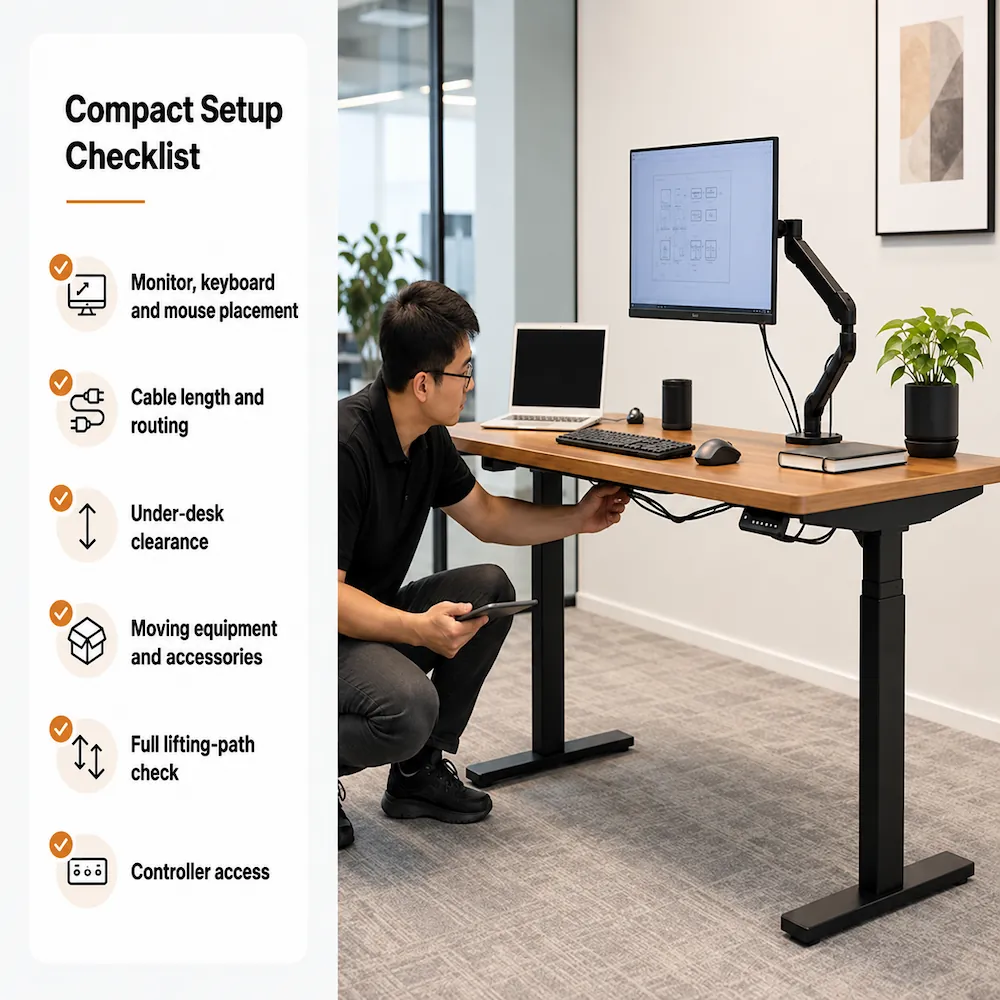
A sit-stand desk is most useful when it helps users vary posture and activity—not when standing becomes the goal.
Compact Setup Checklist
Adapt gradually
Adjust sitting, standing and movement patterns according to the task and personal comfort.
Vary posture and tasks
Change position, take breaks and keep moving. Standing does not replace walking or exercise.
Check cables and clearance
Keep the desk travel path clear, allow enough cable slack and remove nearby obstructions.
Adjust for each user
For shared workstations, reset the desk, monitor and input devices for the current user.
Know when to stop
If a standing position causes discomfort, stop using that position and seek appropriate professional advice. A movement, reset or error-code problem is a technical-support issue rather than an ergonomics question.
For assembly or wiring instructions, see Standing Desk Installation and Assembly Resources.
For movement, reset or display issues, see Standing Desk Troubleshooting and Reset Support.
Different Evidence Supports Different Claims
A certificate, test report or environmental document should be read according to what it actually covers. Product, component, facility and company evidence are not interchangeable—and none should be treated as proof of an ergonomic or health benefit unless that outcome was actually evaluated.
| Evidence Type | What It Can Support |
|---|---|
| Product Report or Test | The product, model or configuration actually covered by the document. |
| Component or Material Report | The specific component, material or finish tested—not automatically the complete desk. |
| Facility Evidence | The named factory, site or process—not product performance. |
| Company Statement | The named company or reporting entity—not automatically a product-level claim. |
For exact document applicability, model coverage and availability, see Standing Desk Certification and Technical Document Requests.
Choose Your Next Step
Use the route that matches how clear your requirements are.
Browse Height Adjustable Desk Products
If you already know the desk type and main configuration you need, browse available product families and models.
Use the Standing Desk Buying Guide
If key requirements are still unclear, use the buying guide to organize the main selection factors before comparing products.
Prepare Your Next Request
You do not need to repeat everything from this page. First identify what is still unresolved, then carry forward only the information the next step needs.
Use the relevant product, support or document route already linked above.
For project, bulk, dealer, OEM or quotation needs, continue to B2B Standing Desk RFQ and Quotation.